Button Eye Doll
A hand sweeps across the lens, revealing you as a porcelain doll with black button eyes, inspired by stop-motion film frames.
自分のバージョンを作る
種類を選び、各役割の写真を追加します。
写真 1 枚 · Button eyes reveal
1 photo : your selfie, chest up, face clear
この種類はまだ制作できません。別の種類やテンプレートをお試しください。
Button Eye Doll
動画テンプレートButton Eye Doll
- テンプレート
- Button Eye Doll
- 写真
- 1
- 長さ
- —
- 形式
- —
- 画質と料金
- —
上の表は表示中のサンプルテンプレートのみの比較です。バージョン、長さ、解像度、必要なクレジットはテンプレートごとに異なります。生成前に制作パネルで選択した設定の料金をご確認ください。
写真の選び方
Upload a clear chest-up selfie with your face visible. Make sure your features are unobstructed for best results.
Button eyes reveal · 写真 1 枚
- your selfie, chest up, face clear
Doll photo · 写真 1 枚
- your selfie, chest up, face clear
制作前の確認
写真の条件は種類ごとに異なります。設定と料金は現在の選択と見積もりに従います。生成結果は参考映像と異なる場合があります。
作り方
- 1
トレンドを選ぶ
テンプレートの見本を確認し、制作タイプと必要な写真を選びます。
- 2
写真をアップロード
各役割の表示に従い、人物やペットがはっきり写った写真を追加します。
- 3
生成してシェア
料金を確認して作成し、作品ページで完成した動画をプレビューして保存します。
- 生成失敗時はクレジット返還
- サブスクなし・購入クレジット無期限
- Stripe で安全に決済
他のテンプレートを見る
すべて見る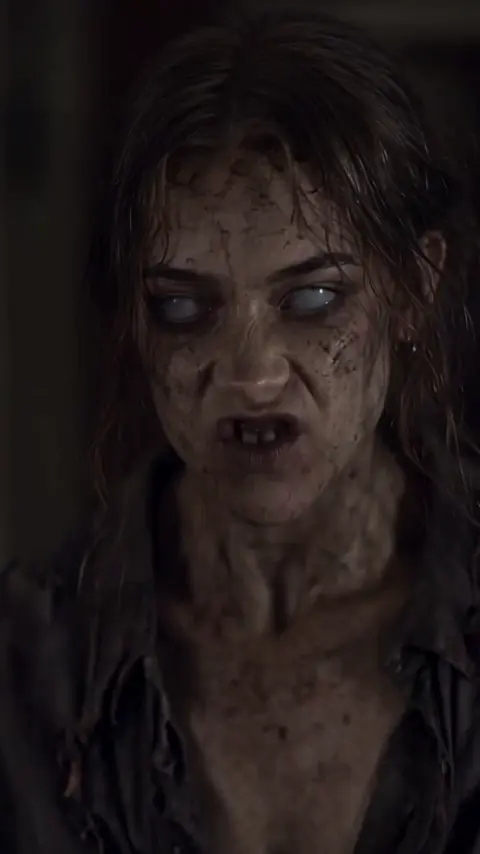
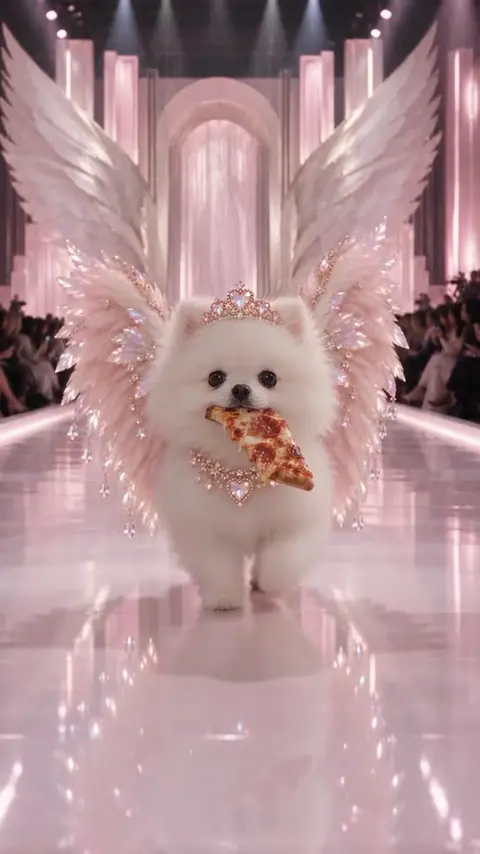
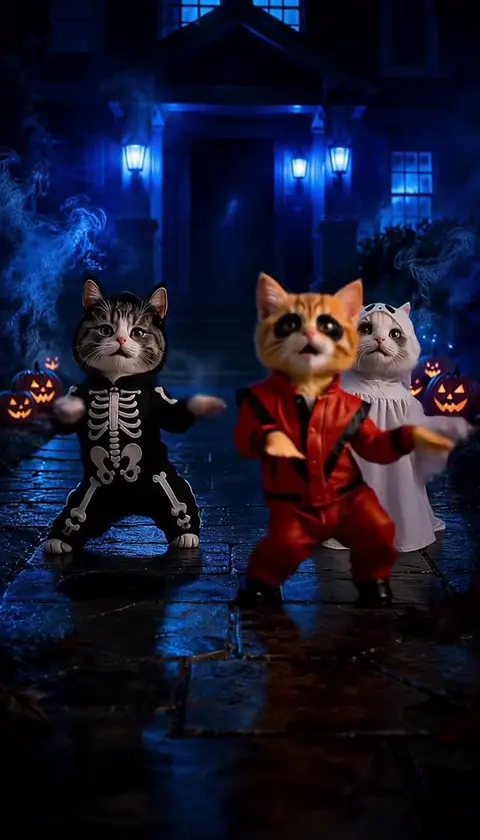
よくある質問
What is the button eye reveal scene based on?
It's inspired by stop-motion film frames where a character transforms into a doll with button eyes.
What kind of photo should I upload for the doll effect?
Upload a chest-up selfie with your face clearly visible and unobstructed.
次のトレンドを見つけよう
すべてのテンプレートがひとつのスタジオに。生成前に料金を確認できます。
トレンド動画を作る