Drawing to Life AI
Your drawing comes alive: a lion, monster, car, or pet leaps from the page into a real scene, keeping its unique shape and colors.
自分のバージョンを作る
種類を選び、各役割の写真を追加します。
写真 1 枚 · Creature
あなたの写真
1 · your drawing: one animal or monster, the whole paper
こんな写真がいちばんきれいに仕上がります
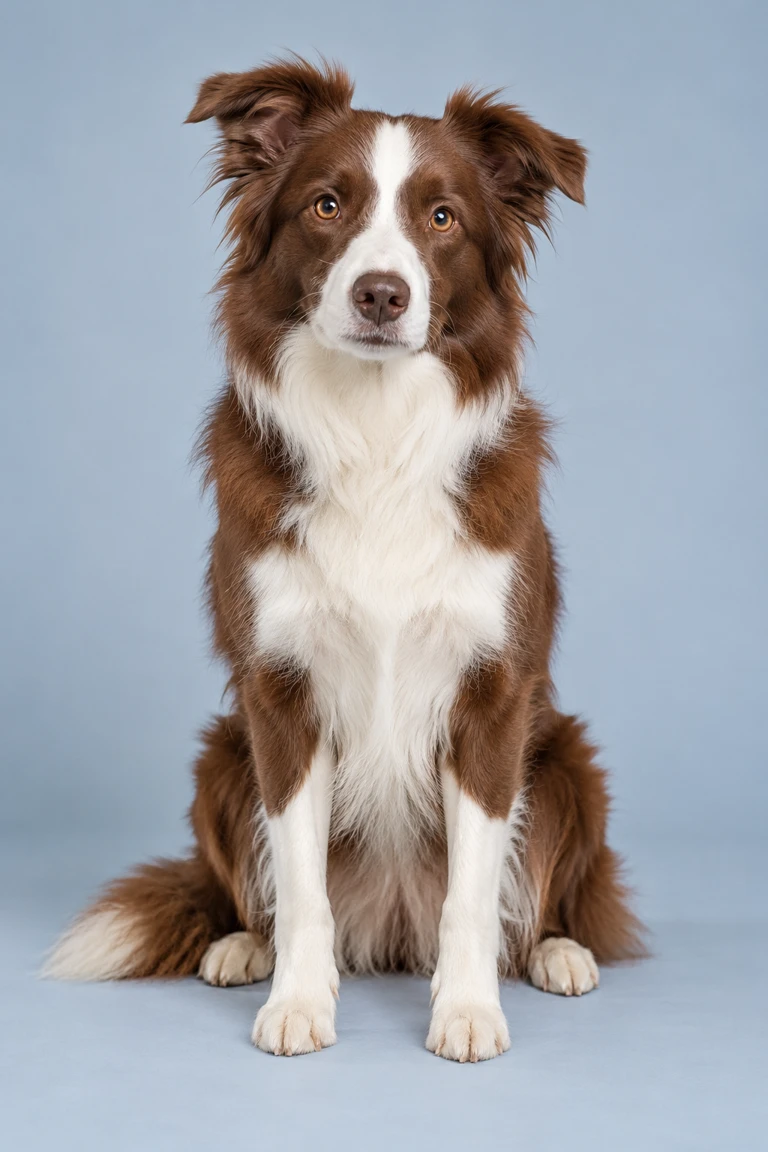
- 鮮明・全身
- スクショ・スタンプ
- 顔だけ
- 暗い・ぼやけ
ペット専用:猫や犬などのペットが正面を向いたはっきりした写真を。1 枚に 1 匹でお願いします。
あなた自身か、出演に同意した友だちの普段の写真を使ってください。著名人の写真や映画・MV のスクリーンショットは審査を通りません。
出演に同意した人の写真だけをアップロードしてください。
Drawing to Life AI
動画テンプレートDrawing to Life AI
- テンプレート
- Drawing to Life AI
- 写真
- 1
- 長さ
- 8 秒
- 形式
- 9:16 · MP4
- 画質と料金
- 480p · 10–20 クレジット
上の表は表示中のサンプルテンプレートのみの比較です。バージョン、長さ、解像度、必要なクレジットはテンプレートごとに異なります。生成前に制作パネルで選択した設定の料金をご確認ください。
写真の選び方
Upload a clear photo of the entire drawing, making sure the main subject and the whole paper are visible.
Creature · 写真 1 枚
- your drawing: one animal or monster, the whole paper
Vehicle · 写真 1 枚
- your drawing: one car, bus, plane or boat, the whole paper
Pet · 写真 1 枚
- your drawing of your dog, cat or other pet, the whole paper
制作前の確認
写真の条件は種類ごとに異なります。設定と料金は現在の選択と見積もりに従います。生成結果は参考映像と異なる場合があります。
作り方
- 1
トレンドを選ぶ
テンプレートの見本を確認し、制作タイプと必要な写真を選びます。
- 2
写真をアップロード
各役割の表示に従い、人物やペットがはっきり写った写真を追加します。
- 3
生成してシェア
料金を確認して作成し、作品ページで完成した動画をプレビューして保存します。
- 生成失敗時はクレジット返還
- サブスクなし・購入クレジット無期限
- Stripe で安全に決済
他のテンプレートを見る
すべて見る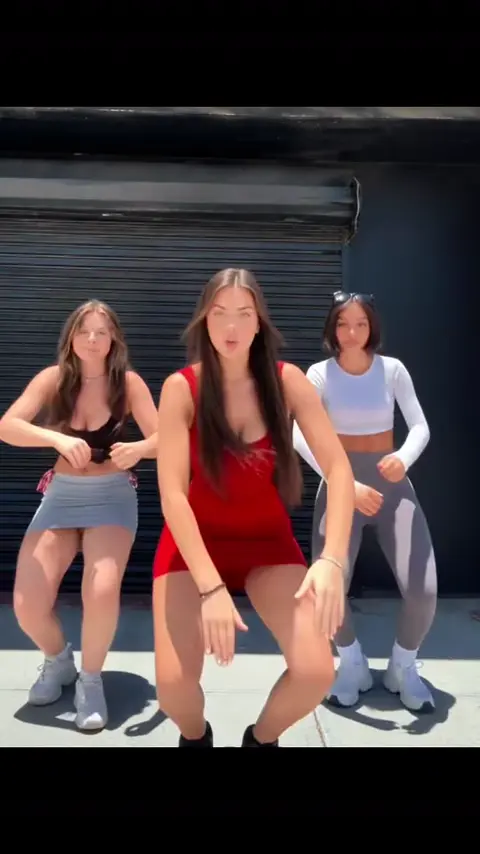
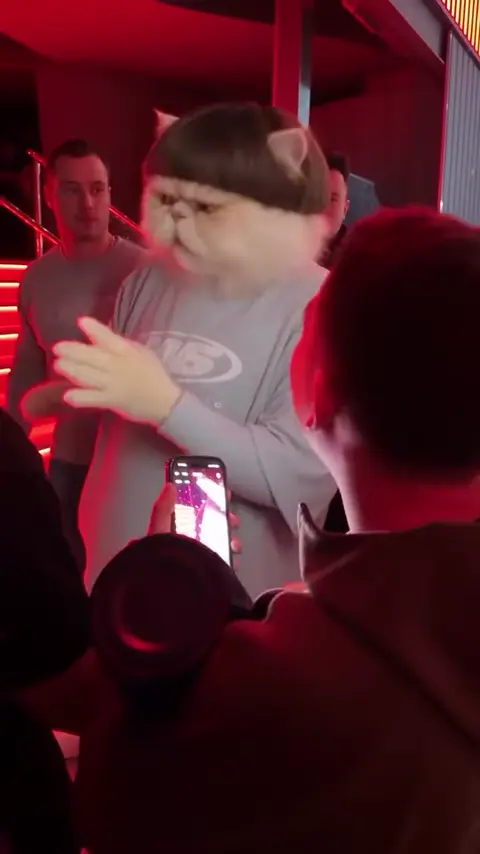
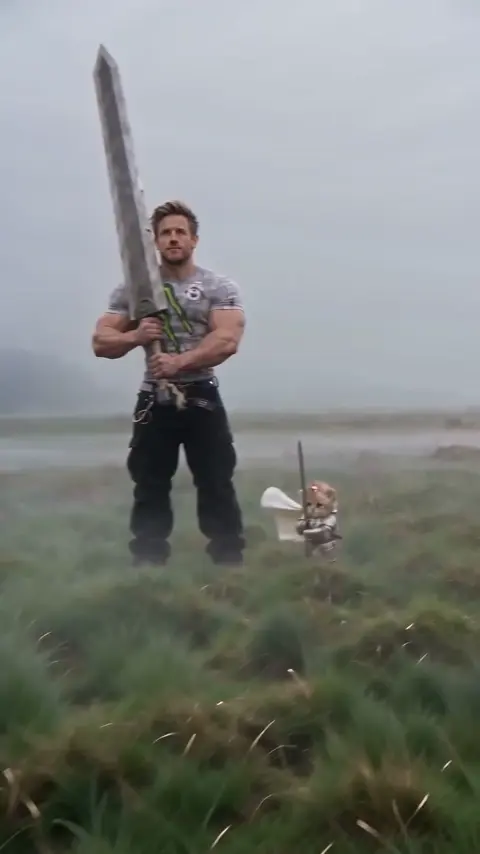
よくある質問
How does the drawing appear in the video?
The drawing is shown as a small inset at the top while the AI brings its subject to life in a real setting.
What should be included in the drawing photo?
The photo should show the entire paper and the main subject, such as an animal, vehicle, or pet.
次のトレンドを見つけよう
すべてのテンプレートがひとつのスタジオに。生成前に料金を確認できます。
トレンド動画を作る