TikTok photo trend · Halloween costume, baby or pet · one photo
I'm So Sorry I Lied AI: the viral Halloween costume photo trend, from one real photo
Upload one real photo: your childhood Halloween costume, a baby picture or your pet. AI makes the picture-perfect fake, takes the lie back one "sorry I lied" at a time, and ends on your real photo.
- One photo
- 4 captioned slides
- No editing app
- Ready for TikTok and Instagram carousels
- Failed renders refunded
- No subscription, credits never expire
- Secure checkout with Stripe
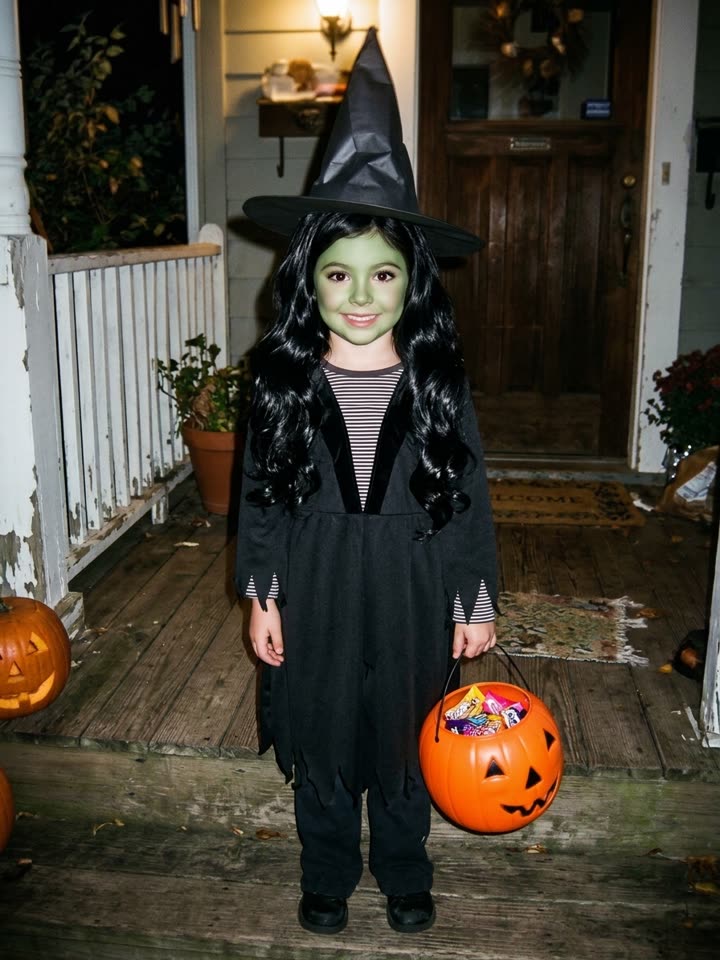 Me on Halloween as a kid1/4
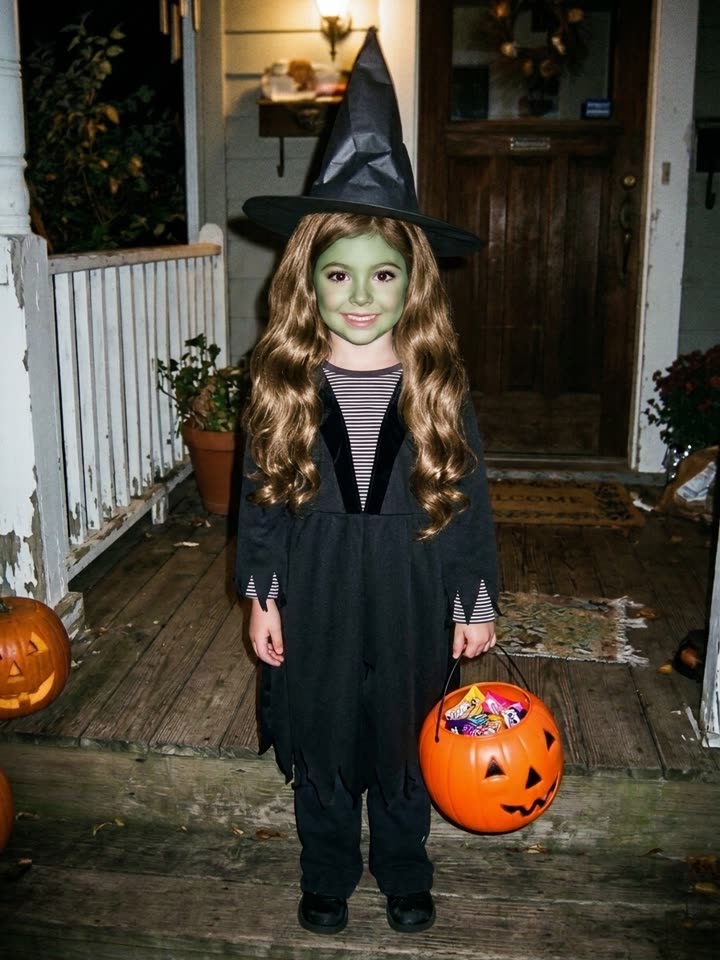 Sorry I lied, my hair was actually light brown2/4
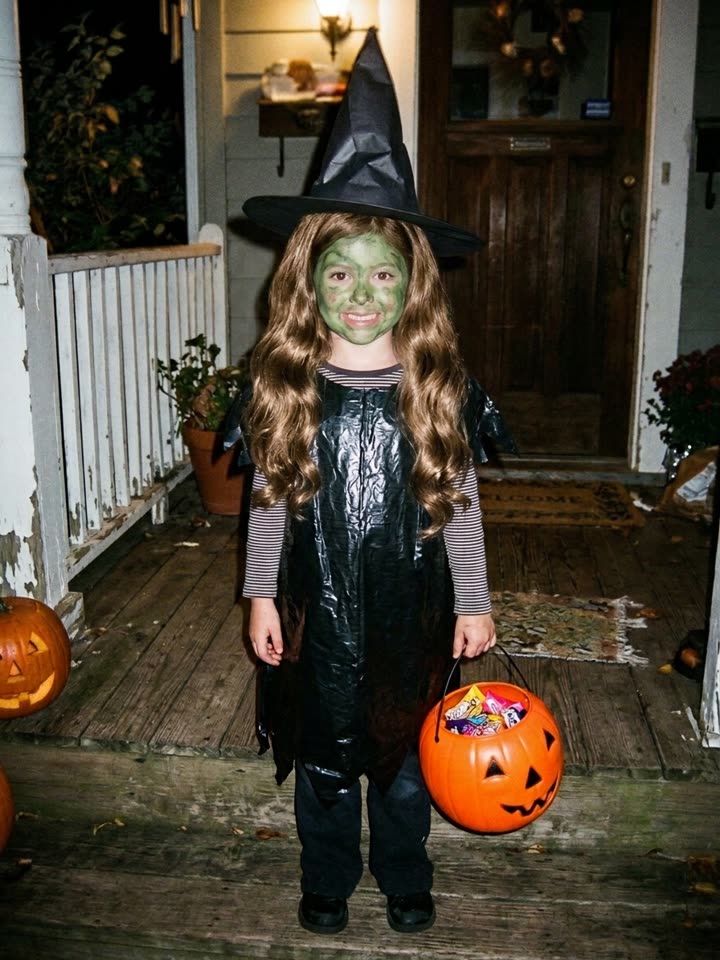 Sorry I lied again, my costume was a trash bag3/4
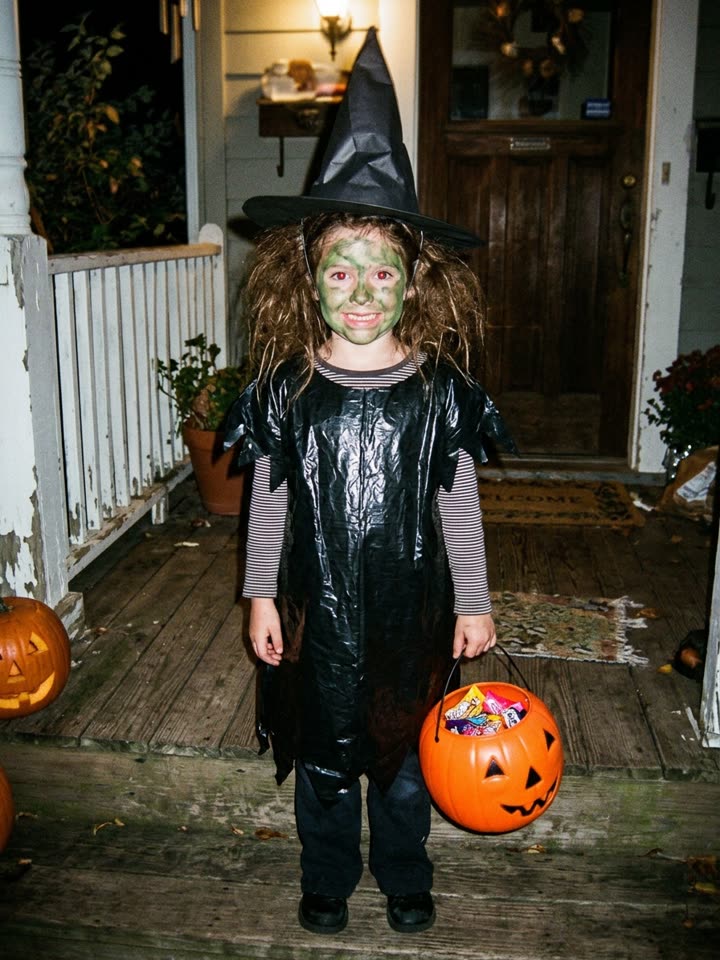 I'm so freaking sorry4/4
Sample set made from one AI-generated childhood Halloween photo (the last slide).
Make your I'm So Sorry I Lied set
One real photo in, four captioned slides out.
5 credits per set · refunded if it fails
What your four slides look like
The first three are made from your photo, each one a little closer to the truth. The last one is the photo you uploaded.
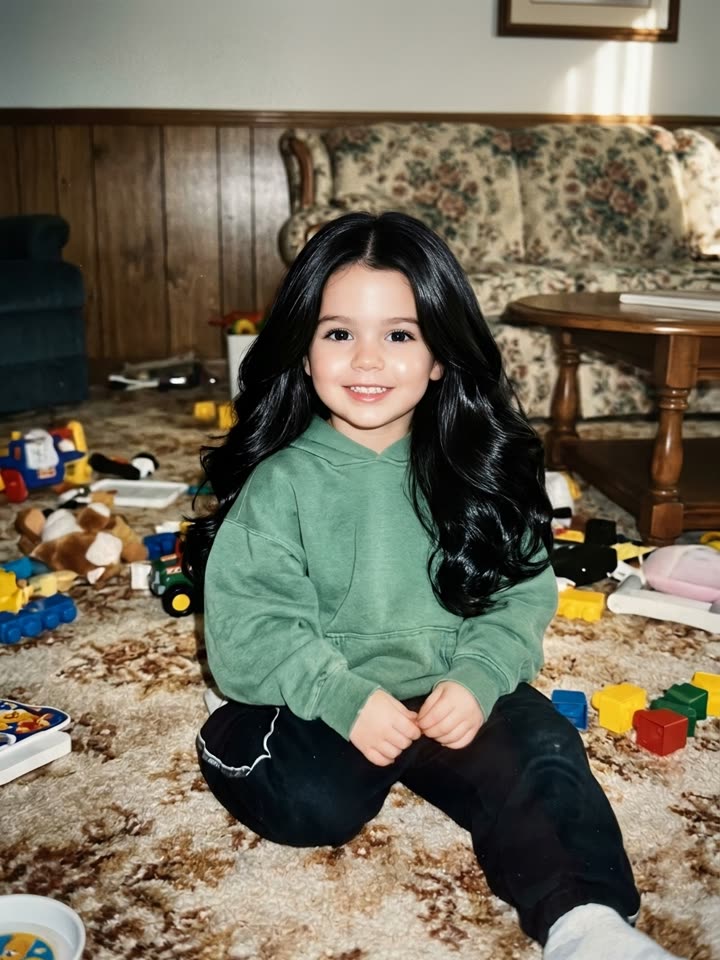
This is me as a baby 01
The glam fake
Same pose and background, but with flawless hair, big bright eyes and a perfect outfit. Caption: "This is me as a baby."
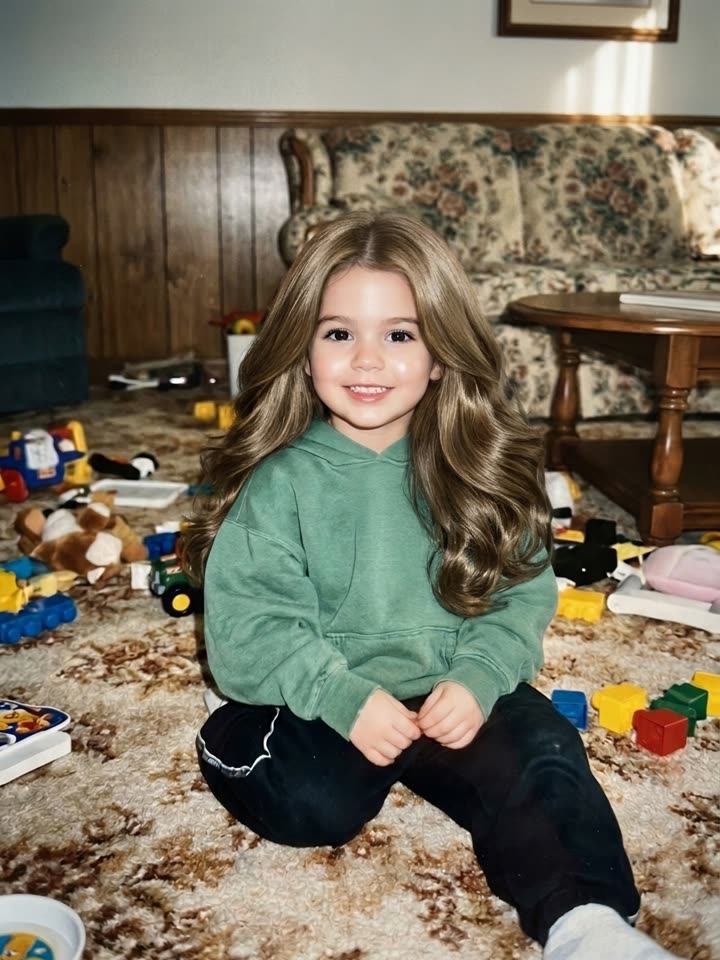
Ok sorry, my hair was actually light brown 02
Ok sorry, part one
The hair colour goes back to your real one. Caption: "Ok sorry, my hair was actually dark brown."
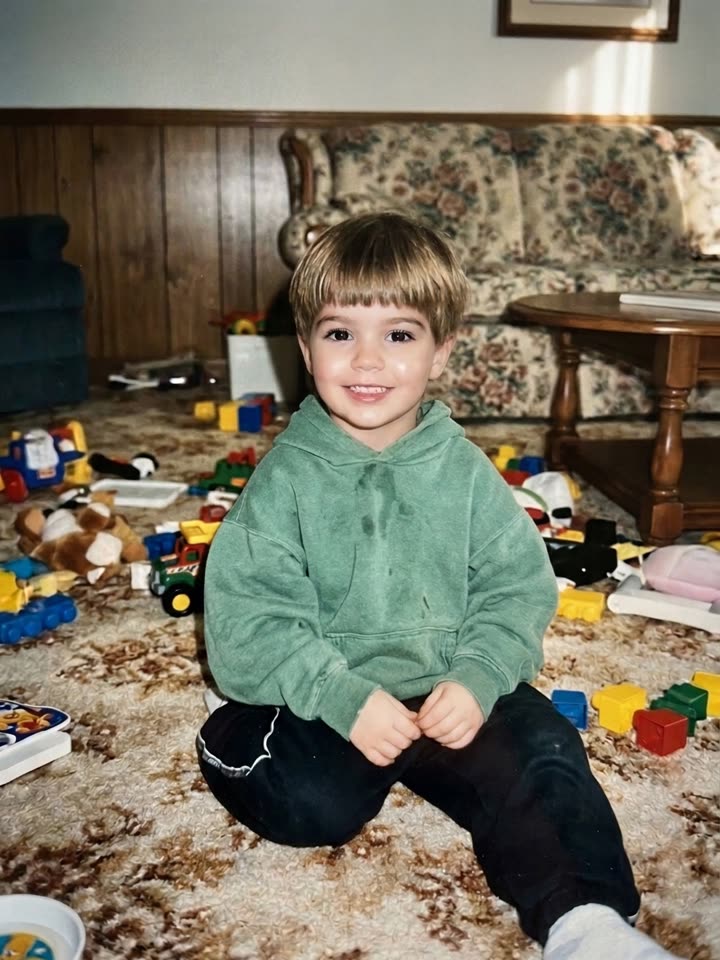
Ok sorry, my hair was actually short and straight 03
Ok sorry, part two
The length and style go back too. Caption: "Ok sorry, my hair was actually short and messy."
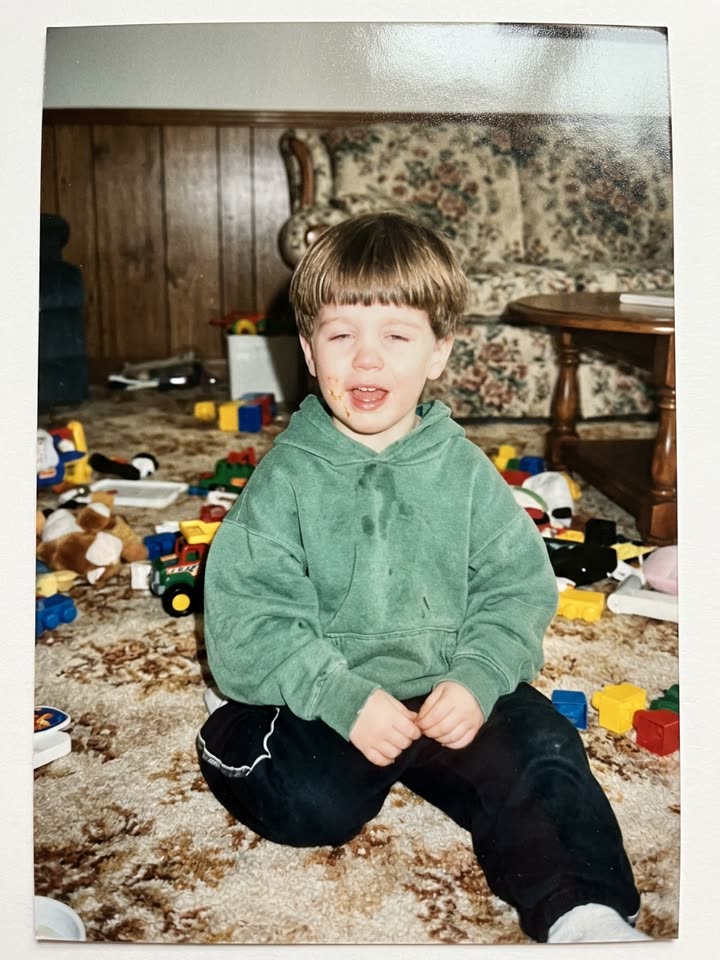
I'm so sorry 04
The truth
Your real photo, exactly as you uploaded it. Caption: "I'm so sorry."
I'm So Sorry I Lied: the cat & dog (pet) version
Pick the Pet version and upload your cat or dog. The fake is a fluffy, show-winning version of them; the fur colour and fluff go back one "sorry" at a time; the last slide is your real, scruffy pet.
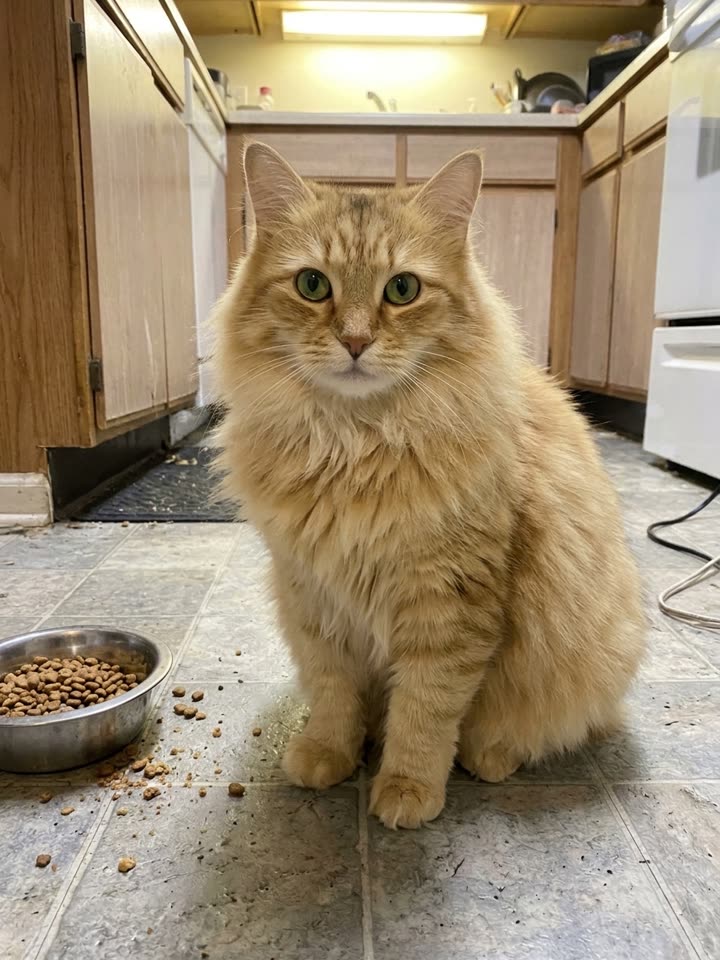 This is my cat as a baby
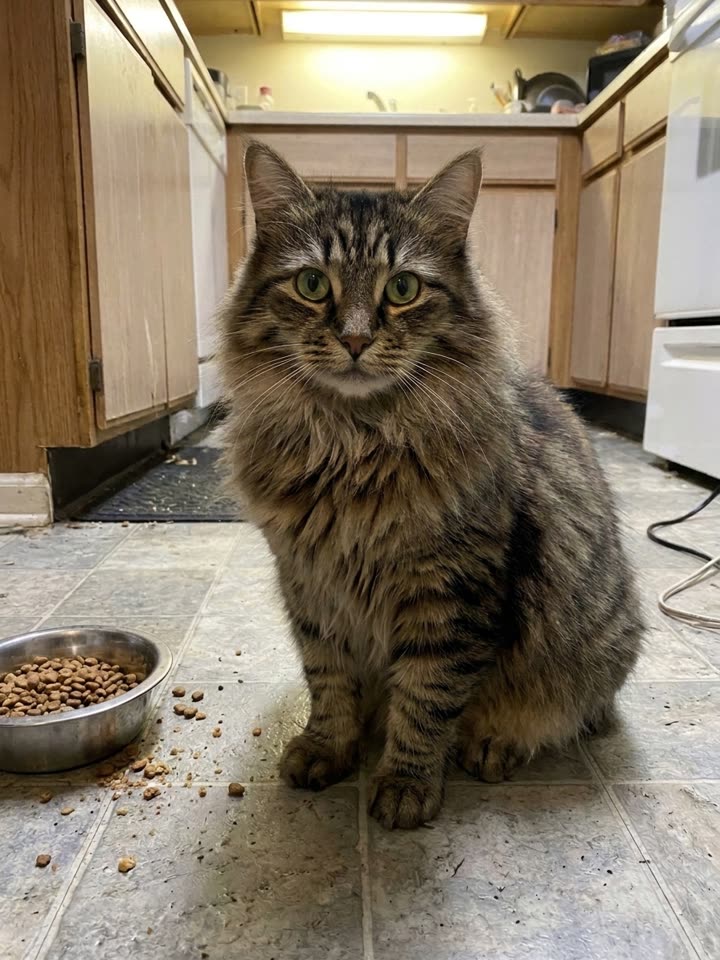 Ok sorry, he's actually a tabby
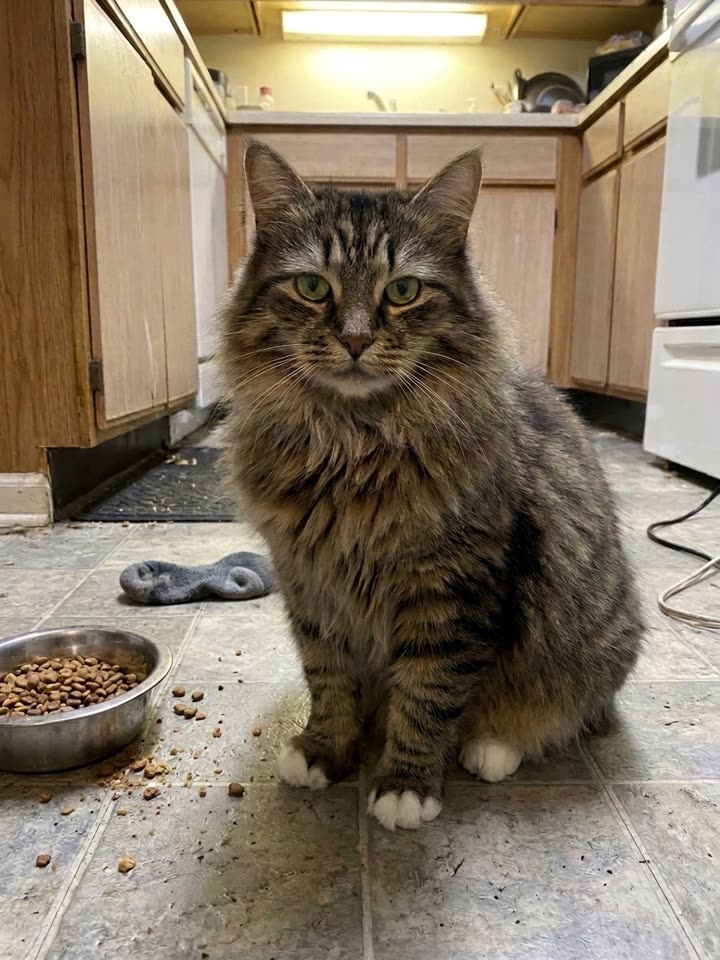 Ok sorry, he was never that fluffy
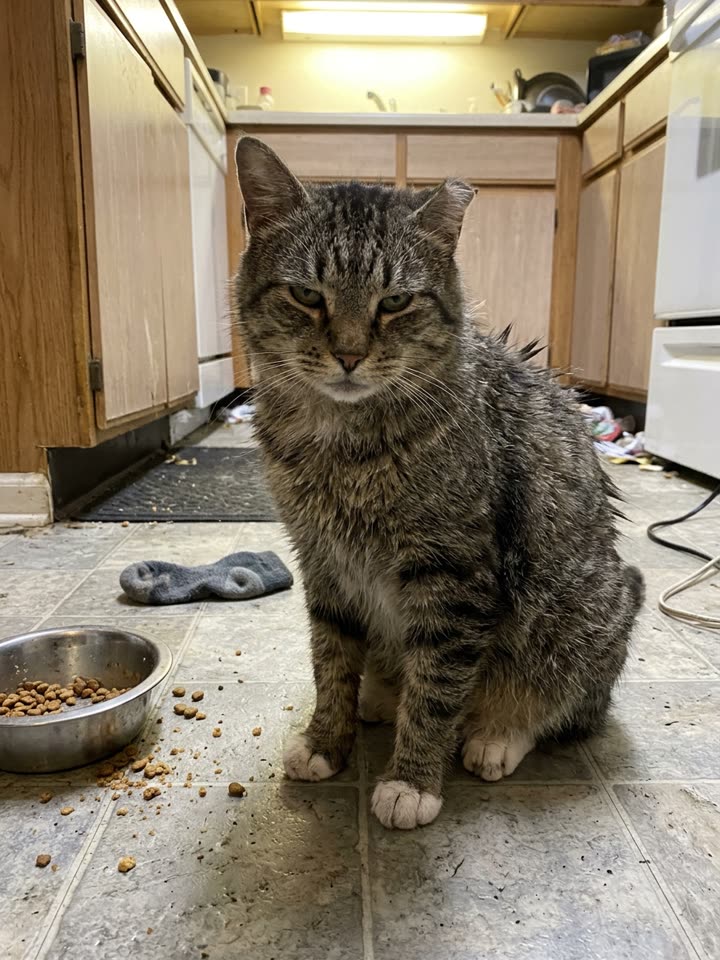 We're so sorry
Sample pet set made from one AI-generated photo of a scruffy cat (the last slide).
The trend
How the trend goes
Two of the posts that made it. Each is a photo carousel: the fake comes first, the real photo comes last.
What the I'm So Sorry I Lied trend is
"I'm so sorry I lied" is a TikTok photo-carousel trend that took off in late October 2026. The first slide shows an impossibly perfect picture, "this is me as a baby" or "when I was little I was a witch for Halloween". Each next slide admits one more lie ("ok sorry, I'm actually brunette", "sorry I lied again, my dress was actually black") until the last slide shows the real, much less glamorous photo, captioned "I'm so sorry" or "I'm so freaking sorry".
The joke works because everybody has that photo: the bowl cut, the home-made costume, the toddler mid-sneeze. Babies, Halloween costumes and pets are the most popular versions, and the comments fill up with people posting their own.
The hard part is the fake: making a believable glam version of your own photo, and then the in-between steps, normally takes an editing app and a lot of patience. Here you upload the real photo, pick a version, and get all four slides with editable captions, ready to post as a carousel with the trending sound.
Make yours in three steps
01
Upload one real photo
Your baby picture, an old Halloween photo or your pet. One subject, face clearly visible. Old scans and blurry photos are fine: the worse, the funnier.
02
Pick a version and generate
Baby, Halloween or pet. A set costs 5 credits, or $2.99 without an account, and takes about a minute; if it fails, you're refunded automatically.
03
Edit the captions and post
Change any caption, then share the four slides straight to TikTok or Instagram, or download them. Post them as a photo carousel and add the trending sound in the app.
Tips for a funnier reveal
The worse the real photo, the better
A messy haircut, a home-made costume, a weird face: the bigger the gap between the fake and the truth, the bigger the laugh.
One subject, face visible
The edits follow the main person or pet in the photo, so crop out other people and avoid sunglasses or hands over the face.
Make the captions yours
The captions are filled in from your photo, but you can rewrite any of them. Exact details ("my costume was a bin bag") land best.
Only your own photos
Use a photo of yourself, your own child or your own pet. Never a photo of someone else's child, a stranger or a public figure.
More viral templates
Same idea, a different trend. Every template keeps the original moves and adds the song.
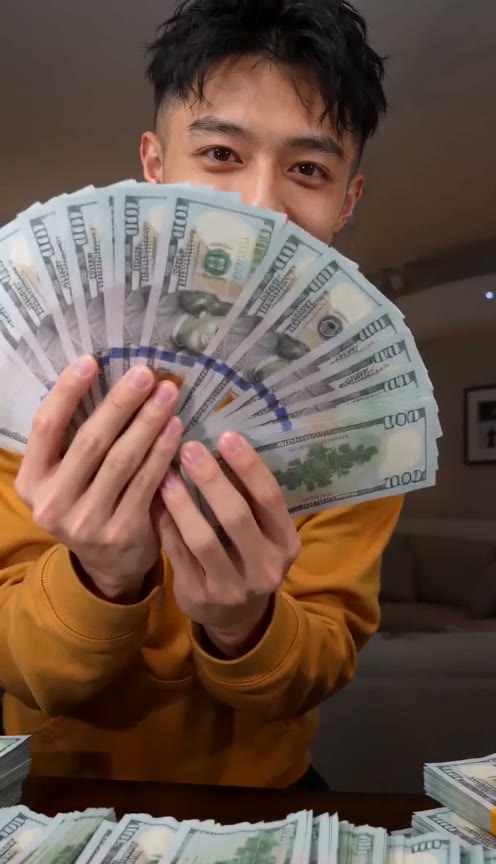
Money Flex
New1 photo · ~15 s · 9:16
Hug a chain of cash, throw it at the camera, rip a bundle open and peek over a fan of bills.
Try this template →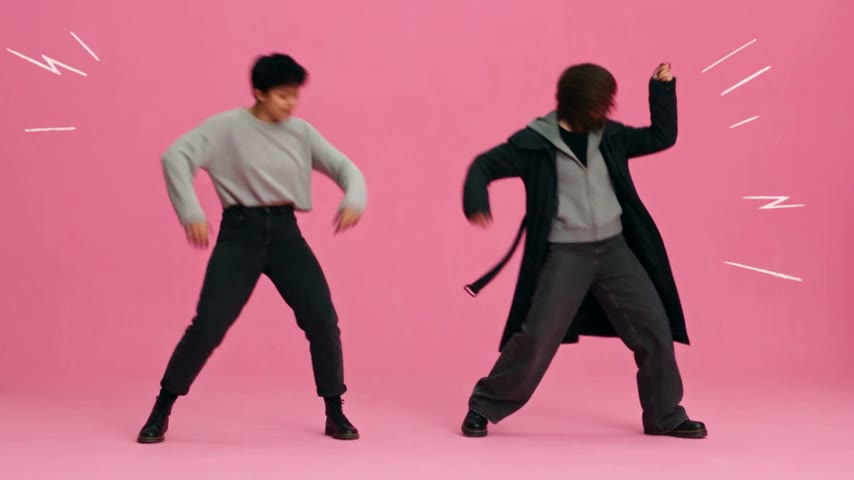
APT. Pink Studio
2 photos · ~26 s · 16:9
The APT. music video in a pink studio: one friend on the drums, one on the mic. With the song, from two photos.
Try this template →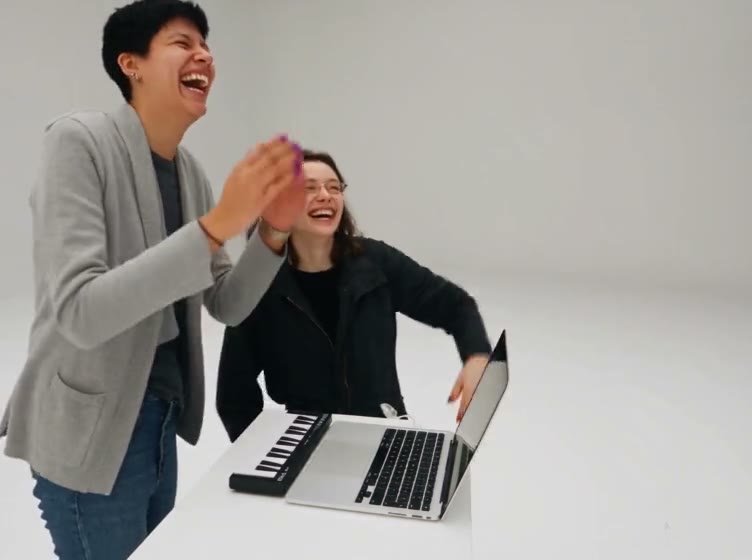
Alors on danse
2 photos · ~27 s · 4:3
A keyboard jam in a white studio, a laugh into the camera, and a run-off ending. With the song.
Try this template →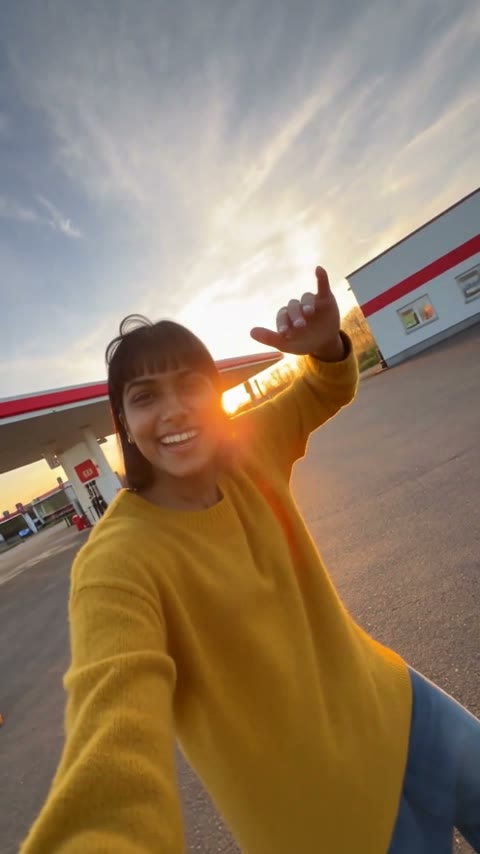
Gas Station Dance
3 photos · ~20 s · 9:16
An opening dance, a sunset selfie and a sports-car entrance at a gas station — vertical, from three photos.
Try this template →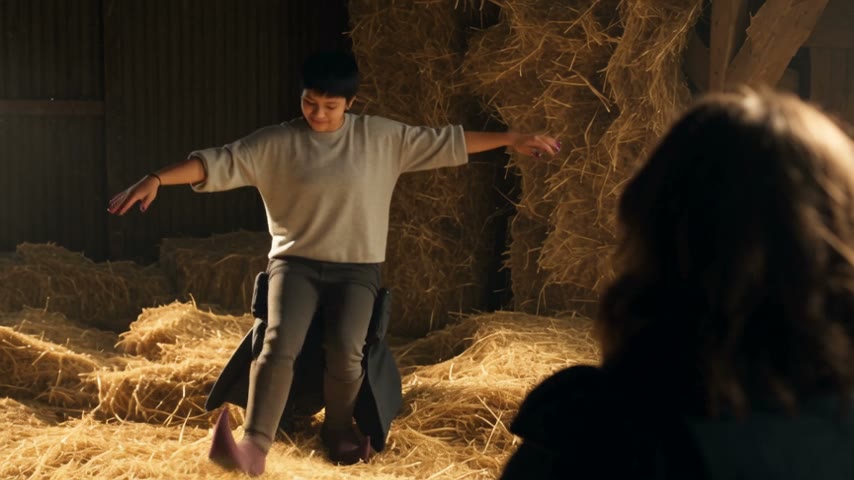
Rumpelstiltskin
2 photos · ~12 s · 16:9
A shush, a sly grin and a tiptoe dance in pointy curled shoes in a hay-filled barn while a friend tries not to laugh.
Try this template →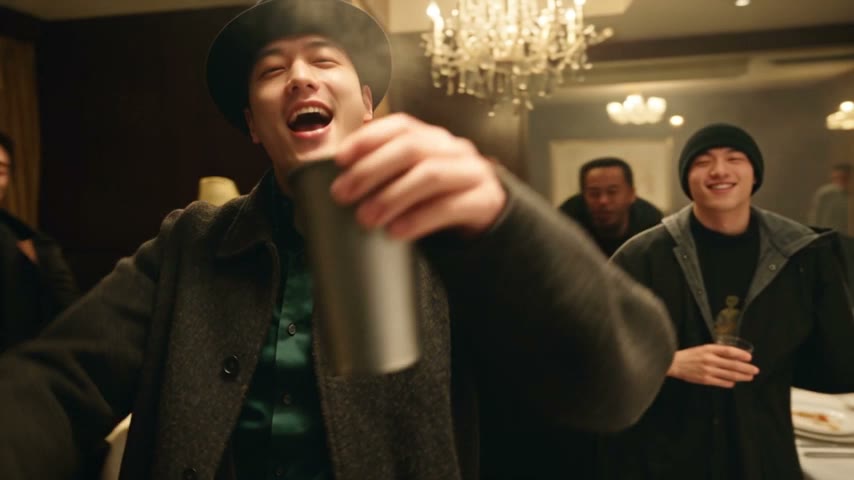
Burning Bridges
1 photo · ~25 s · 16:9
Drake's "Where she at?" party: a black hat, a silver cup and a hand over the eyes under crystal chandeliers.
Try this template →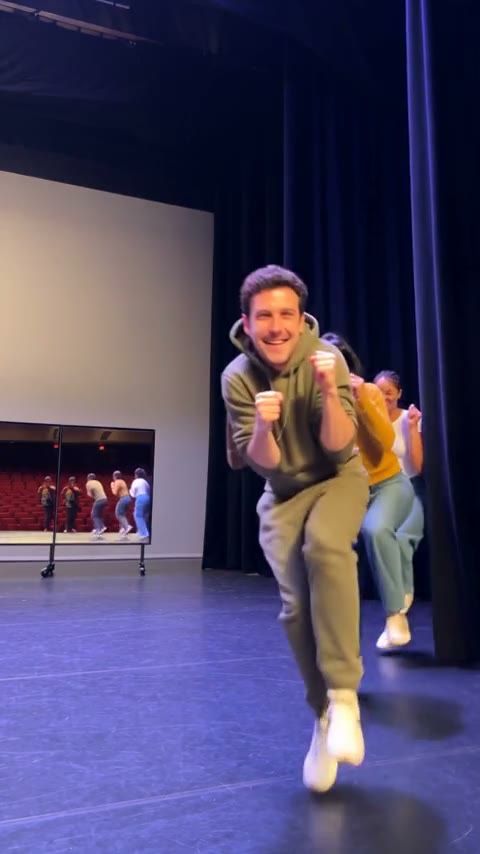
Toc Toc Dance
1–3 photos · ~10 s · 9:16
Lead the viral Toc Toc dance line: fists knocking at the chest, one-foot hops, everyone charging the camera.
Try this template →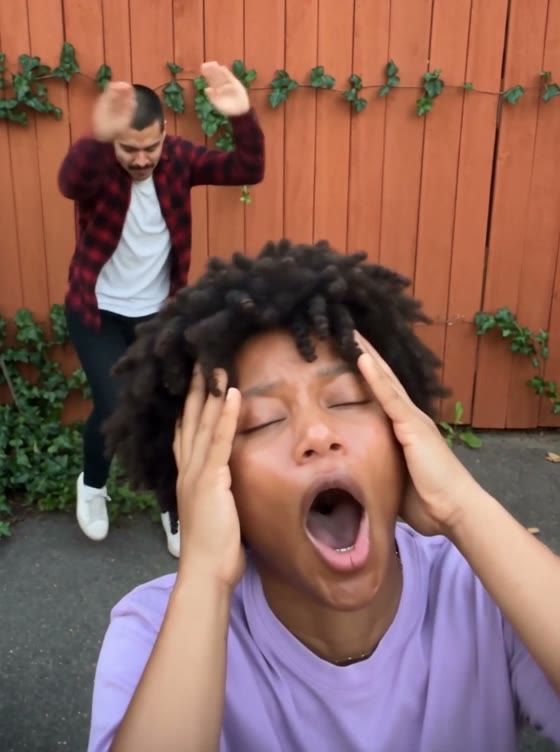
Smalltown Boy
2 photos · ~21 s · 3:4
Two friends take turns screaming into a wide-angle lens, dance side by side, then lunge at the camera together.
Try this template →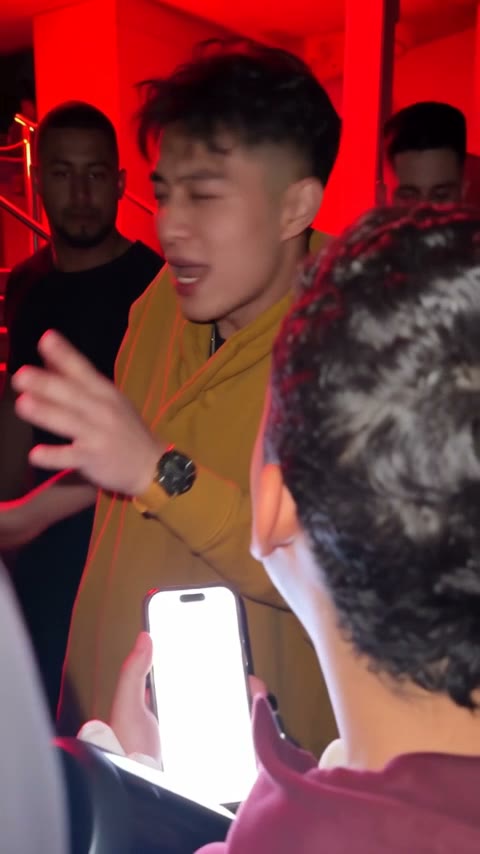
Bulin 47
1 photo · ~15 s · 9:16
Take Bulin 47's place in the viral freestyle: a red-lit entrance, a portable speaker and a crowd filming on their phones.
Try this template →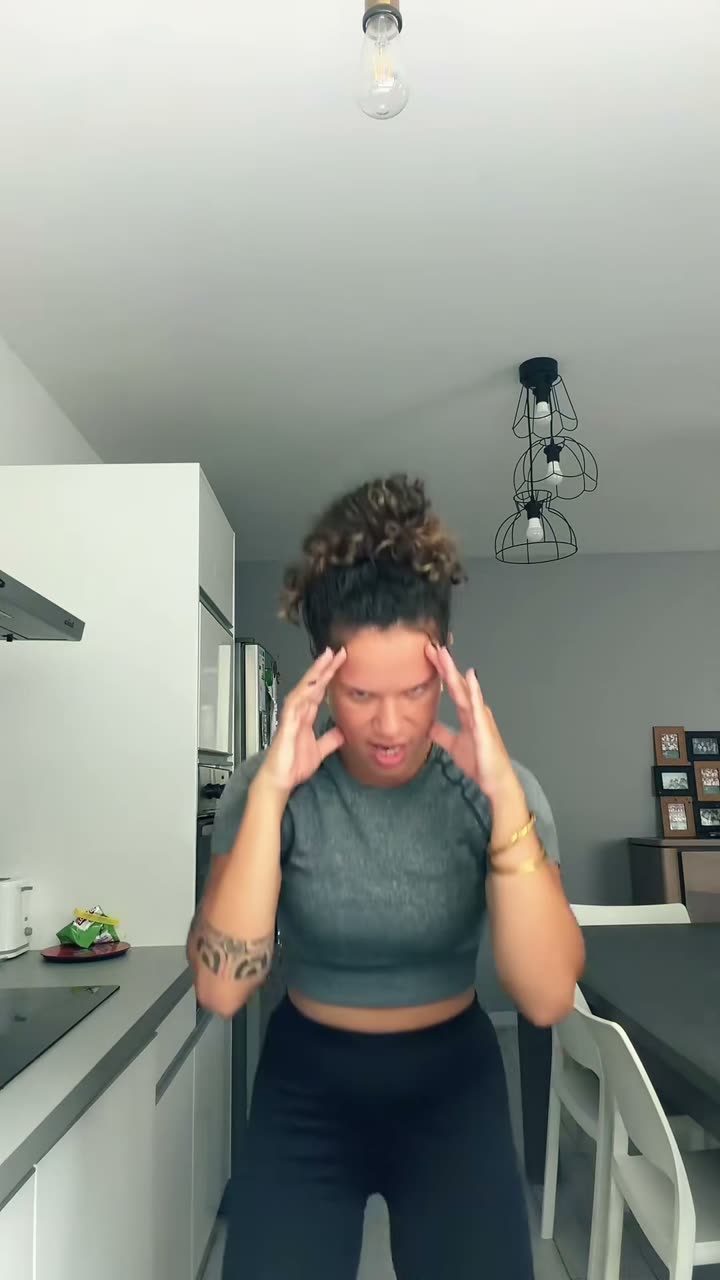
Bad Times
1 photo · ~30 s · 9:16
Have the viral BAD TIMES argument with the camera — head in hands, "hold on" palms, the lunge at the lens. You or your pet.
Try this template →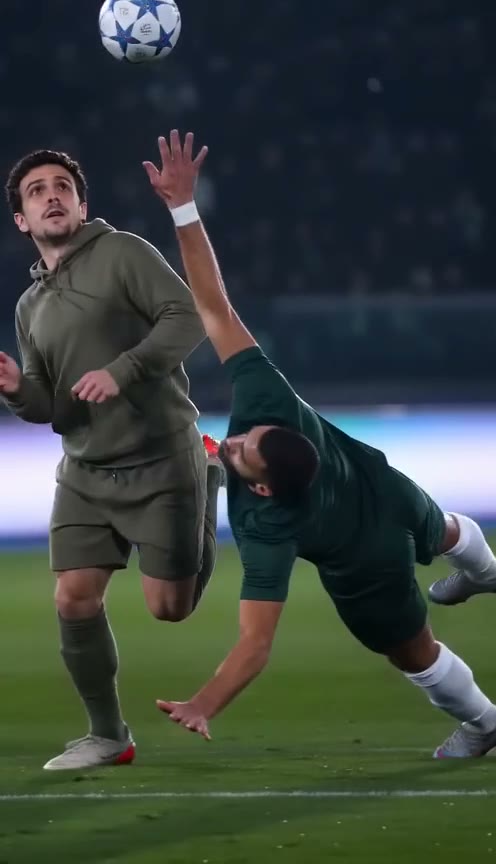
Ozil AI Goal
1 photo · ~15 s · 9:16
Score the viral Ozil goal: chip the keeper, let two defenders slide past and finish under the floodlights, in your own clothes.
Try this template →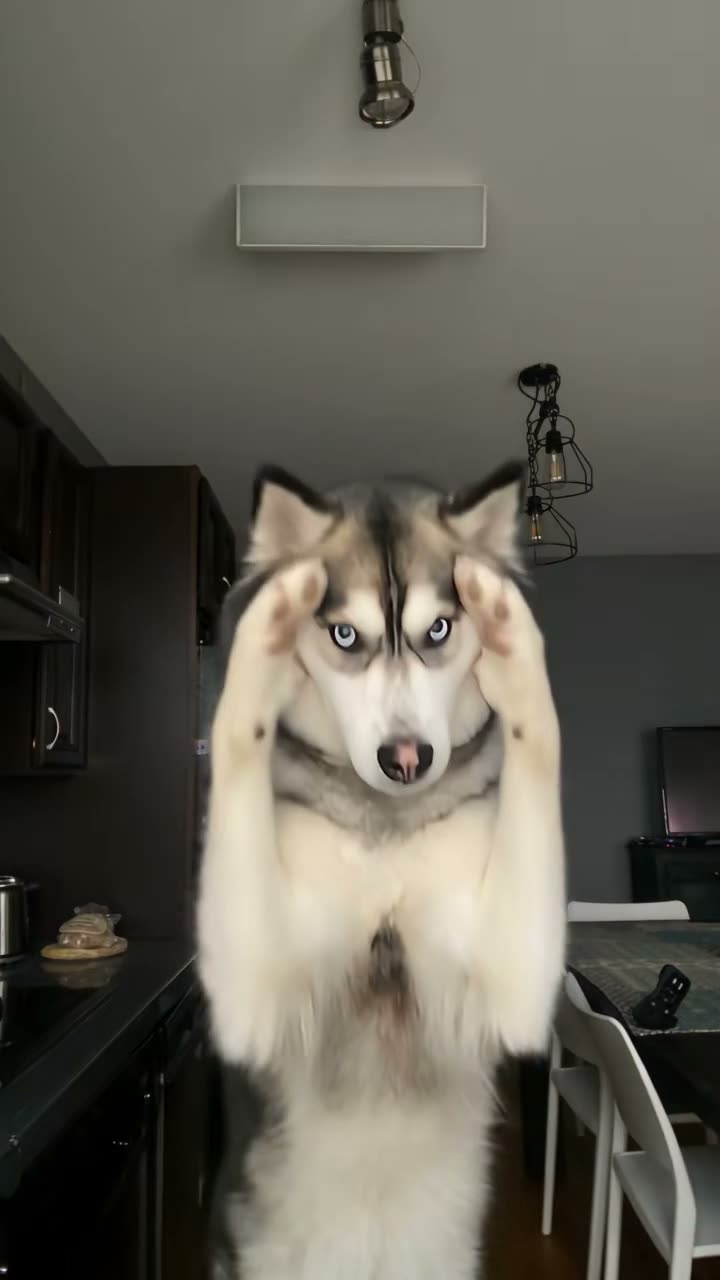
Bad Times Dog
1 photo · ~30 s · 9:16
Your dog or cat stands up and argues with the camera — paws up, pointing, lunging at the lens — on a husky's take of the trend.
Try this template →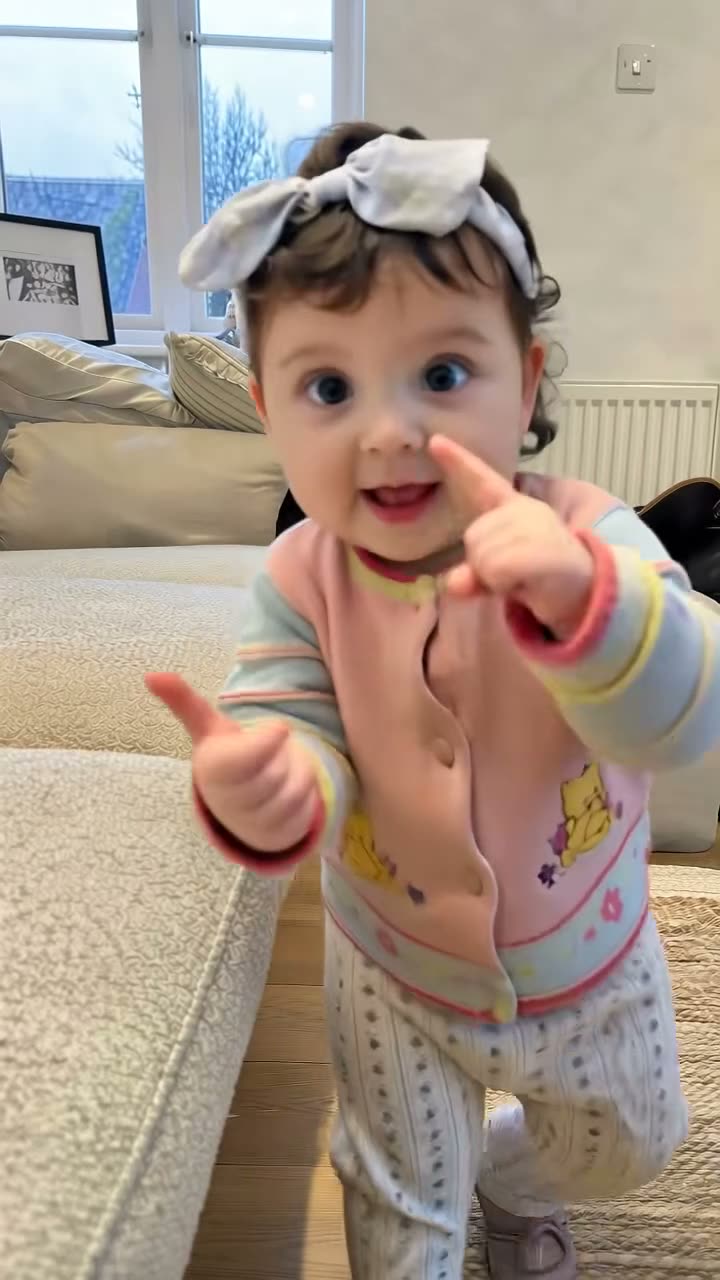
Bad Times Toddler
1 photo · ~26 s · 9:16
Your own toddler takes over the argument: a pointing finger, a little "stop" hand, a shrug and a giggle.
Try this template →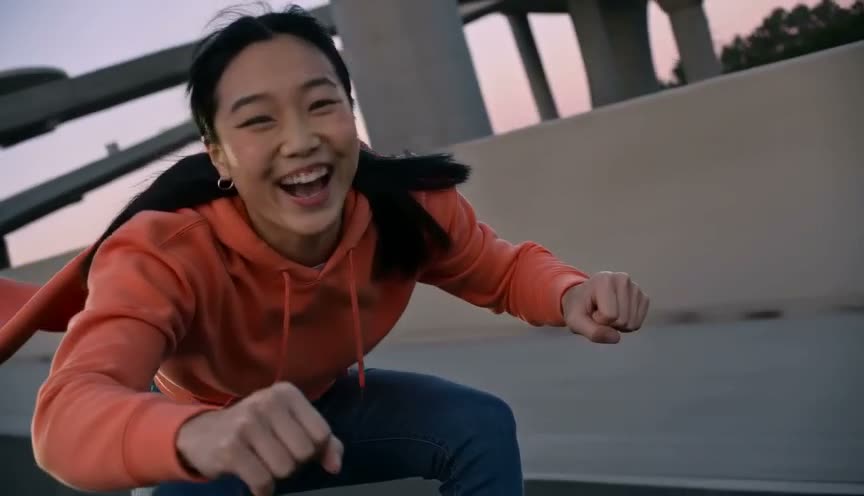
Crazy Frog AI
1–3 photos · ~18 s · 16:9
Sit in the air over a dusk highway, fists forward, while a rider chases you — just you, a friend, or plus your car.
Try this template →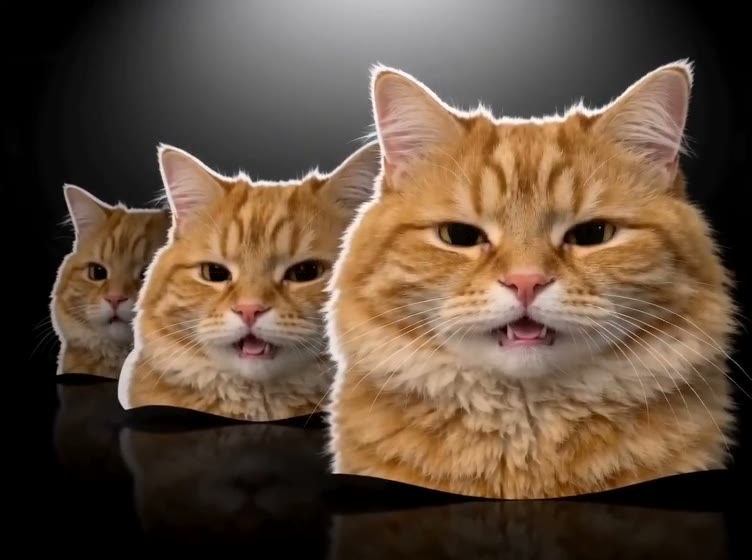
Head Bop
1 photo · ~12 s · 4:3
Four cut-out heads in a row bop to a heavy beat on a black backdrop — every one of them your cat, dog or you.
Try this template →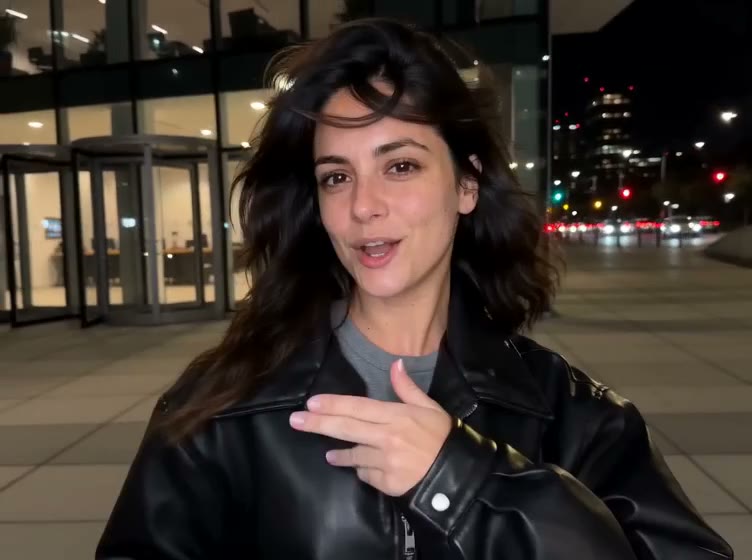
Devil Wears Prada
1 photo · ~15 s · 4:3 / 9:16
Lip-sync at home, push two white panels shut, then cut to a night street in a black leather jacket.
Try this template →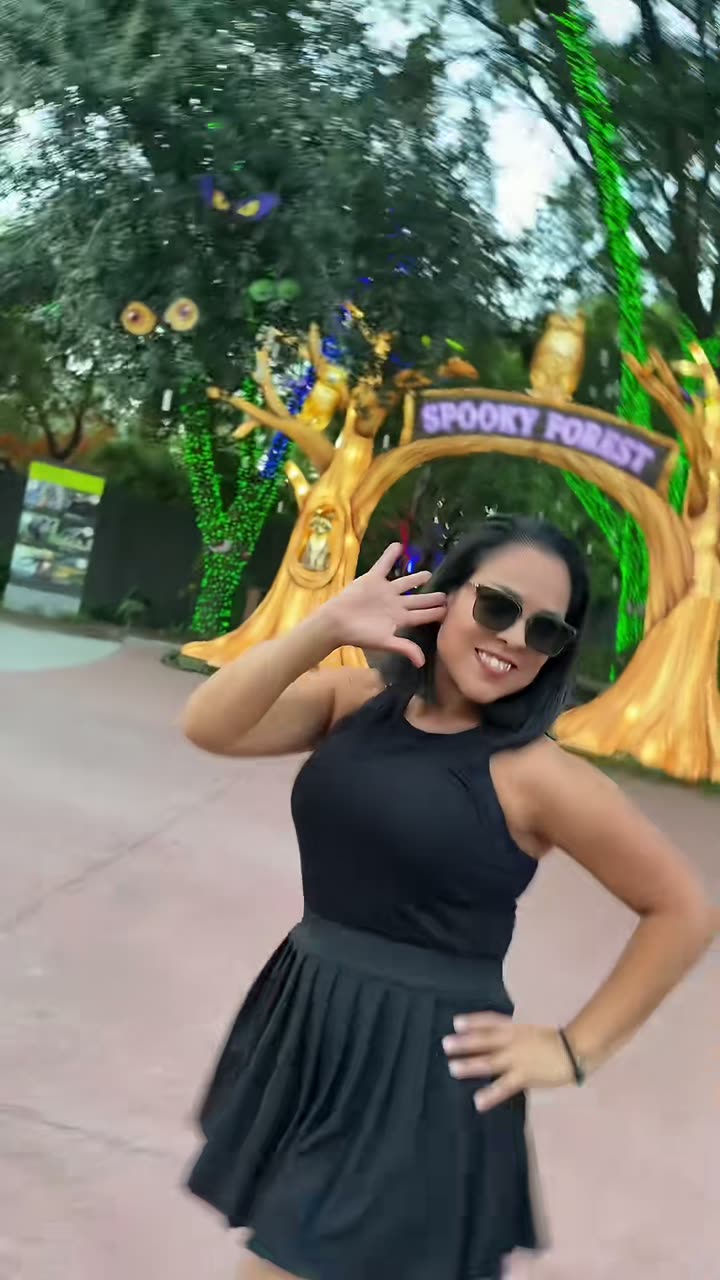
Ramalama Walk
1 photo · ~14 s · 9:16
Strut toward the camera, whip up on the whisper and reveal your Halloween costume.
Try this template →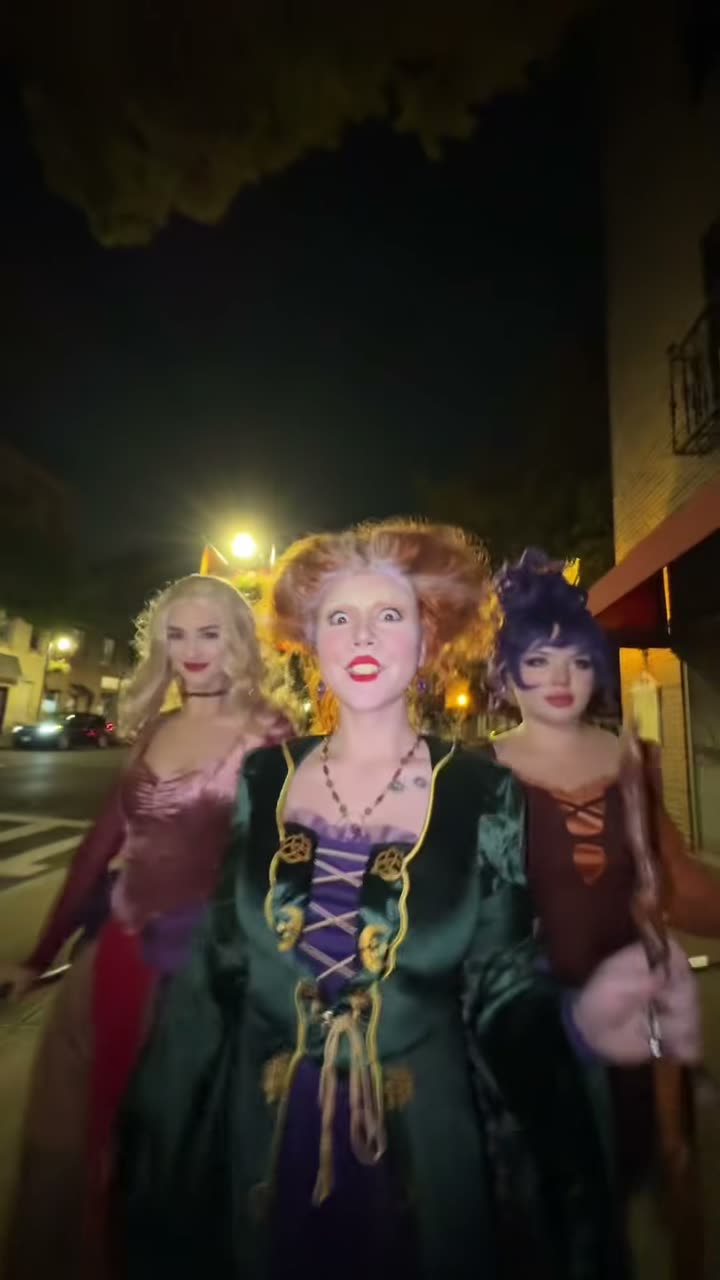
Ramalama Squad
2–3 photos · ~15 s · 9:16
Walk a night street with 2–3 friends in matching costumes, then each gets a close-up wave.
Try this template →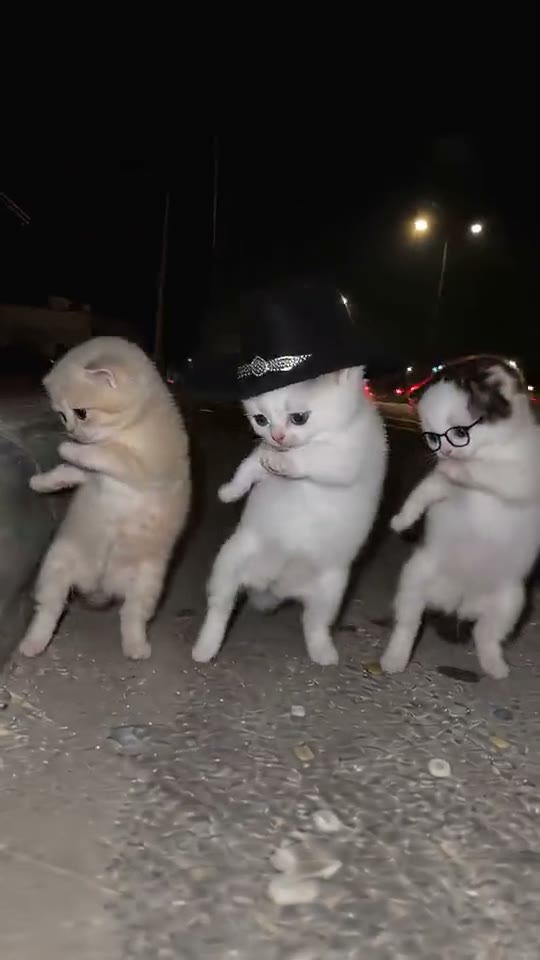
La Calabaza Dance
1 photo · ~14 s · 9:16
Three copies of your pet stand up on a night roadside and dance in sync to the pumpkin song.
Try this template →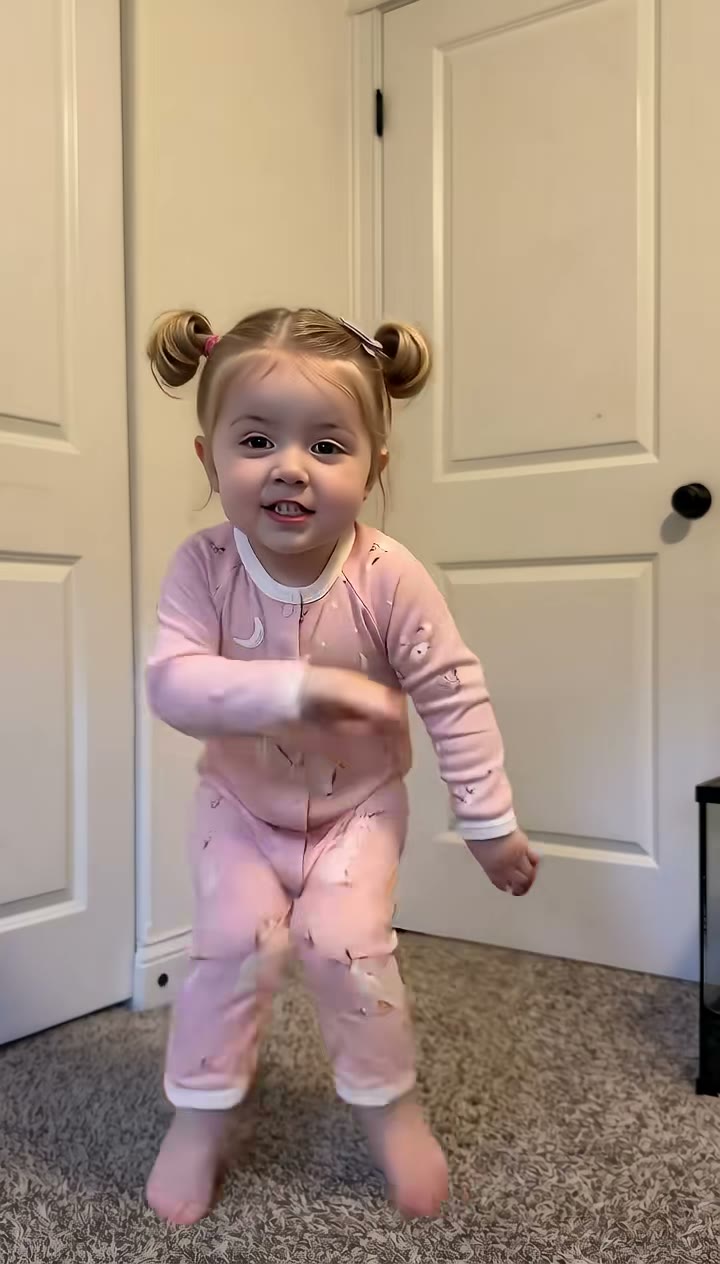
Bulin 47 Baby
1 photo · ~15 s · 9:16
Your own baby dances to "Dame Hombro": knee bounces, shrugs, a giggle and a shy smile.
Try this template →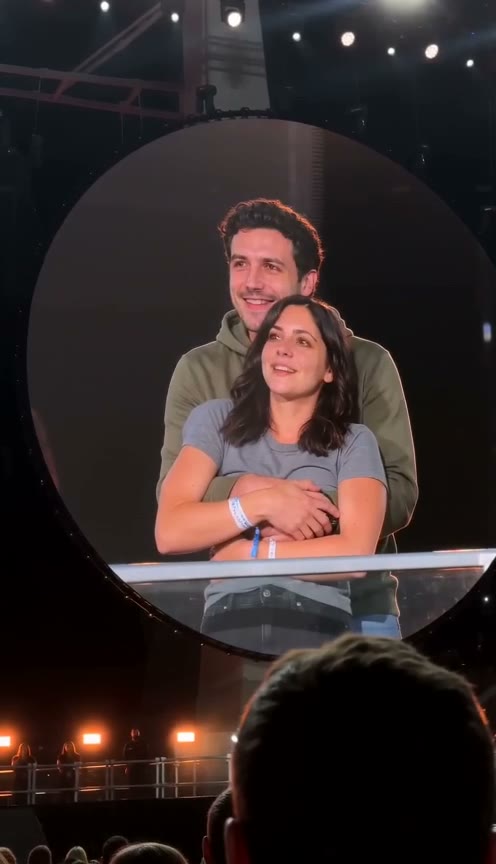
Coldplay Kiss Cam
2 photos · ~11 s · 9:16
You two hug on a stadium jumbotron, then one hides their face and the other ducks.
Try this template →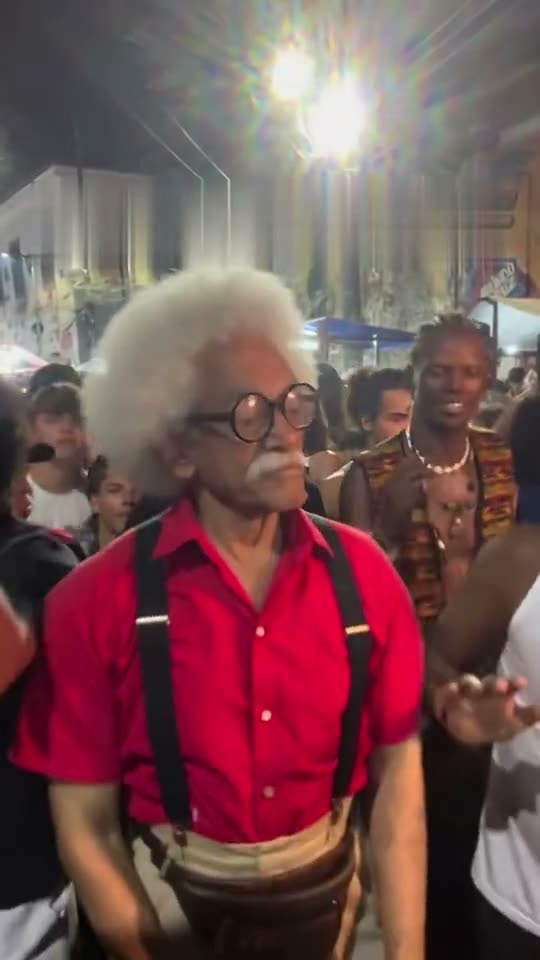
Charme Dance
1 photo · ~28 s · 9:16
Dance the smooth charme side steps in a packed Rio street party at night, like the viral AI grandpa.
Try this template →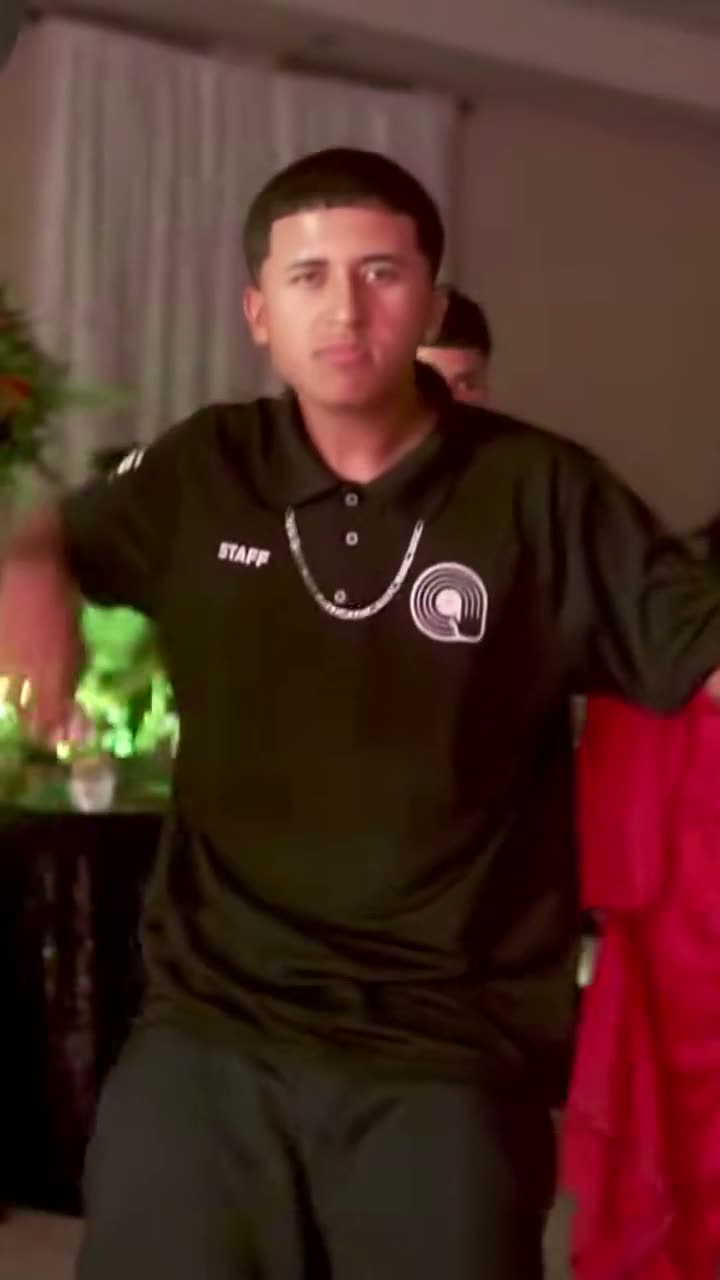
Dime Dime Baby
1 photo · ~9 s · 9:16
Dance into a quince party, bite a concha and stare down the camera while you chew, to BbY WOW.
Try this template →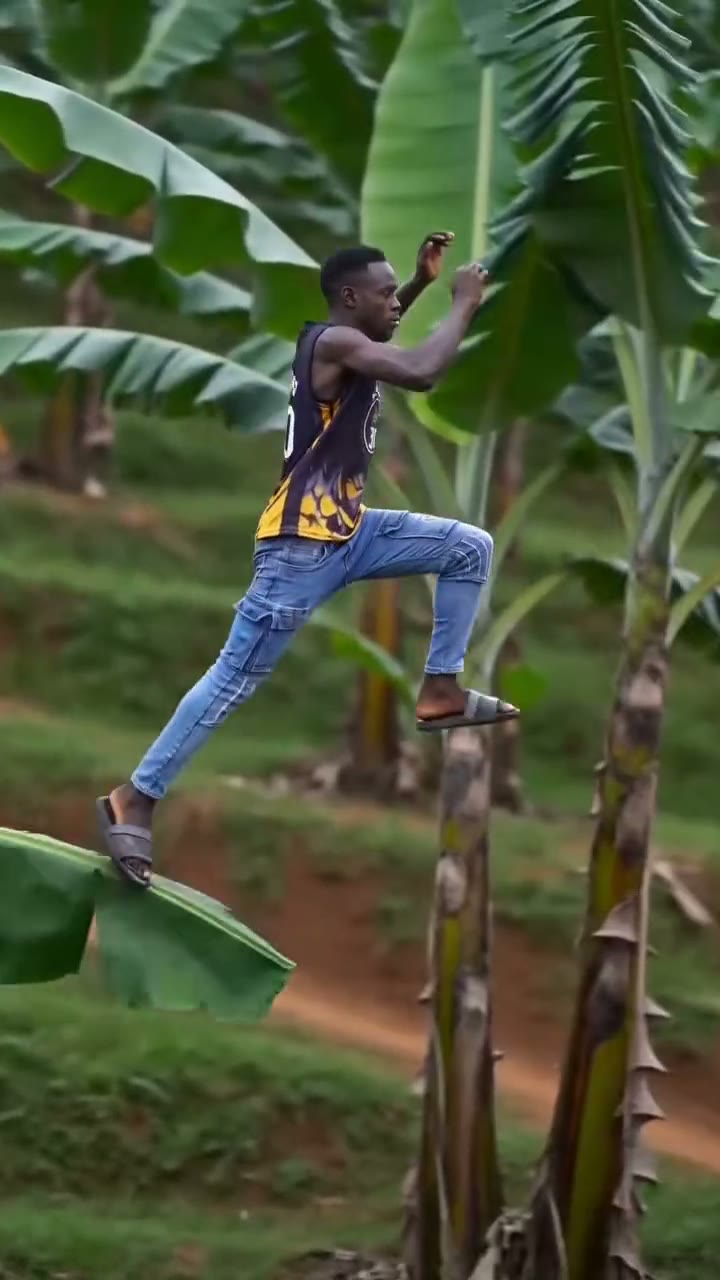
Banana Tree Run
1 photo · ~11 s · 9:16
Sprint and leap across the tops of giant banana plants on a hillside, leaf to leaf, never touching the ground.
Try this template →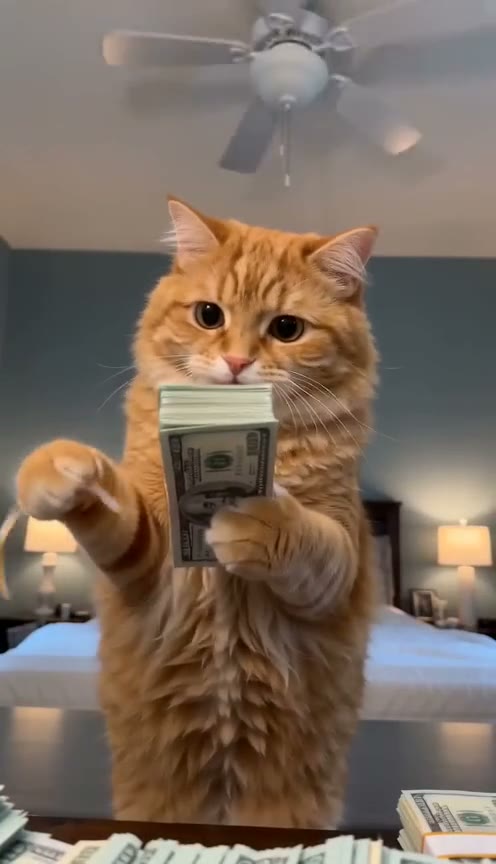
Money Flex Dog
1 photo · ~15 s · 9:16
Your dog or cat stands behind the dresser and flexes a chain of cash, like the clip that started it.
Try this template →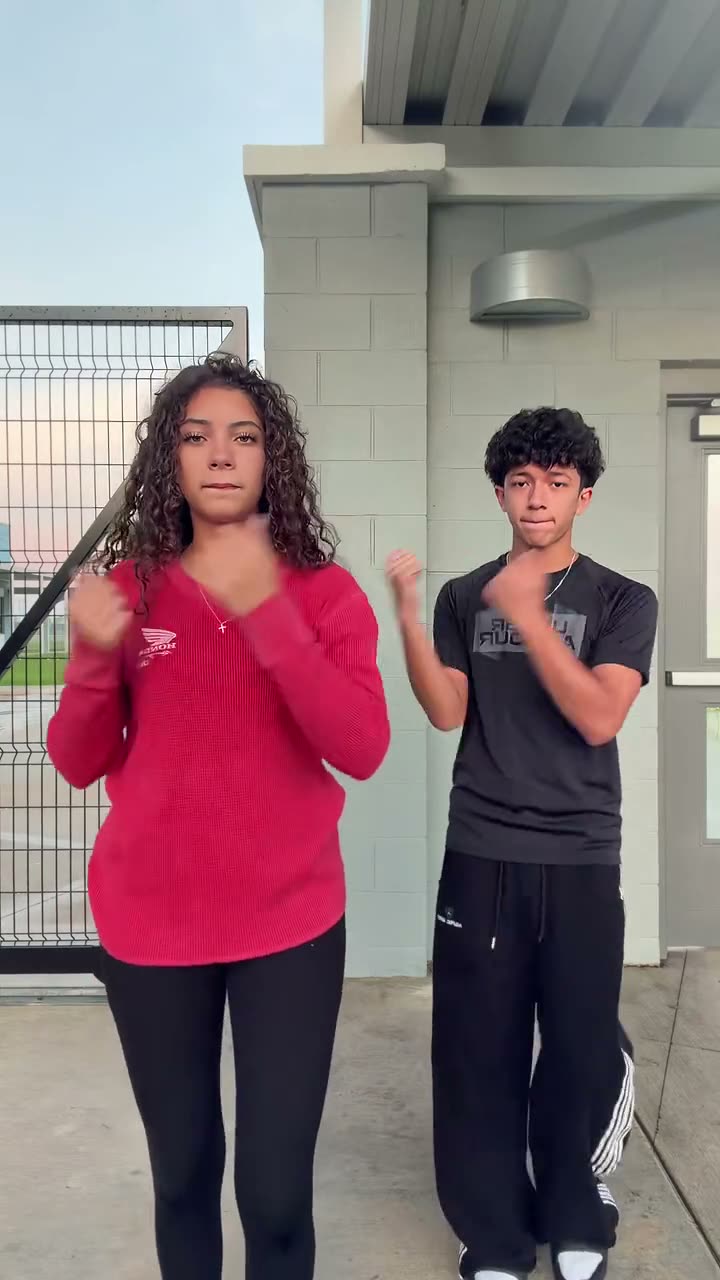
Can I Ride
2 photos · ~10 s · 9:16
You two do the viral Can I Ride duo dance side by side, with the song.
Try this template →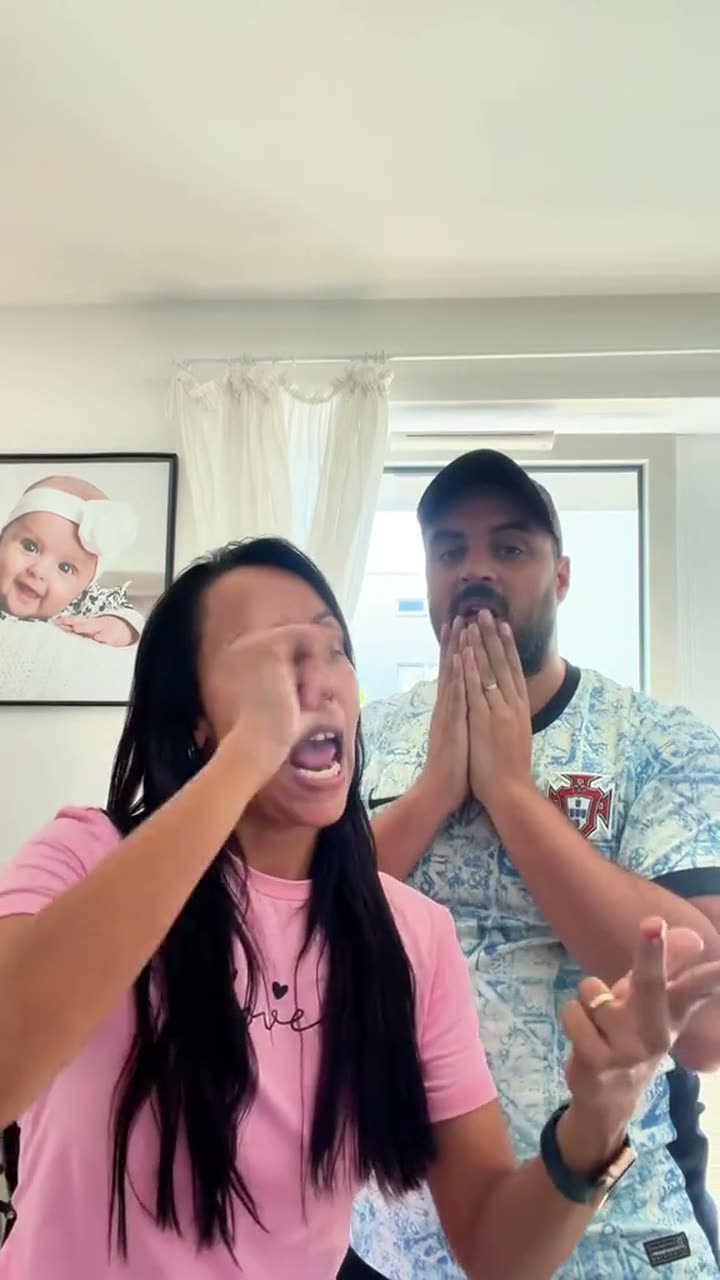
Bad Times Couple
1–2 photos · ~30 s · 9:16
Two of you on the BAD TIMES trend: one argues at the camera, the other reacts behind.
Try this template →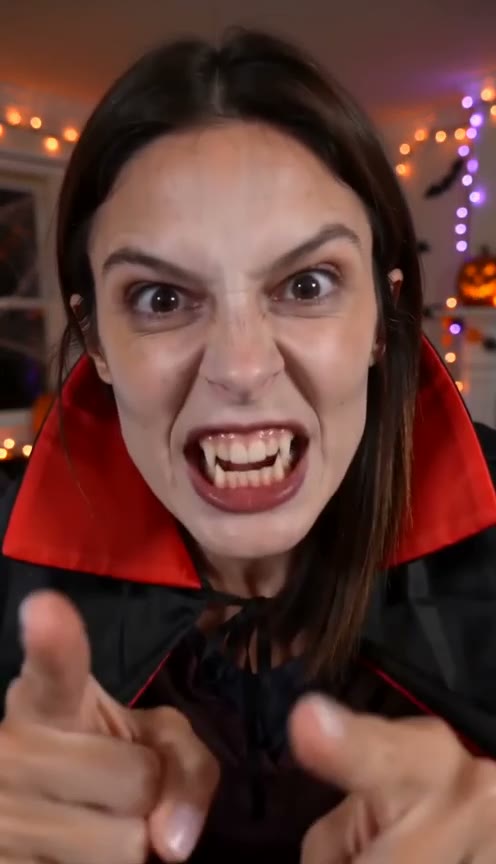
Bad Times Halloween
1 photo · ~30 s · 9:16
The BAD TIMES argument in your Halloween costume — vampire, witch, zombie or skeleton.
Try this template →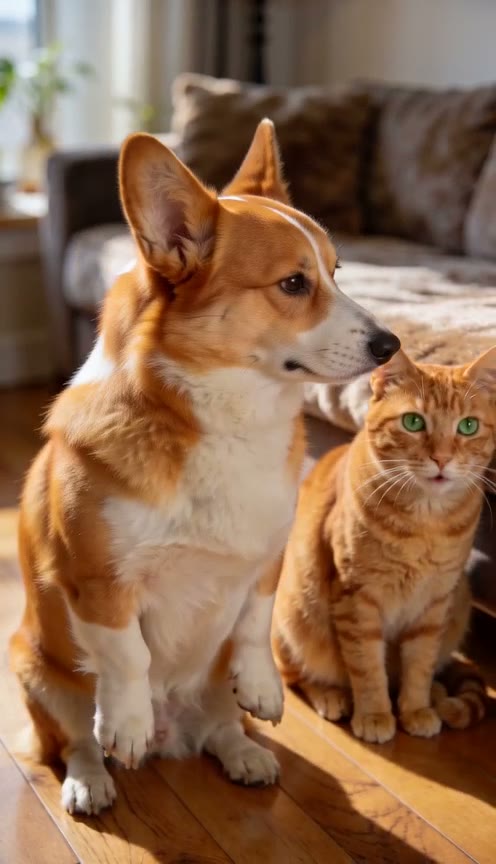
Bad Times Two Pets
2 photos · ~30 s · 9:16
Two pets on the BAD TIMES trend: one stands up and argues, the other watches.
Try this template →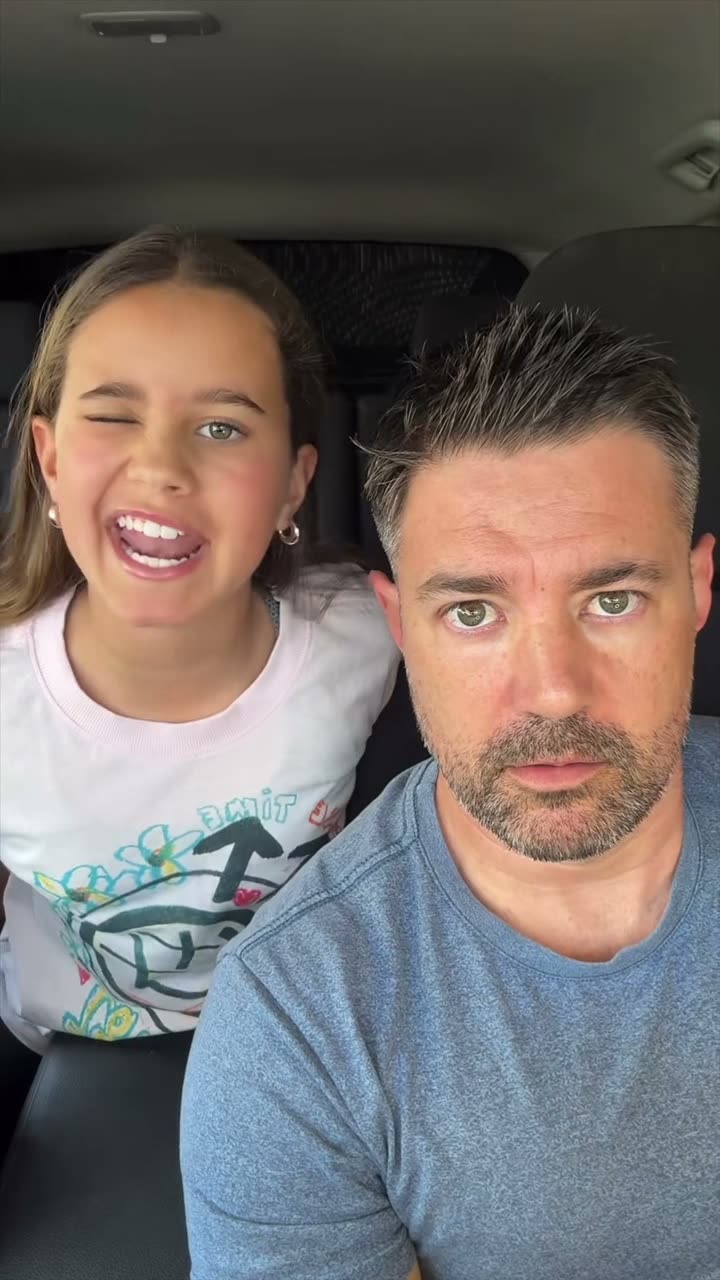
Bad Times Family
1–2 photos · ~30 s · 9:16
You and your child on the BAD TIMES car take: they sing, you keep a straight face.
Try this template →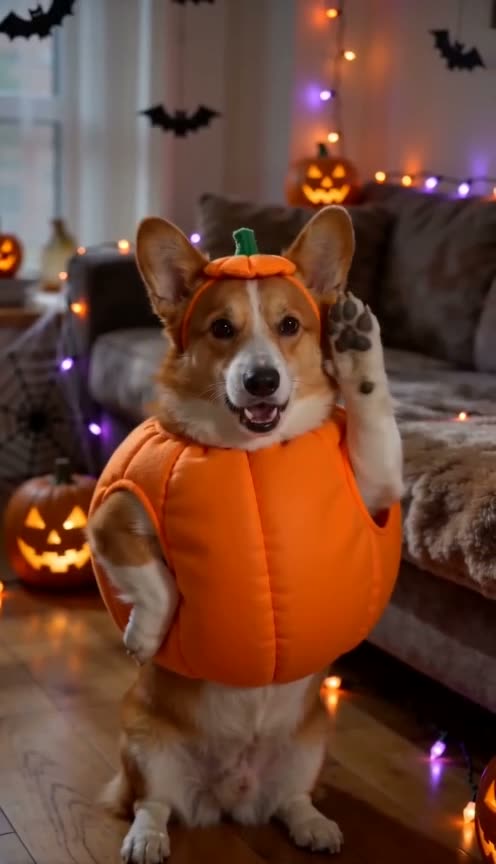
Bad Times Dog Halloween
1 photo · ~30 s · 9:16
Your dog or cat argues with the camera as a pumpkin, vampire, witch or skeleton.
Try this template →
I'm So Sorry I Lied AI: FAQ
A TikTok photo-carousel trend: the first slide is a perfect, glammed-up photo, each next slide admits a lie ("ok sorry, my hair was actually brown"), and the last slide is the real photo with the caption "I'm so sorry".
Upload one real photo above, pick baby, Halloween or pet, and generate. You get four captioned slides: the AI glam version, two "ok sorry" steps and your real photo. Edit the captions, then share or download them.
Pick the Halloween version and upload your real childhood costume photo, the more home-made the better. The first slide is a flawless, store-bought version of the costume, then your hair and the costume go back one "sorry I lied" at a time, and the last slide is the real photo.
Photos, like the original trend: four slides you post as a TikTok or Instagram photo carousel. Add the trending sound in the app when you post.
One person or pet, face clearly visible. Old, blurry or badly lit photos are welcome: an unflattering real photo makes the reveal funnier.
Yes, if you are their parent or guardian. Your own baby pictures are the classic version. Never upload a photo of someone else's child.
Yes. Pick the Pet version and upload your cat or dog: the fake becomes a fluffy, show-winning version of your pet, then the fur colour and fluff go back to the real thing, and the last slide is your real photo.
Yes. They are written from what your photo shows, in your language, and you can rewrite any of them before you share or download. The captions are burned into the downloaded images.
The images come without sound. When you post the carousel on TikTok or Instagram, pick the trending "I'm so sorry" sound from the app's library.
5 credits for a set of four slides, or $2.99 without an account (pay at checkout, no sign-up). Either way, it's refunded automatically if the set fails.
Usually about a minute: the three AI slides are made one after another, so each one follows the last.
It is only used to make your slides and is deleted from our storage 30 days later. Your slides are private to your account.
Time to come clean
One real photo, four slides, one very sorry caption.