AI Pet Videos: Put Your Dog or Cat in the Trend
Choose a pet trend, check its sample and add your animal's photo. Compare available versions and the exact quote before creating your clip.
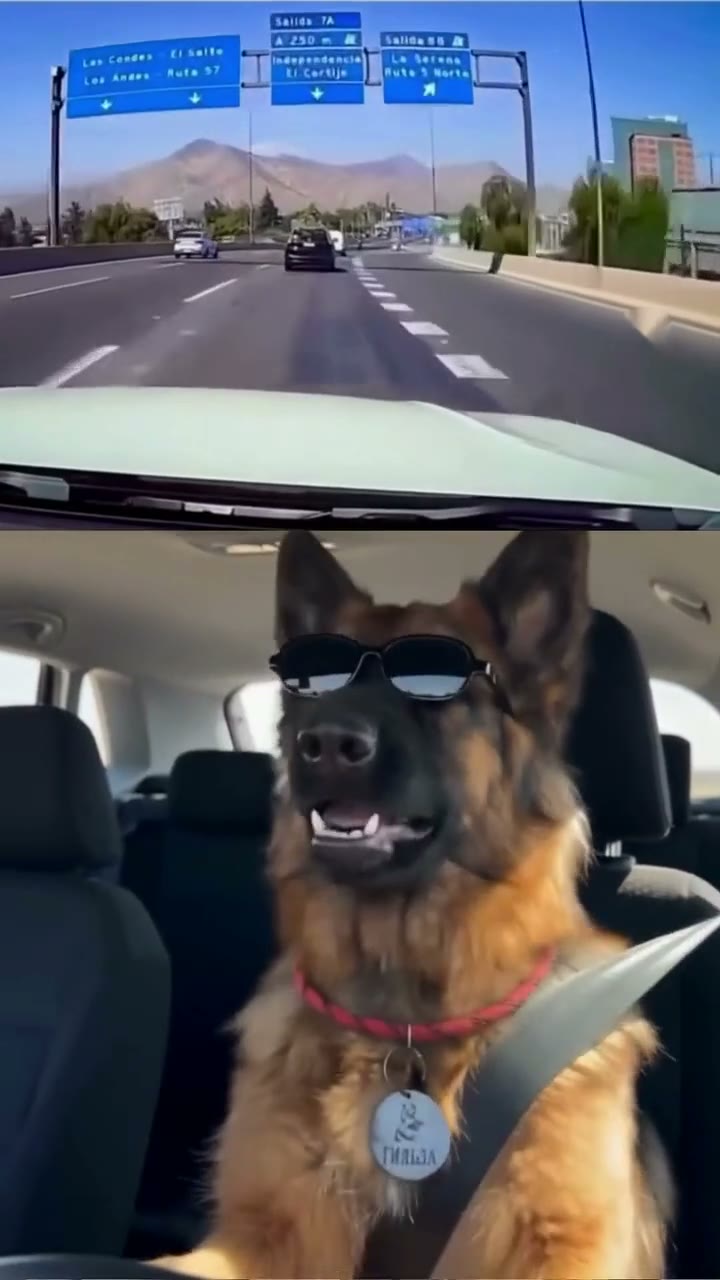 Hot15s · 9:16
It's My Life Dog
1 photo · 15 credits
A passenger-seat singalong with a road view above your pet.
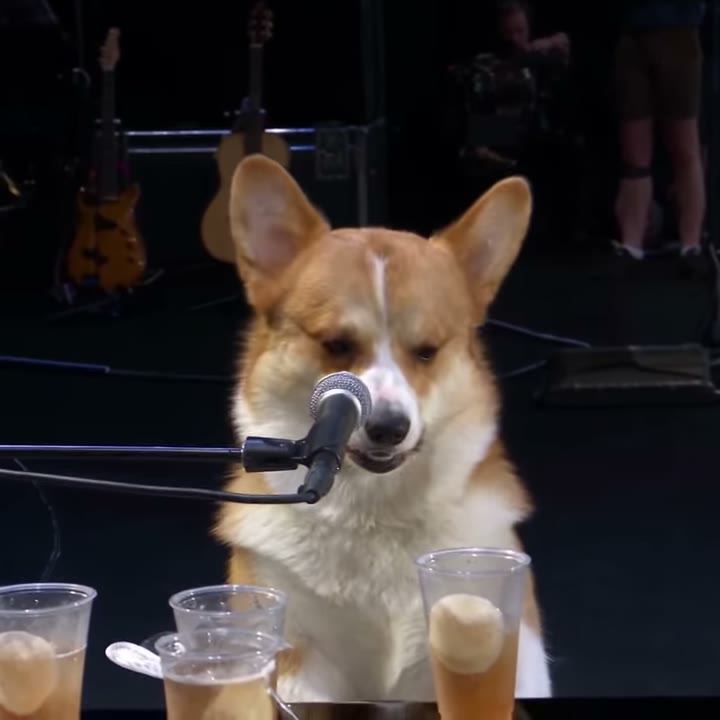 Hot28s · 1:1
Dog Bohemian Rhapsody
1 photo · 15 credits
Your pet takes the microphone in a concert-style singalong.
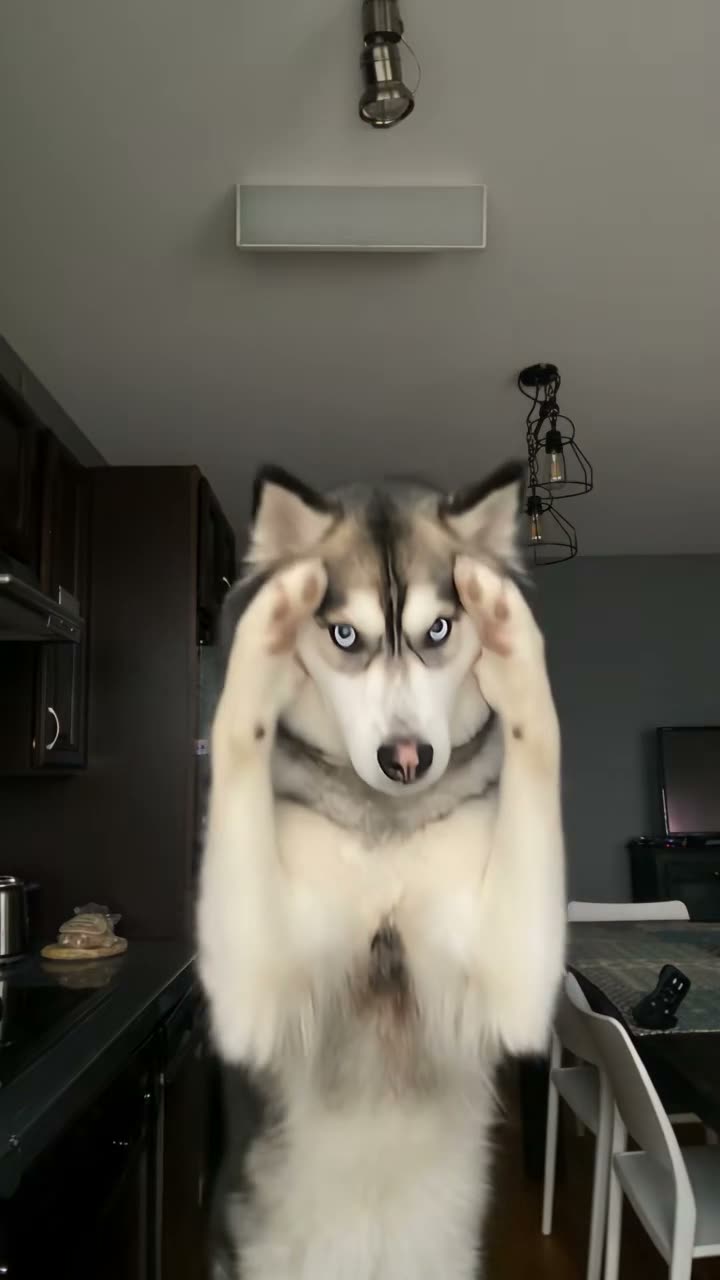 Hot30s · 9:16
Bad Times Dog
1 photo · 55 credits
A pet joins the overhead Bad Times performance.
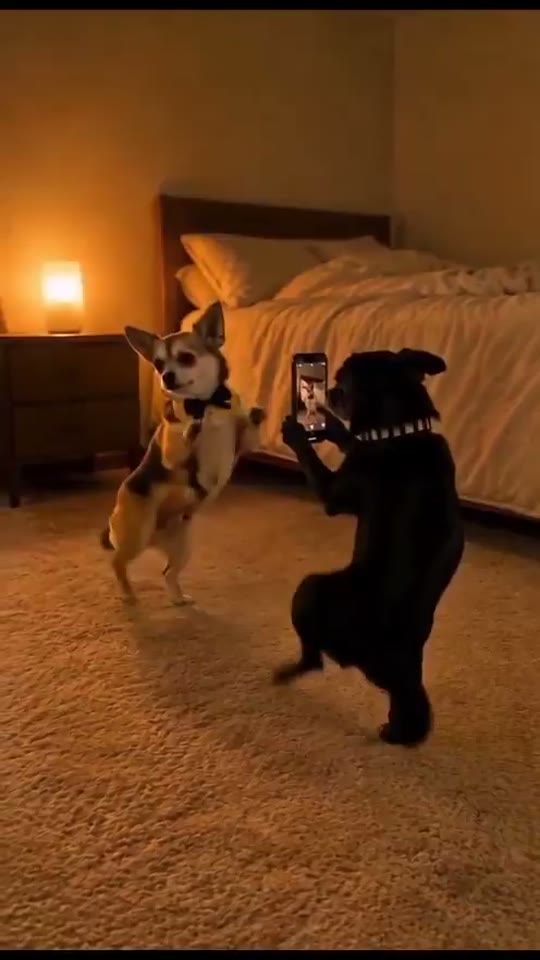 15s · 9:16
Dog Couple Dance
1–2 photos · 15 credits
Two pets share a dance in a bedtime scene.
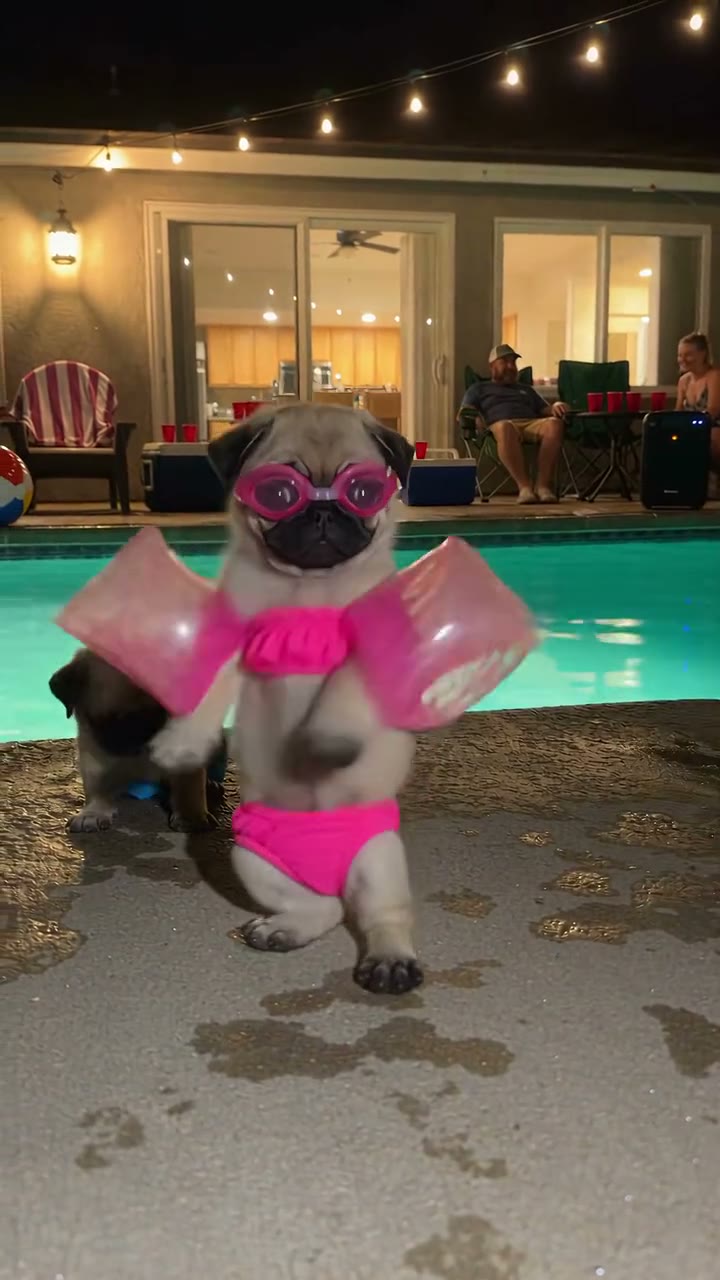 New13s · 9:16
Dancing Dog Pool Party
1 photo · Generation is not available yet.
Your pet dances beside a pool with a party crowd.
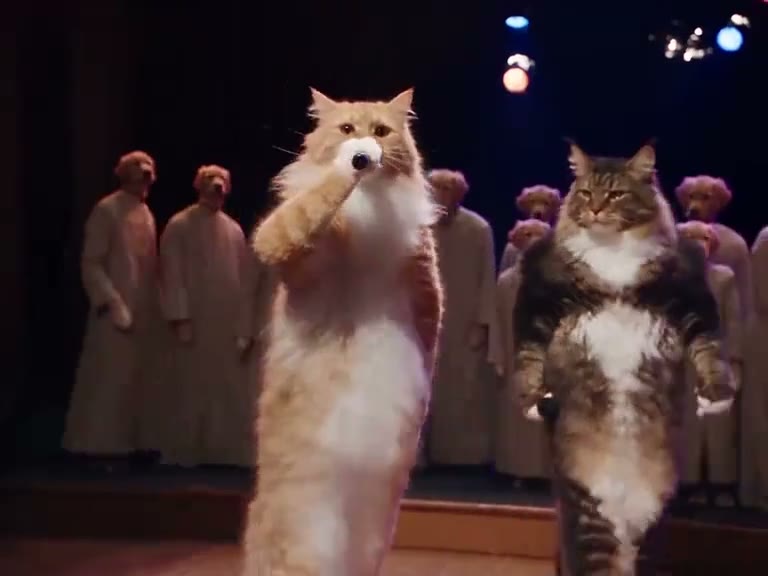 New30s · 4:3
Gangsta's Paradise Pets
1–2 photos · Generation is not available yet.
A pet leads the choir, with an optional second singer.
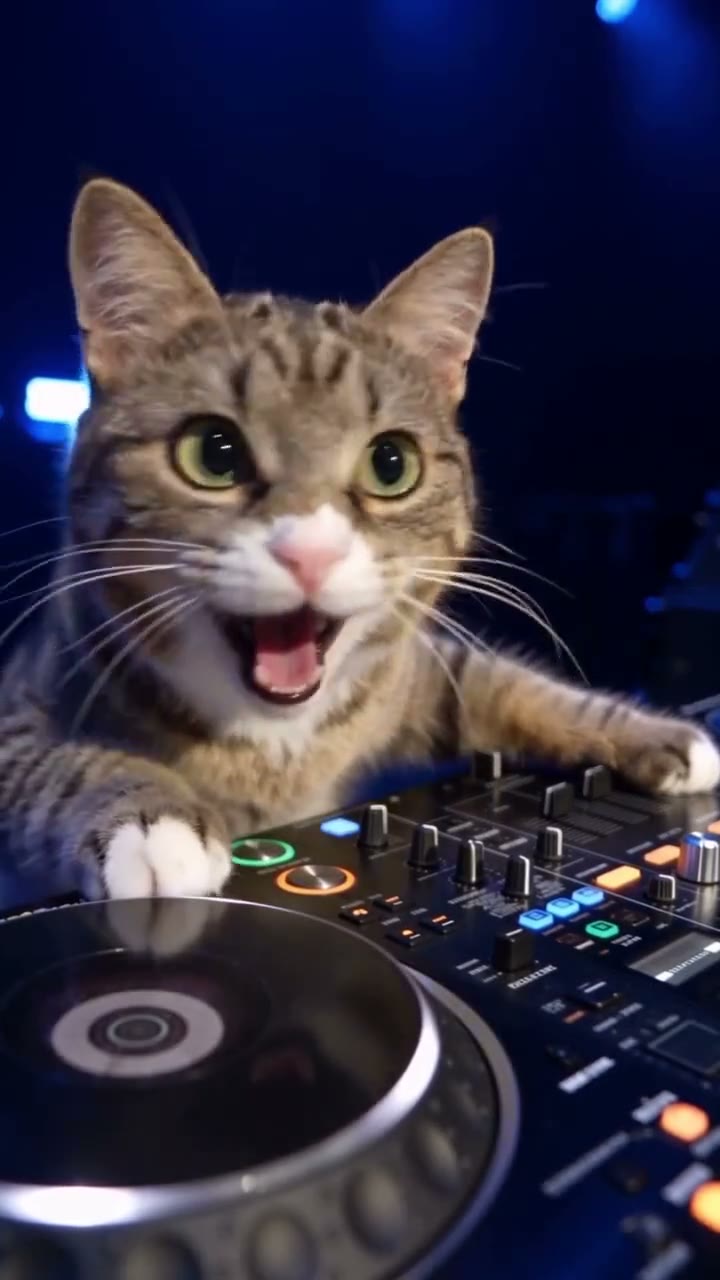 New30s · 9:16
DJ Cat
1 photo · 15 credits
A cat performs behind a DJ desk.
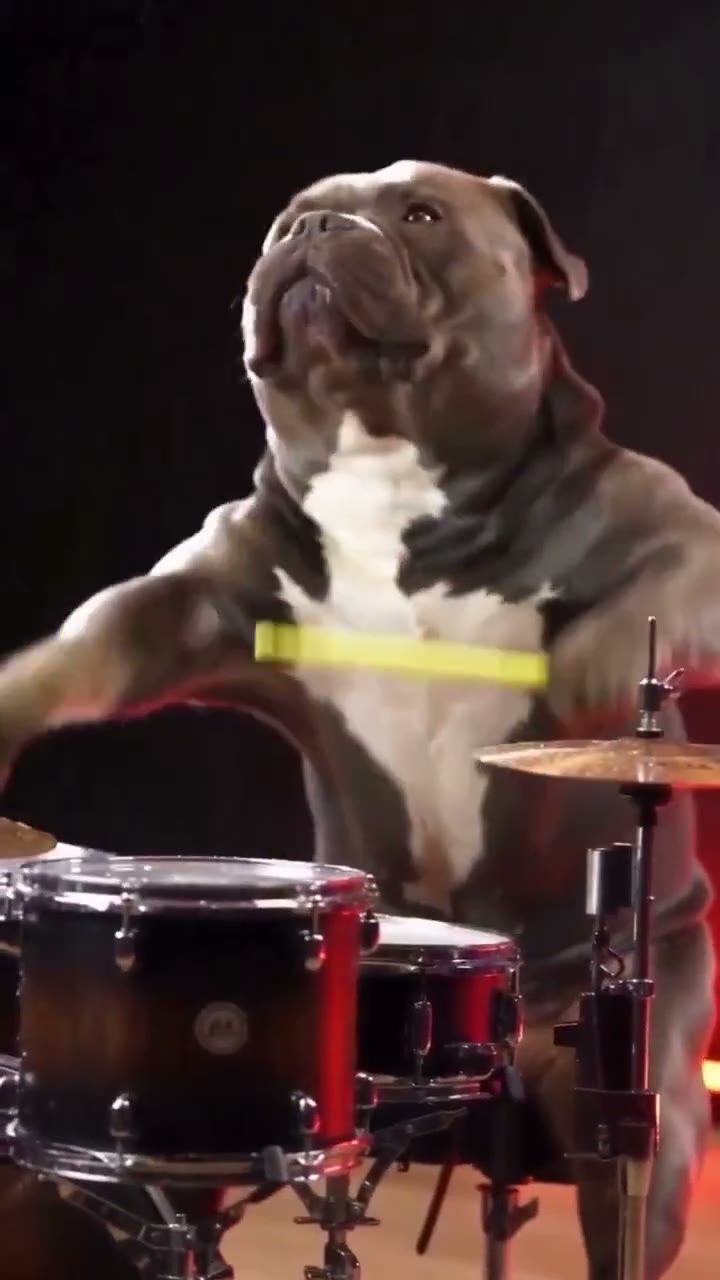 New14s · 9:16
Dog Drummer
1 photo · 15 credits
Your pet takes a seat at a drum kit.
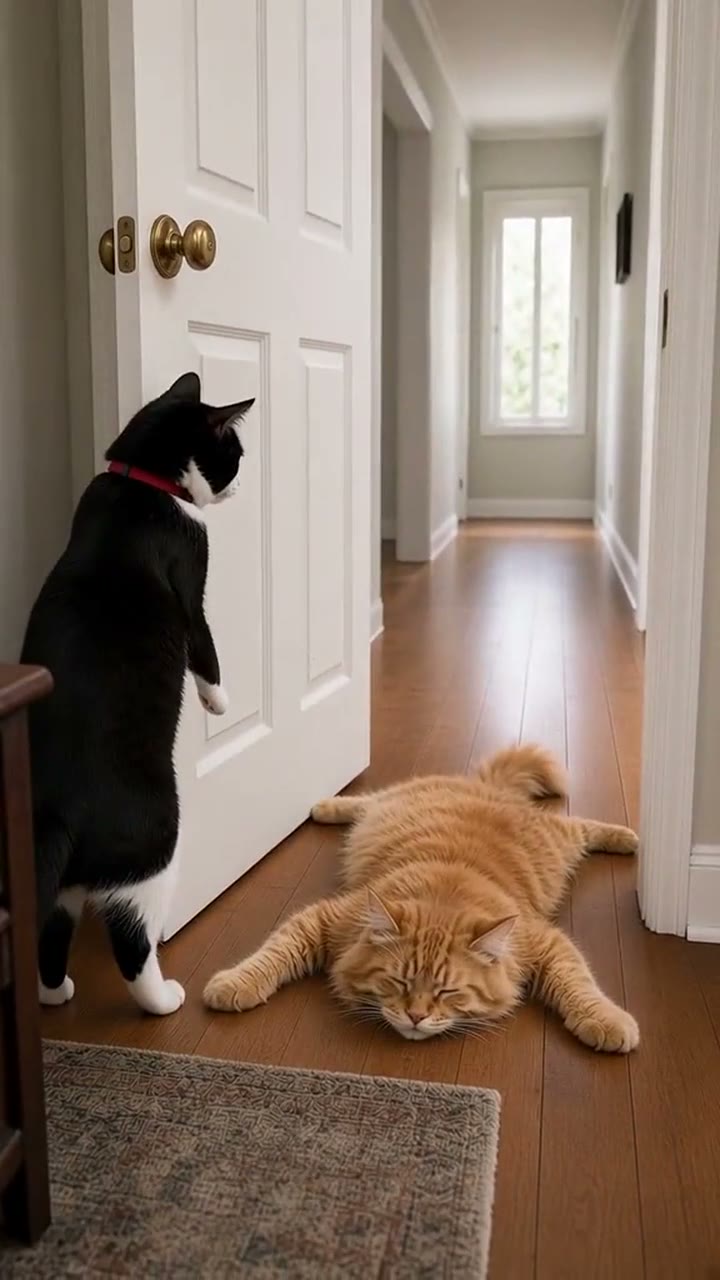 7s · 9:16
Closing Door Prank (Pets)
1–2 photos · 10 credits
A pet joins a short doorway prank.
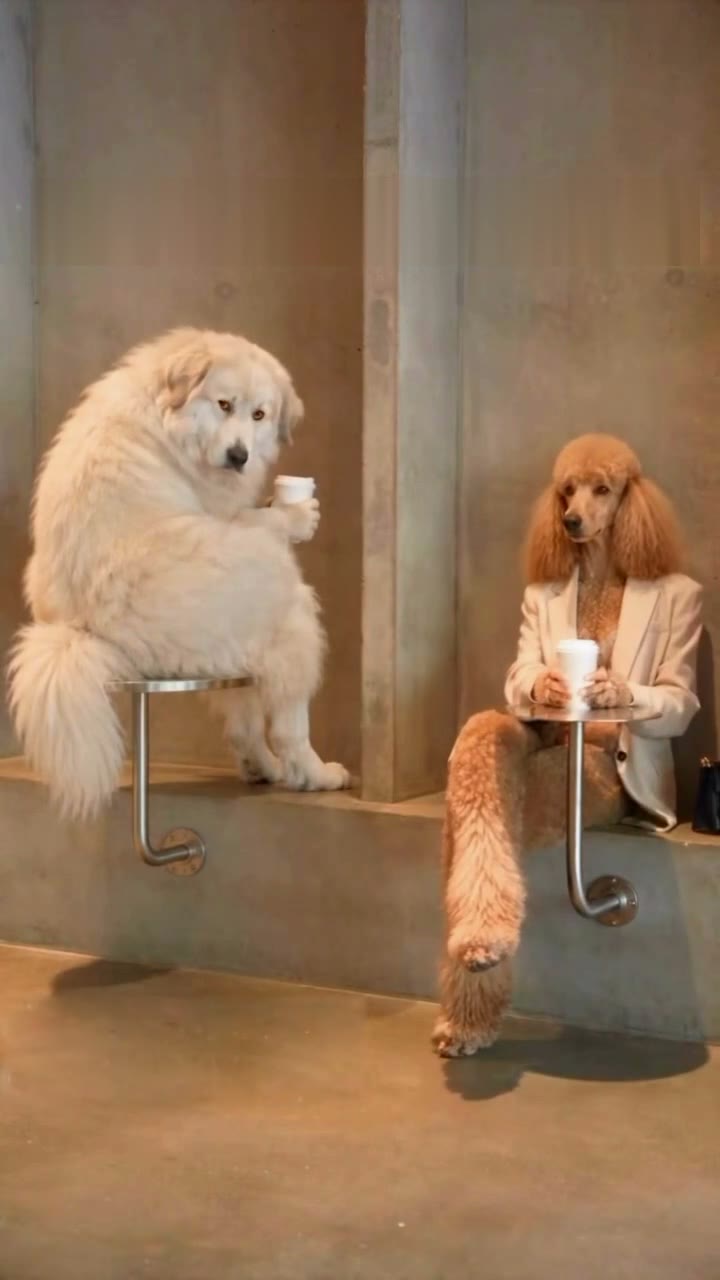 21s · 9:16
First Time in a Fancy Cafe
1–2 photos · 15 credits
Your pet tries the fancy-cafe routine.
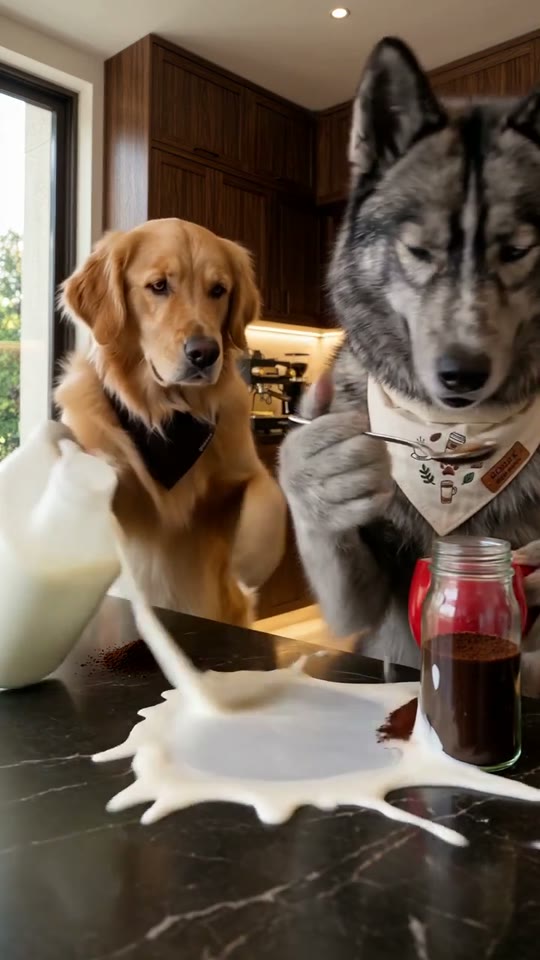 15s · 9:16
Coffee Fail · Dogs
1–2 photos · 15 credits
A pet stars in the coffee mishap scene.
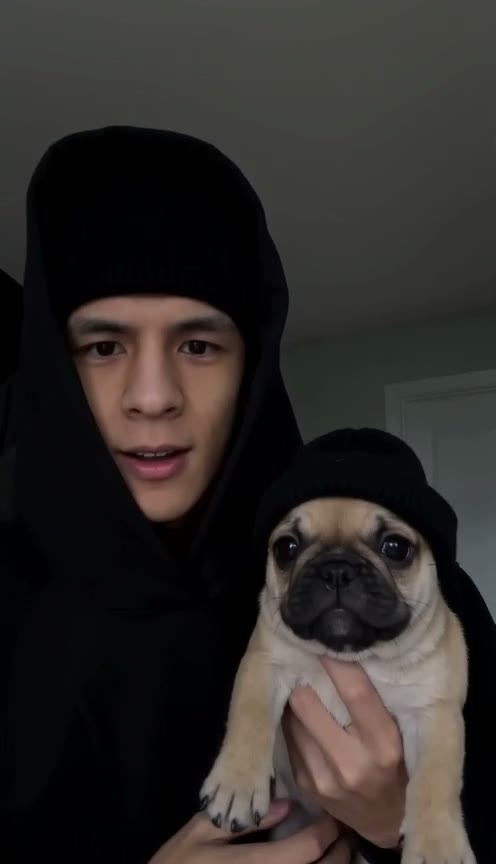 10s · 9:16
Skull Cap Dog
1 photo · 10 credits
Your pet follows the skull-cap trend.
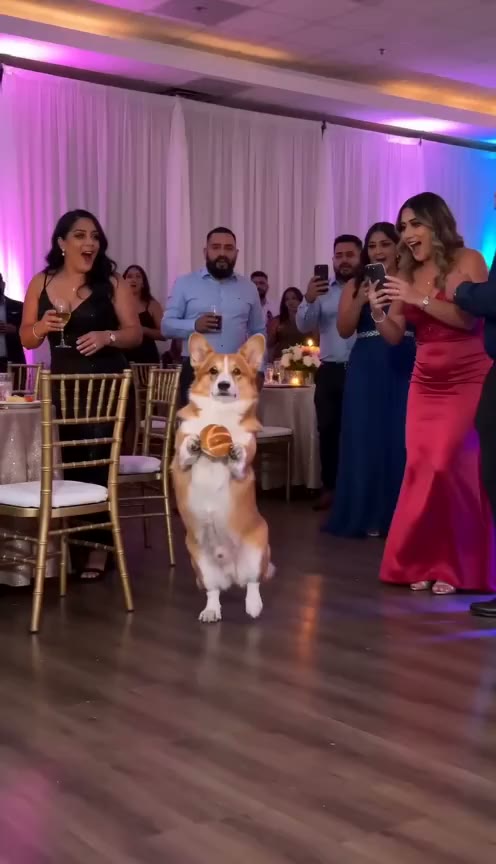 Hot9s · 9:16
Dime Dime Baby · Dog & Cat
1 photo · 10 credits
A pet joins the dance-floor Dime Dime Baby scene.
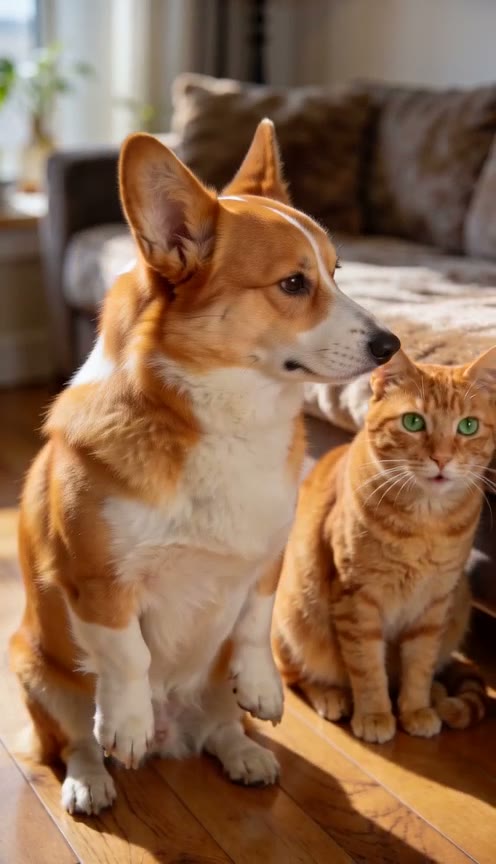 30s · 9:16
Bad Times Two Pets
2 photos · 30 credits
Two pets share the Bad Times setup.
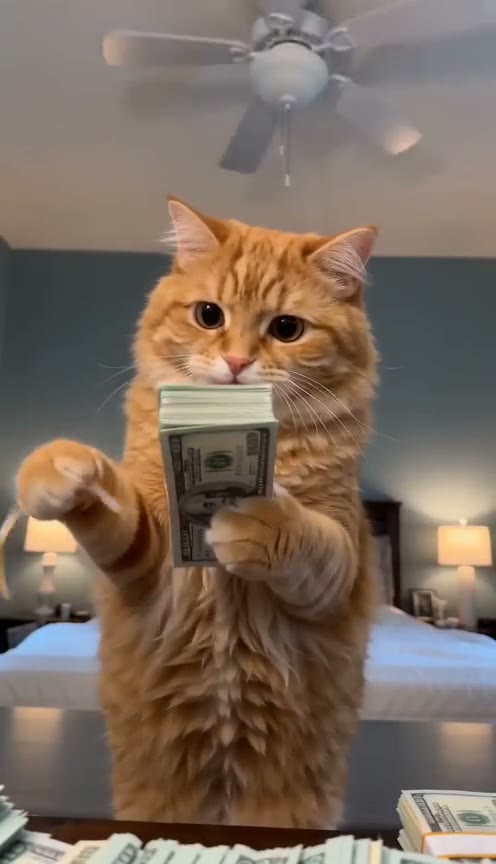 15s · 9:16
Money Flex Dog
1 photo · 15 credits
Your pet performs the cash-display meme.
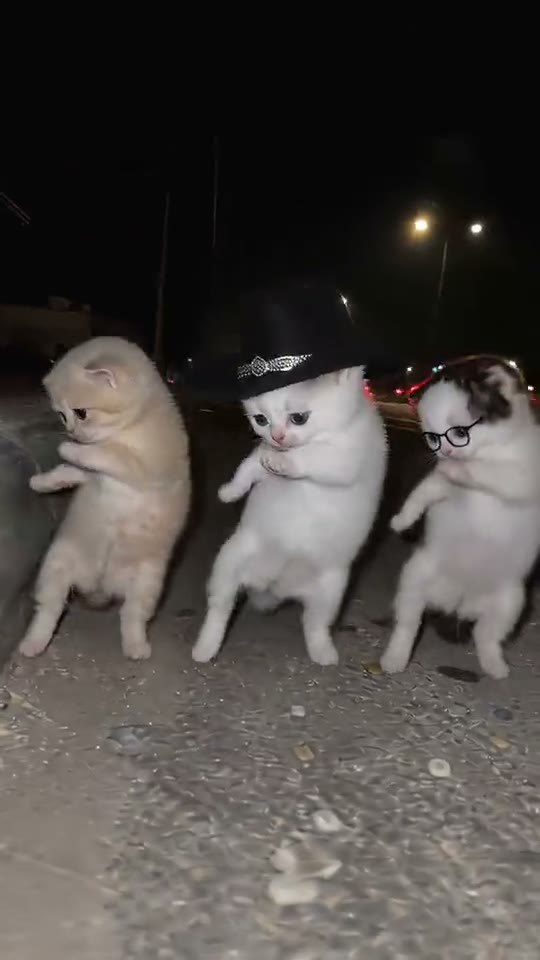 14s · 9:16
La Calabaza Dance
1 photo · 10 credits
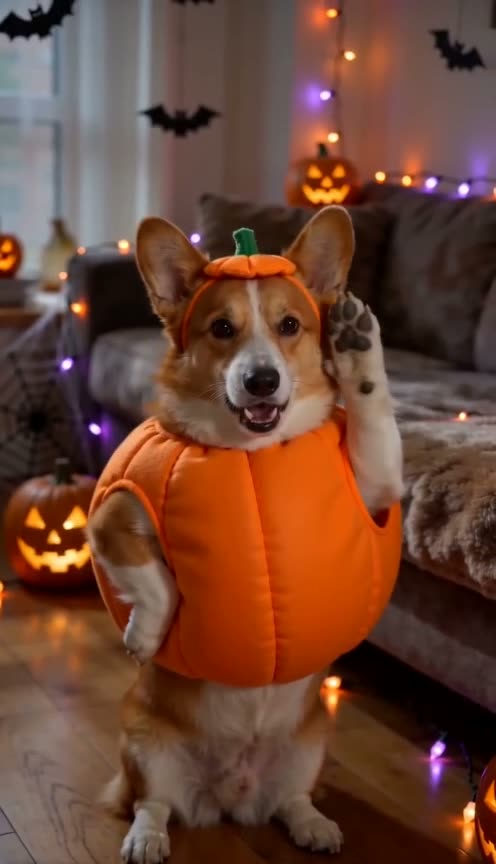
Your pet joins the pumpkin-themed dance.
 30s · 9:16
Bad Times Dog Halloween
1 photo · 30 credits
The pet Bad Times scene gets a Halloween setting.
How to make an AI pet video
01
Pick a trend
Watch a sample and choose the scene that suits your pet.
02
Upload your pet's photo
Follow the role labels. Add another photo only when the selected scene supports it.
03
Download and post
Check your completed video in Your renders, then download it to share.
Pet photos that work best
Face clearly visible
Use a sharp, well-lit photo with the eyes and muzzle unobstructed.
Show the whole pet if you can
Leave room around the ears, paws and body for scenes with full-body movement.
One animal per photo
Avoid overlapping animals, stickers and heavy filters that hide your pet's features.
Got two pets?
Choose a scene for two animals and follow its separate-photo or group-photo instructions.
AI pet video questions
Looking for something else?
Browse all trends for people, couples and pets, or suggest the pet scene you want to make next.