Group
Hop Hop Hop
Two people hop, crouch and exchange foreground/background roles in an 8-second portrait dance. Choose two designated people or one person with an AI partner.
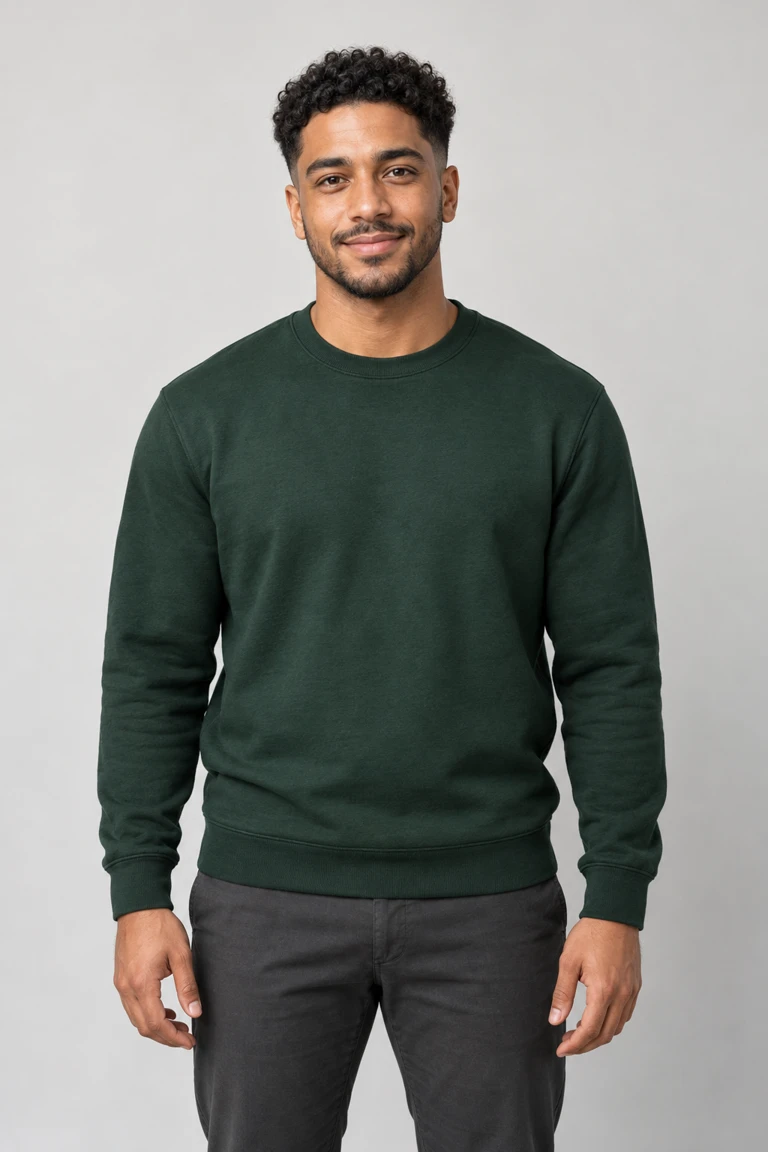
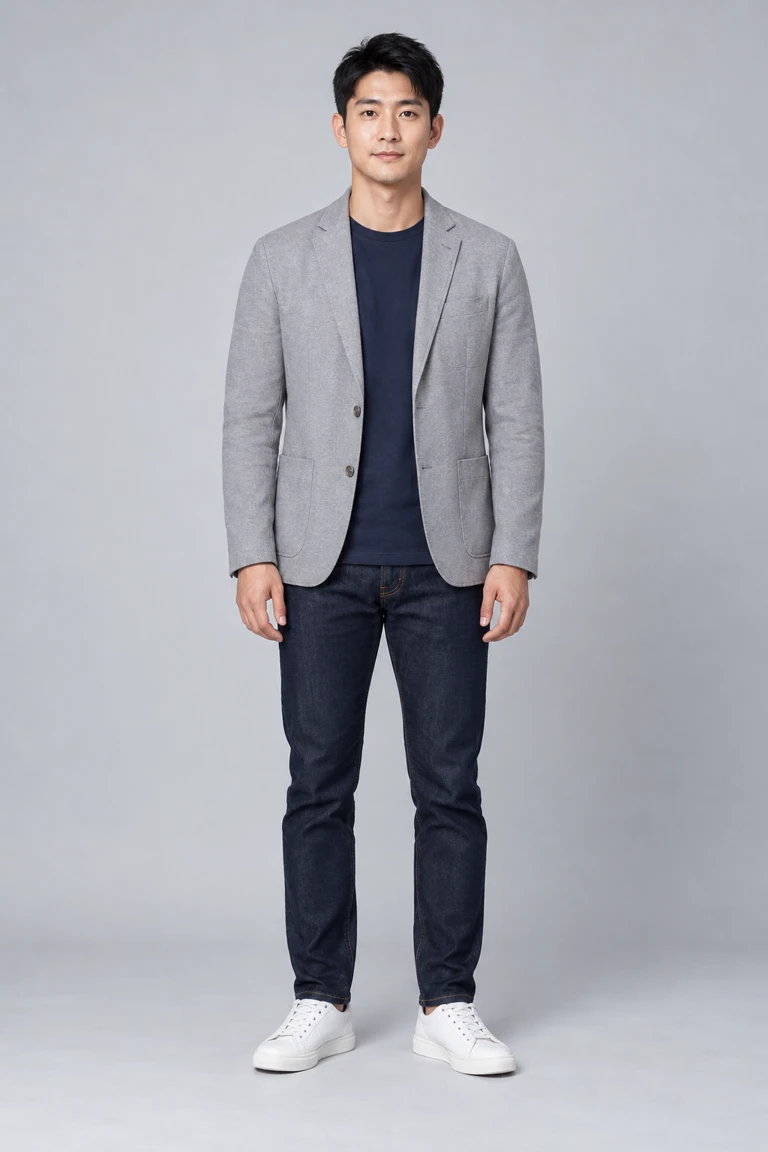
Your photos
1 · Starts in front
2 · Starts behind
Photo requirements and permission
Use everyday photos of yourself or friends who agreed to appear. Photos of public figures, and film or music video stills, won't pass review.
Only upload photos of people who agreed to be featured.
Cast your photos
Each photo fills one role in this scene. Match your subjects to the labels before uploading.
Photo 1
Starts in front
Person
Photo 2 · Optional
Starts behind
Person
Template at a glance
Two people hop, crouch and exchange foreground/background roles in an 8-second portrait dance. Choose two designated people or one person with an AI partner.
- Input photos
- 1–2 · Starts in front / Starts behind
- Cut
- Full video · 8 s / One photo · AI partner · 8 s
- Format
- 9:16 · MP4
- Sound
- Soundtrack added after rendering
- Without an account
- $7.99+ · Private order recovery by email
- Watermark
- None
- Render time
- Usually a few minutes
- If it fails
- Refunded automatically (credits or payment)
- Quality and regular price
Premium · Full video · 480p: 20 credits
Balanced · Full video · 480p: 10 credits
Premium · One photo · AI partner · 480p: 20 credits
Scene sequence
This explains the scene structure. The selected version controls its cut, duration and quote; exact frame-by-frame reproduction is not guaranteed.
Opening
Two distinct people begin in foreground and background roles. Keep the depth and body scale readable.
Hops and gesture
The background dancer hops and crouches while the foreground hand sets up a perspective gag.
Middle cut
The performers exchange front/back roles near the middle of the eight-second scene.
Ending
Finish the second interaction without adding a new identity or an extra ending.
Photo and review advice
Clear and unobstructed
Keep the face, ears or muzzle visible; avoid dark images, stickers and sunglasses hiding the eyes.
Show the body outline
Full-body movement works best when the photo shows the body rather than only a tightly cropped face.
Use the labeled role order
Read each role label. Separate subjects use individual photos; a group photo is not multiple role inputs.
Review the full result
Check cuts, prop contact and music timing as well as the opening face. One still frame cannot establish the whole effect.
Questions about this template
Photo requirements and answers for this scene.
Two photos specify both identities and support Balanced 480p or Premium 480p. One-photo mode supports Premium 480p only and creates a different AI partner; an identity that was not uploaded cannot be specified.
Photo 1 begins in front and photo 2 behind; they exchange positions in the middle. Use separate clear portraits. One-photo mode supplies the first identity and creates the partner.
The current output is 8 seconds in portrait 9:16. Two-photo mode supports Balanced 480p and Premium 480p; one-photo mode is Premium 480p only. Untested 720p,1080p and Balanced one-photo combinations remain unavailable.
Two-photo Balanced 480p costs 10 credits. Premium 480p normally costs 20. Hop Hop Hop already has a 20-credit regular price. Check the selected quote before confirming.
Two-photo Balanced 480p costs$7.99 per video; Premium 480p costs$9.99 in either input mode. Choose the input mode and version before checking the checkout quote.
Follow both identities through the position swap. The crouch may become an exaggerated fall, and gestures, extra props and timing may differ from the reference.
Make this scene yours
Choose your photos
Assign each photo to its role before generating. Optional roles are identified below.
- Photo 1 · Starts in front
Use a clear, evenly lit photo with the face visible. Avoid heavy filters and sunglasses.
- Photo 2 · Starts behind
Use a clear, evenly lit photo with the face visible. Avoid heavy filters and sunglasses.
Optional — leave this slot empty if you do not want to supply it.
Choose a version
Choose the cut first, then the resolution. Only combinations offered by this template can be selected. The creation panel shows your current quote, including eligible offers.
- Premium: 8 s
- Balanced: 8 s
Scene and sources
The scene is configured by this template. Check its role assignment and available cuts before generating.
Further reading
More viral templates
Each template recreates one trend. Open one to see its moves, sample and tips.
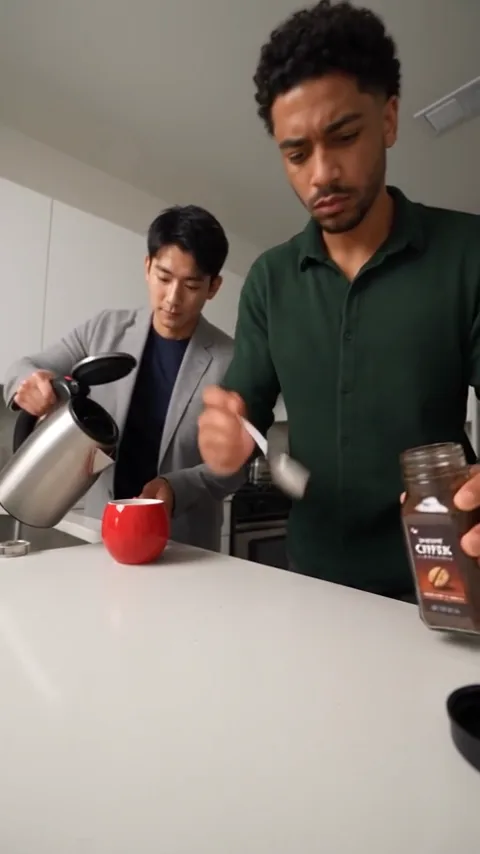 New
Coffee Fail
2 photos30 credits
Default version · People · 480p
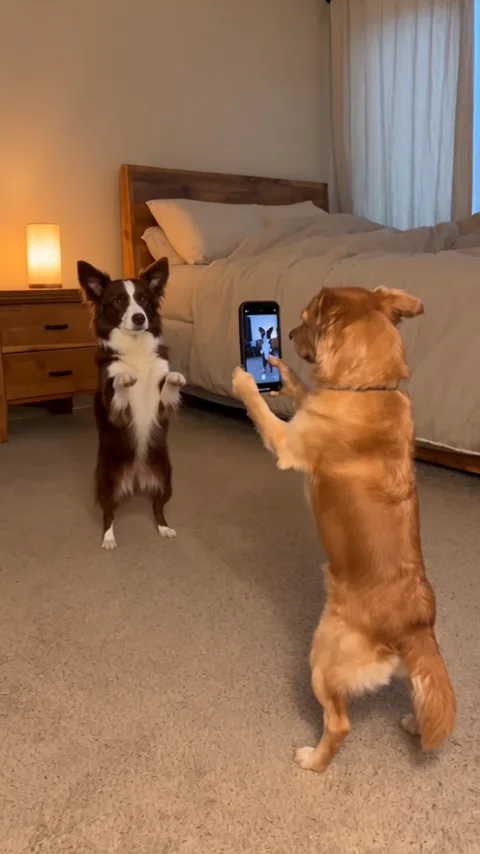 New
Dog Couple Dance
2 photos30 credits
Default version · Full video · 480p
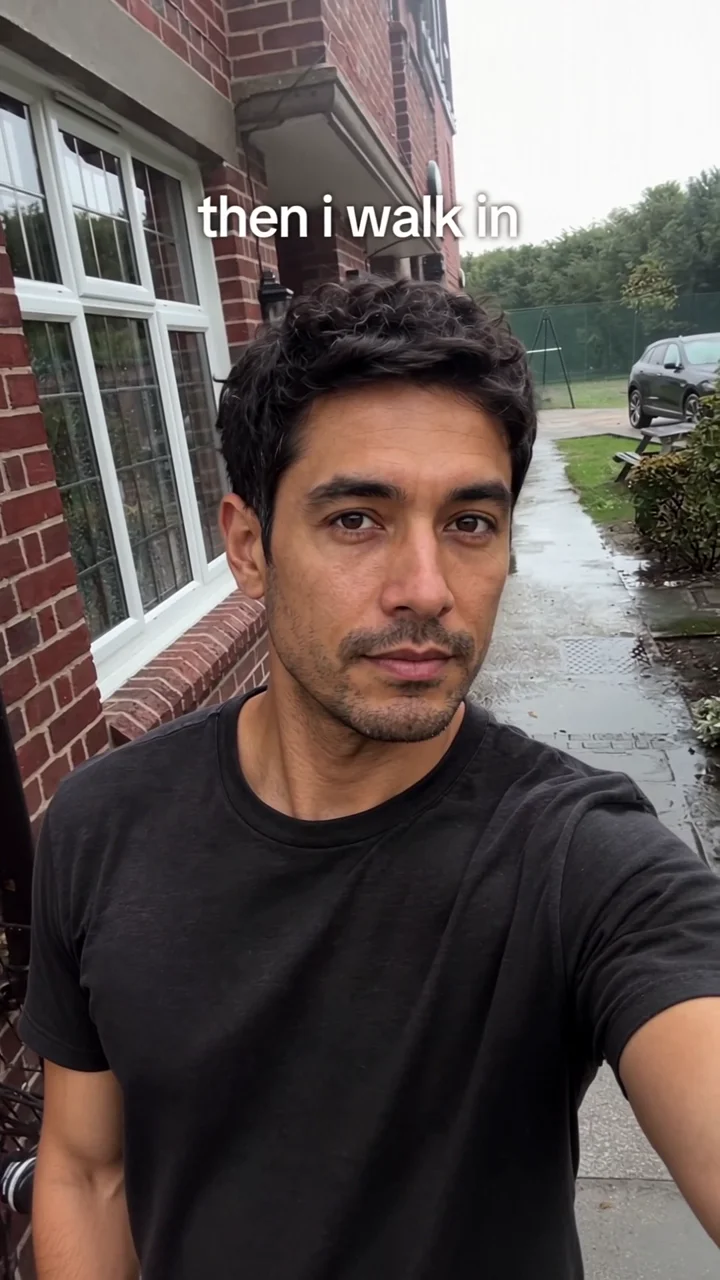 New
Then I Walk In
1 photo40 credits
Default version · Full video · 720p
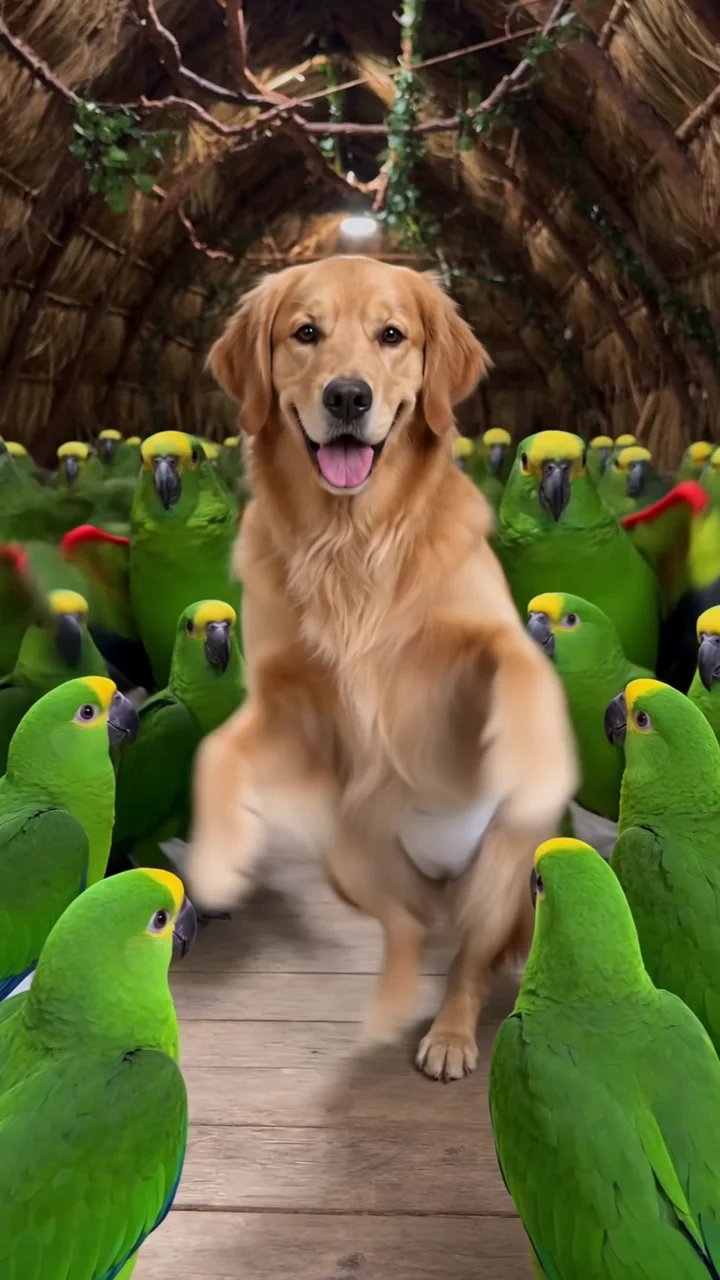 New
Parrot Dance
1 photo80 credits
Default version · Full video · 720p
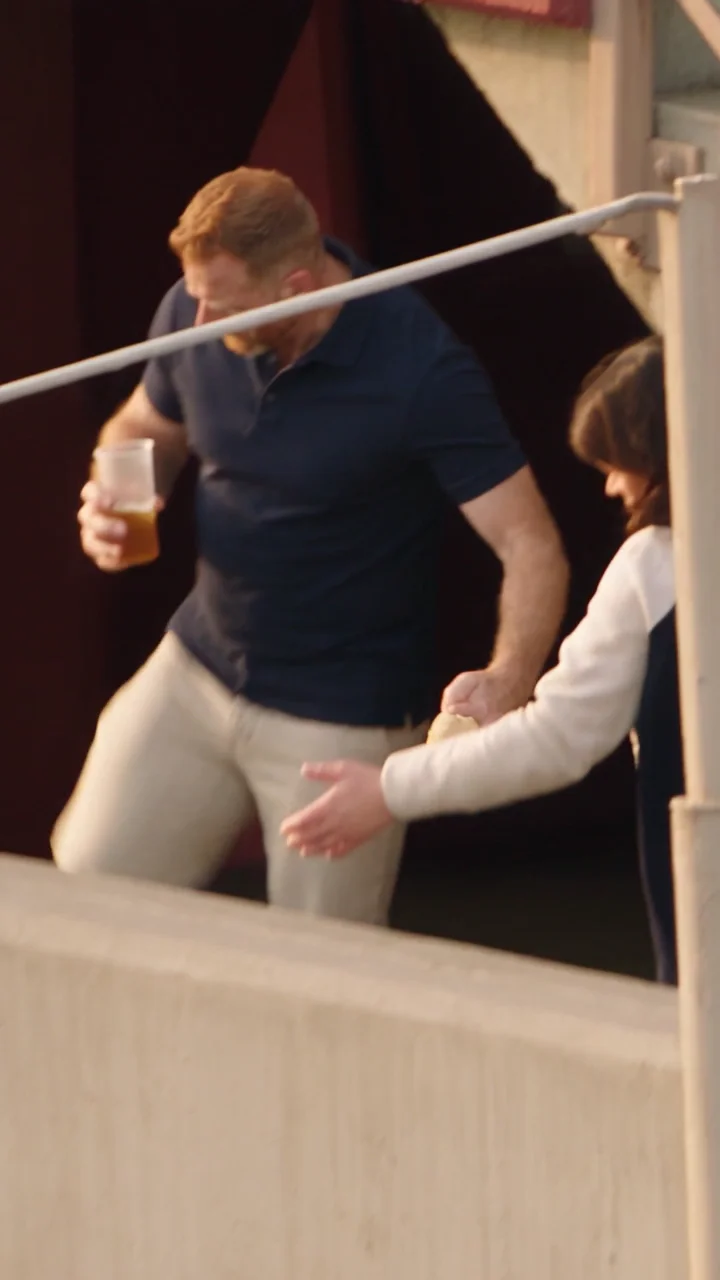 New
Beer Spill Kick
3 photos50 credits
Default version · Full video · 720p
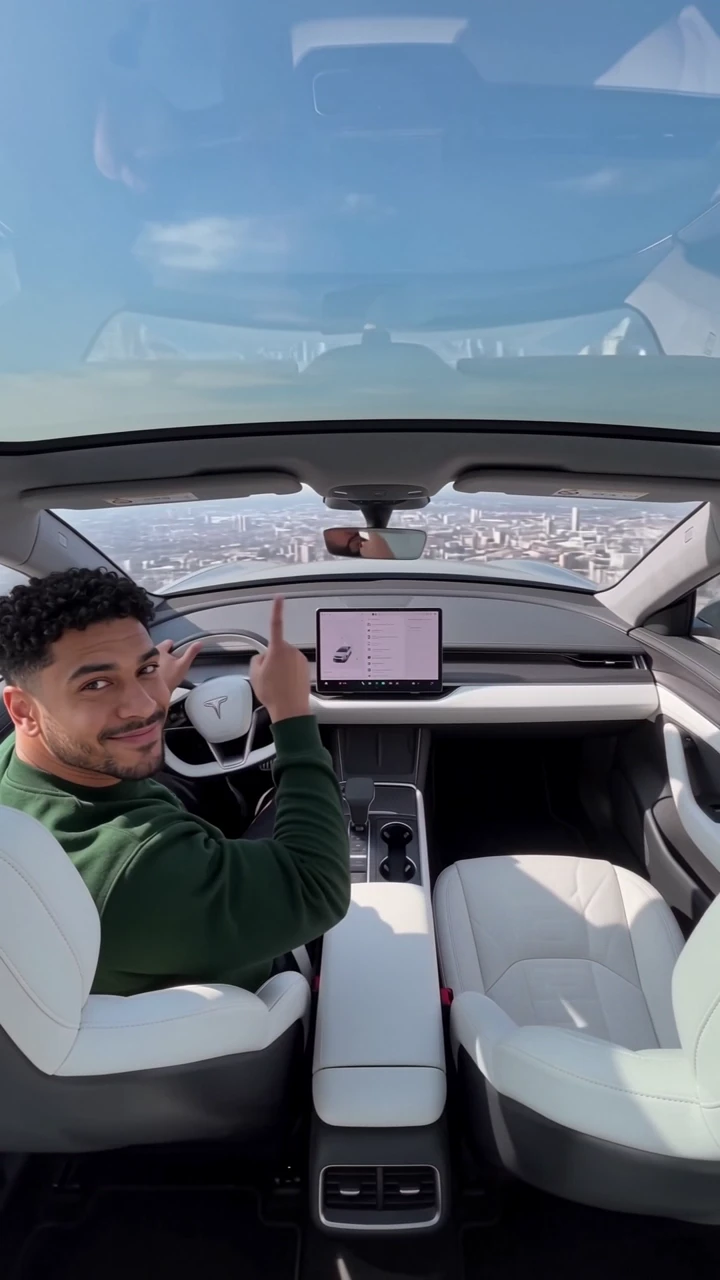 New
Flying Roadster
1 photo15 credits
Default version · Full flight · 480p