Gangnam Style AI
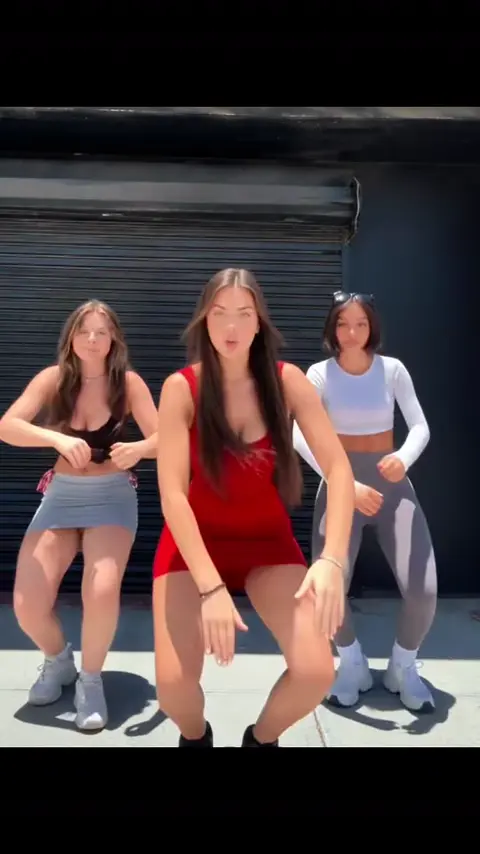
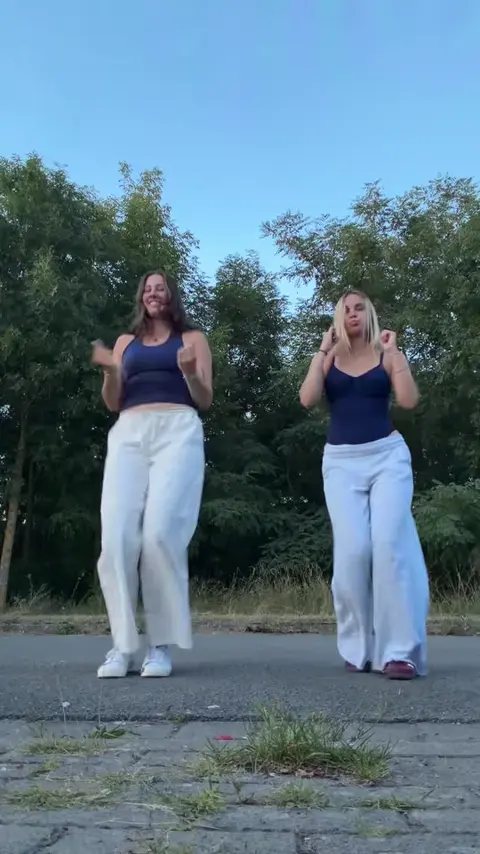
Three friends take turns dancing solo to the chorus on a sunset street in Seoul, each getting their own moment in the spotlight.
Create your version
Choose a type, then add a photo for each role.
1 photo · Solo
Your photos
1 · you, face to the camera
Use everyday photos of yourself or friends who agreed to appear. Photos of public figures, and film or music video stills, won't pass review.
Only upload photos of people who agreed to be featured.
Gangnam Style AI
Video templateGangnam Style AI
- Templates
- Gangnam Style AI
- Photos
- 1–3
- Length
- 8–20 s
- Format
- 9:16 / 16:9 · MP4
- Quality & price
- 480p · 10–45 credits
This comparison applies only to the example template shown above. Available versions, durations, resolutions and credit costs vary by template. The creation panel shows the exact quote for your selection before generation.
Choosing your photos
For trio: upload three clear, front-facing photos in this order—middle, left, right. For duo: two photos (middle, left). For solo: one clear face photo.
Solo · 1 photo
- you, face to the camera
Duo · 2 photos
- you, in the middle
- your friend, on the left
Trio · 3 photos
- you, in the middle
- friend 2, on the left
- friend 3, on the right
Night trio · 3 photos
- you, the singer in the middle
- friend 2, on the left
- friend 3, on the right
Horse dance · 1 photo
- you, face clear
Elevator · 2 photos
- you, the one who dances
- your friend, on the floor
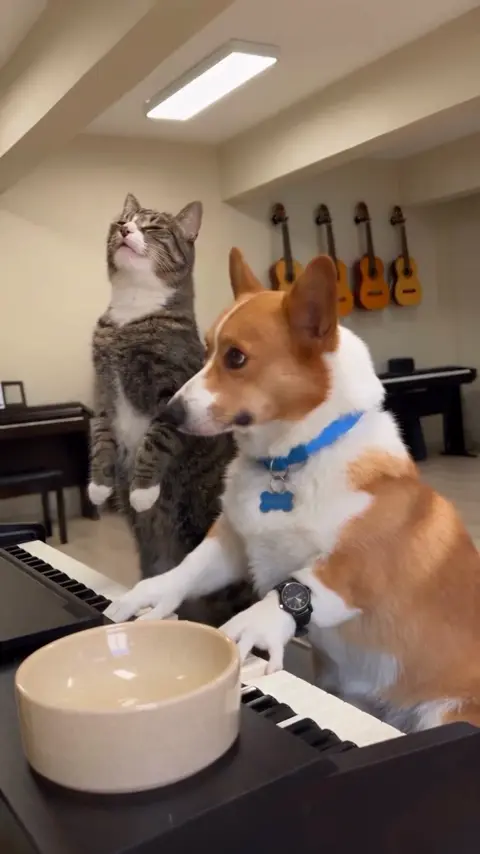
Pet · 1 photo
- your pet, whole body
Before you create
Each type has its own photo requirements. Settings and cost follow your current selection and quote. Your generated result may differ from the reference.
How it works
- 1
Pick a trend
Choose a template and preview the effect. Select a creation type to see its photo requirements.
- 2
Upload your photos
Upload one clear subject per requested photo. Follow the role labels for people, pets and multiple subjects.
- 3
Render and share
Review the price, start creating and find your result in My works. Preview and download it when ready.
Before you create
- Credits returned if generation fails
- No subscription · purchased credits do not expire
- Secure checkout with Stripe
Explore more templates
View all
FAQ
What is special about the sunset street scene?
Each friend gets a solo dance moment to the chorus, set against a sunset street in Seoul.
How should I order the photos for group roles?
For trio, upload photos in the order: middle, left, right. For duo, upload middle first, then left.
Find your next trend
Every template in one studio. See the price before you render.
Make a trend video