AI Dance Video Generator: Do the Viral Dances From One Photo
Pick a trending dance, add a photo and get a video of you doing the real routine, with the original music, in a few minutes. Dance alone, with up to two friends, in Christmas pajamas or with your dog or cat. No prompt, no watermark, from $7.99.
Solo dance trends
One photo, one dancer: the TikTok and Douyin dances everyone is doing right now, with you in the middle of the shot.
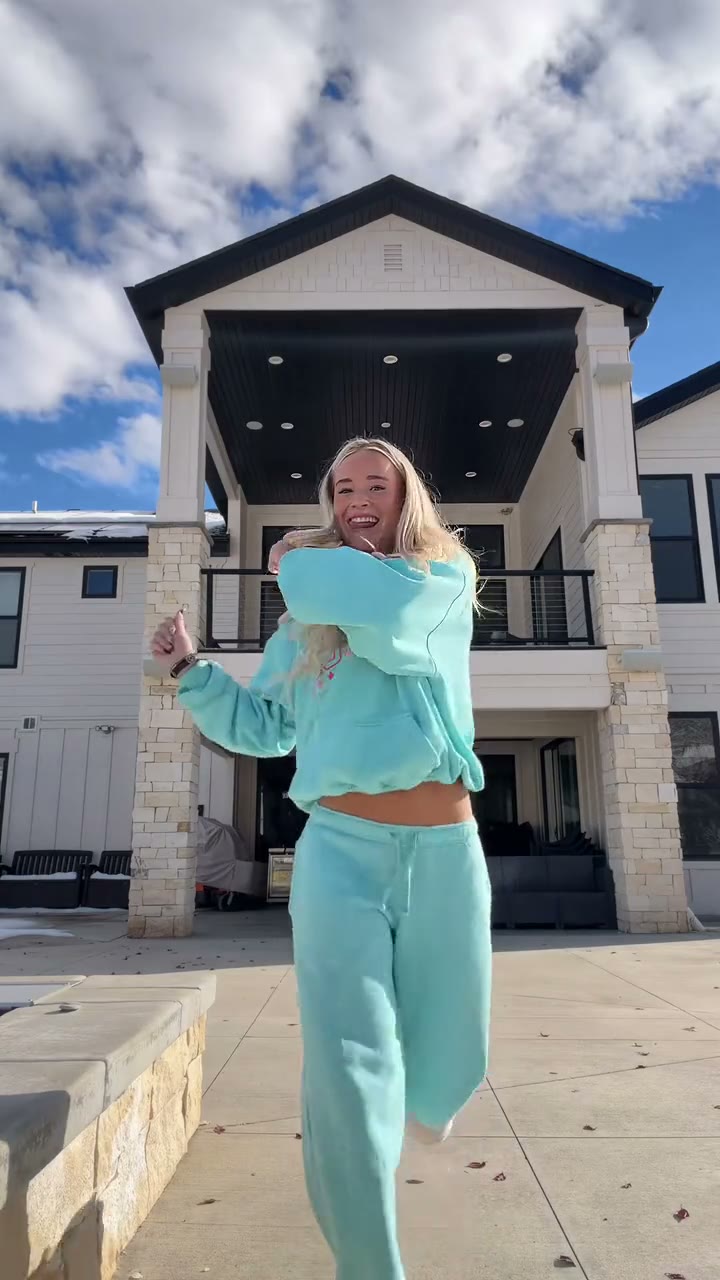 New10s · 9:16
HUSS HUSS HUSS Dance
1 photo · from 15 credits
Hands in your pockets, then the beat drops: you do the goofy HUSS HUSS HUSS dance.
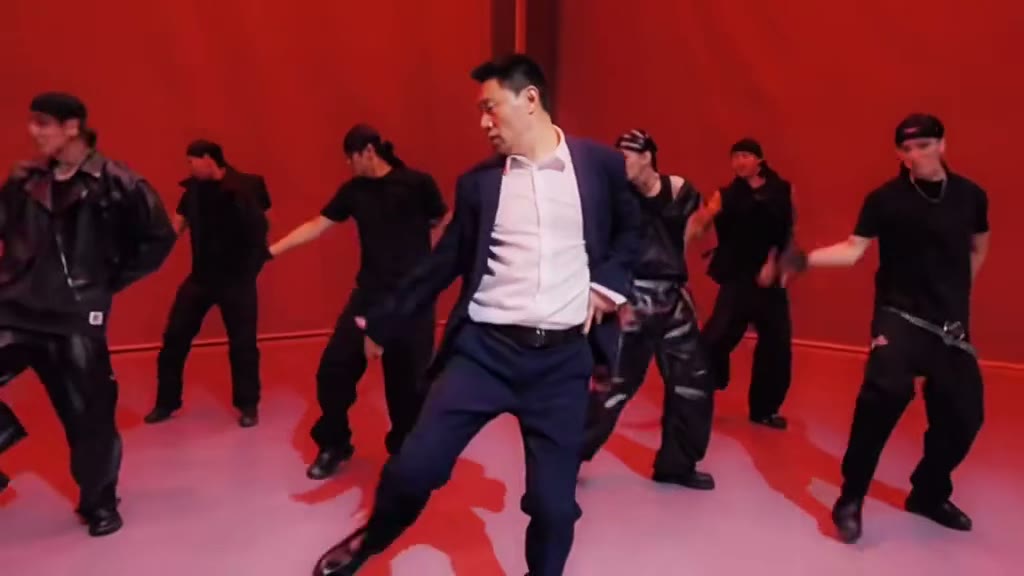 New10s · 16:9
Tough Guy Dance
1 photo · from 15 credits
A navy suit, a stone-cold face and a crew behind you: you lead the tough guy dance.
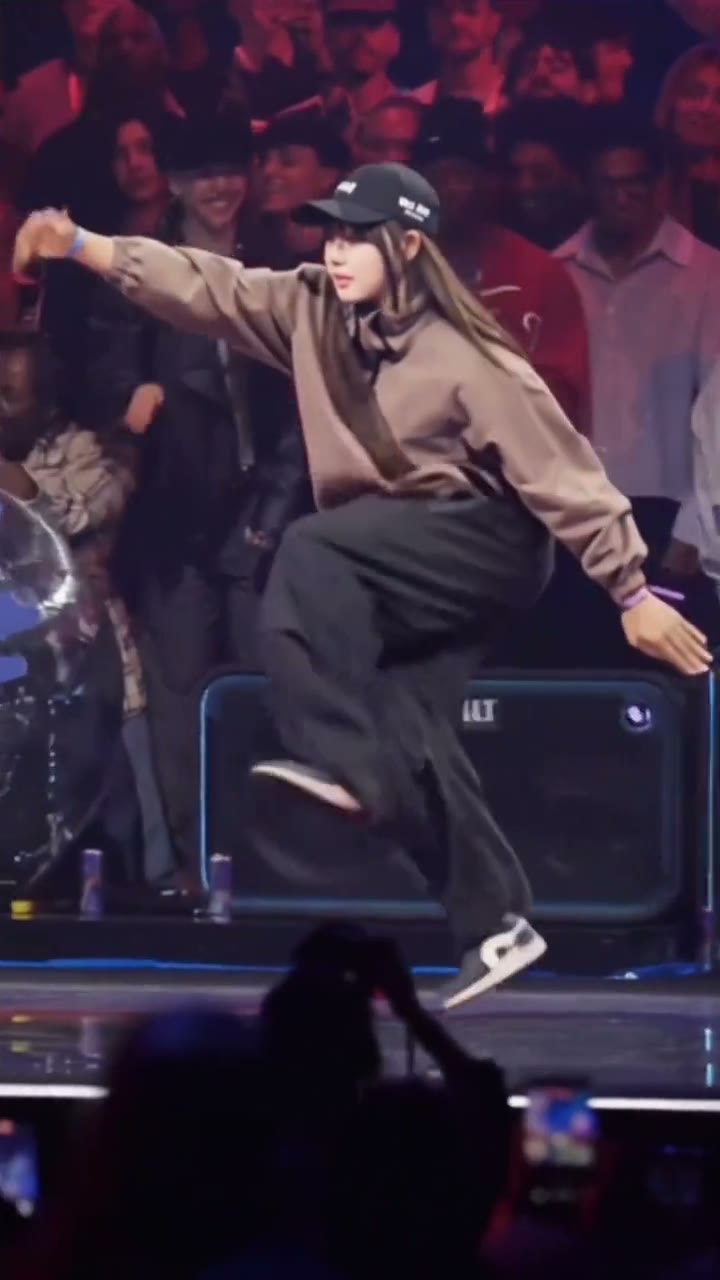 New15s · 9:16
Baby Dance
1 photo · from 15 credits
A point, a high knee, a face-off: you freestyle to "Baby" on a battle stage.
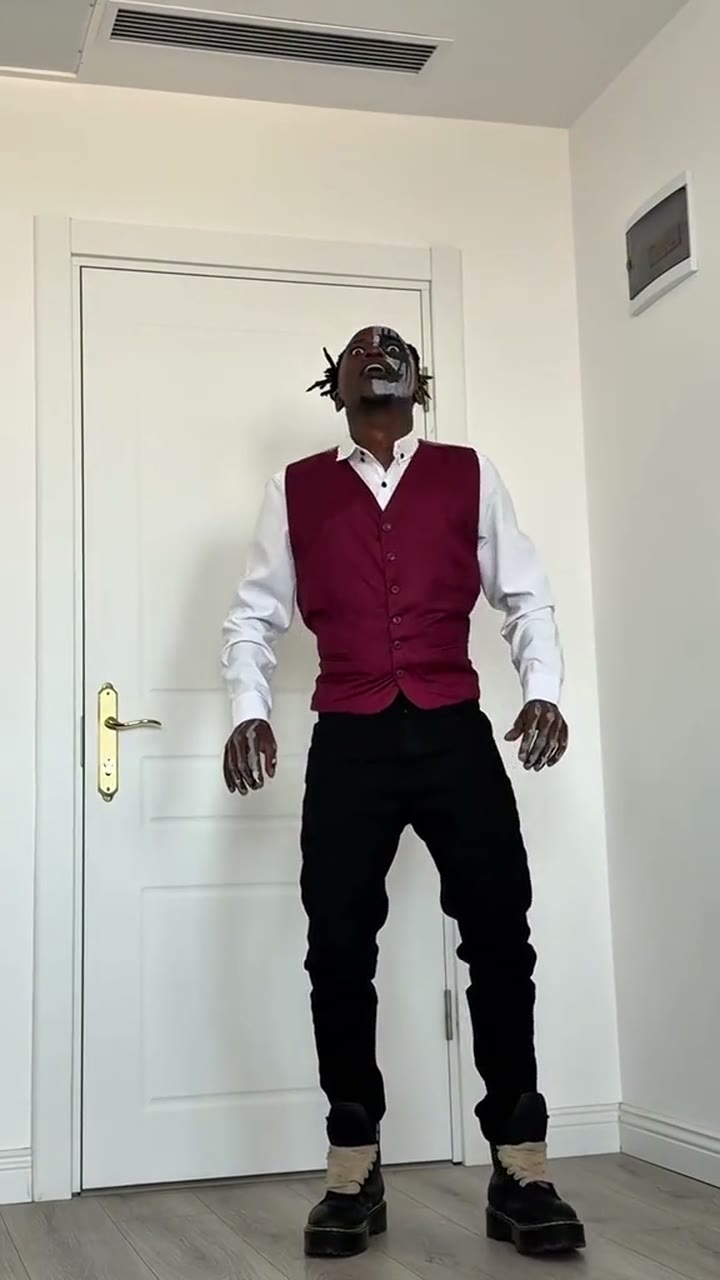 30s · 9:16
Da Da Da Dance
1 photo · from 15 credits
Knees bouncing, shoulders shaking: you do the goofy "da da da" dance, laughing all the way.
 28s · 9:16
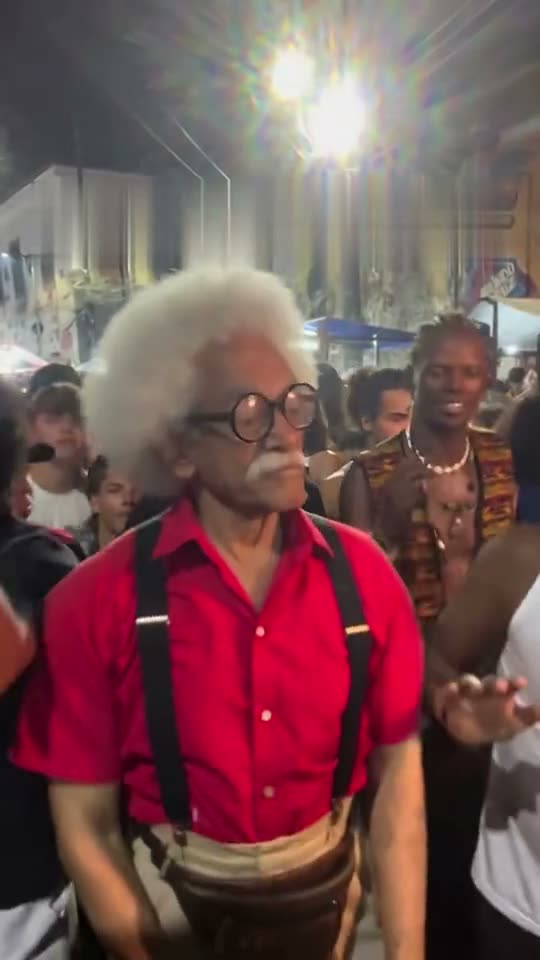
Charme Dance
1 photo · from 15 credits
Dance the smooth charme side steps in a packed Rio street party at night, like the viral AI grandpa.
 12s · 4:3
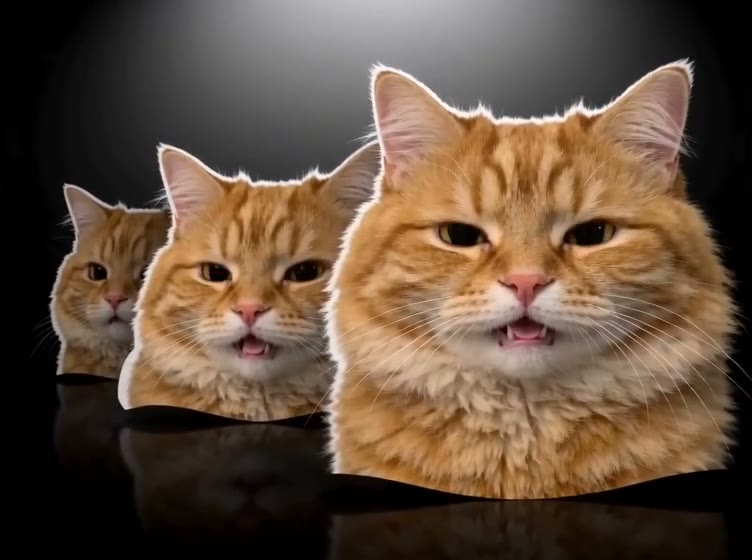
Head Bop
1 photo · from 10 credits
Four cut-out heads in a row bop to a heavy beat on a black backdrop — every one of them your cat, dog or you.
 15s · 9:16
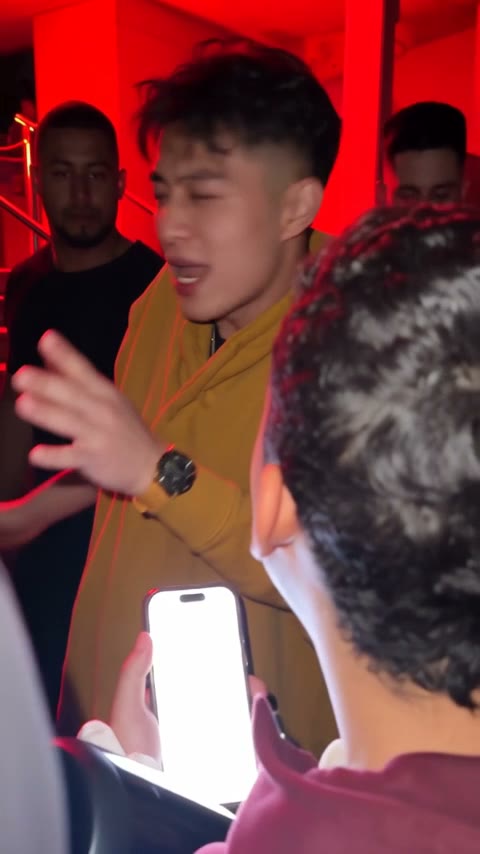
Bulin 47
1 photo · from 15 credits
Take Bulin 47's place in the viral freestyle: a red-lit entrance, a portable speaker and a crowd filming on their phones.
Dance with friends, your partner or your crew
Duos and trios in sync: add a photo for each dancer. Most also work with one photo, and the others are made up.
 Hot21s · 3:4
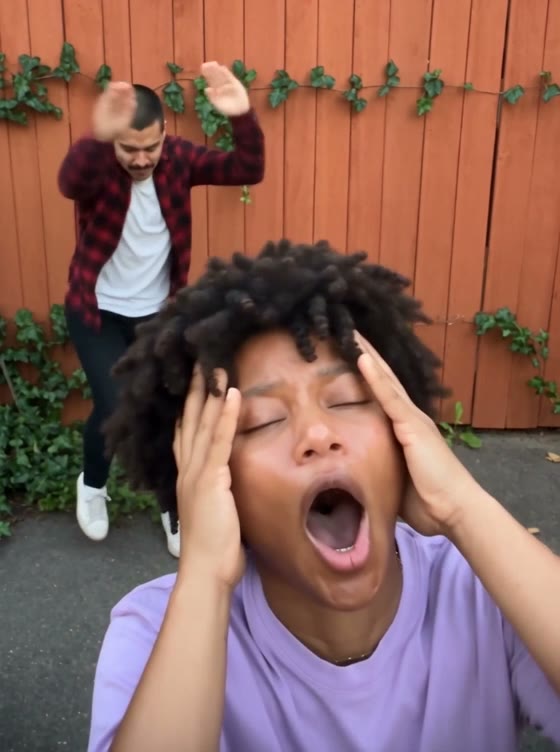
Smalltown Boy
2 photos · from 40 credits
Two friends take turns screaming into a wide-angle lens, dance side by side, then lunge at the camera together.
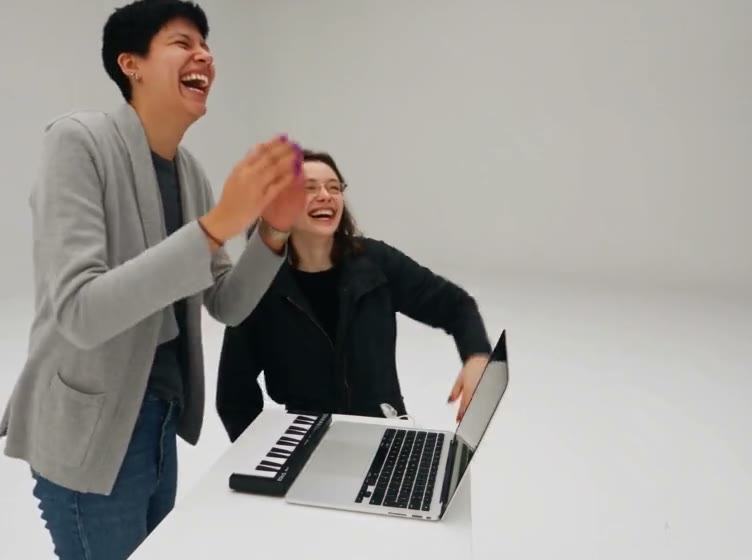 27s · 4:3
Alors on danse
2 photos · from 15 credits
A keyboard jam in a white studio, a laugh into the camera, and a run-off ending. With the song.
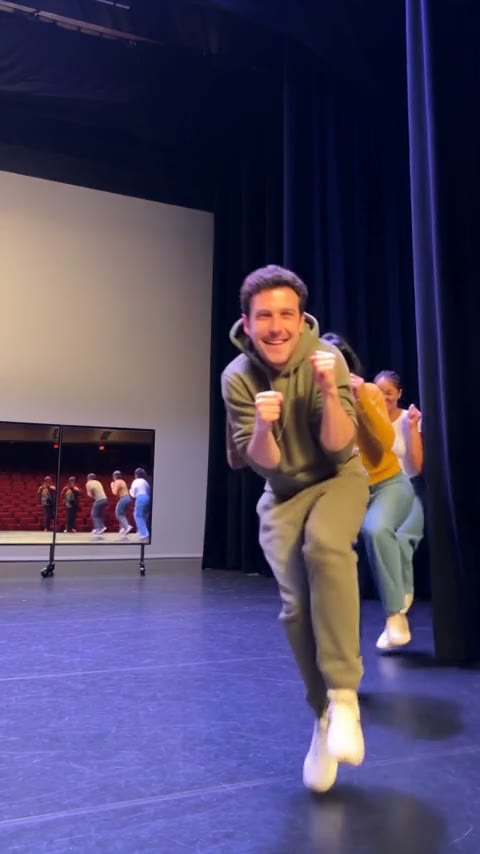 10s · 9:16
Toc Toc Dance
1–3 photos · from 10 credits
Lead the viral Toc Toc dance line: fists knocking at the chest, one-foot hops, everyone charging the camera.
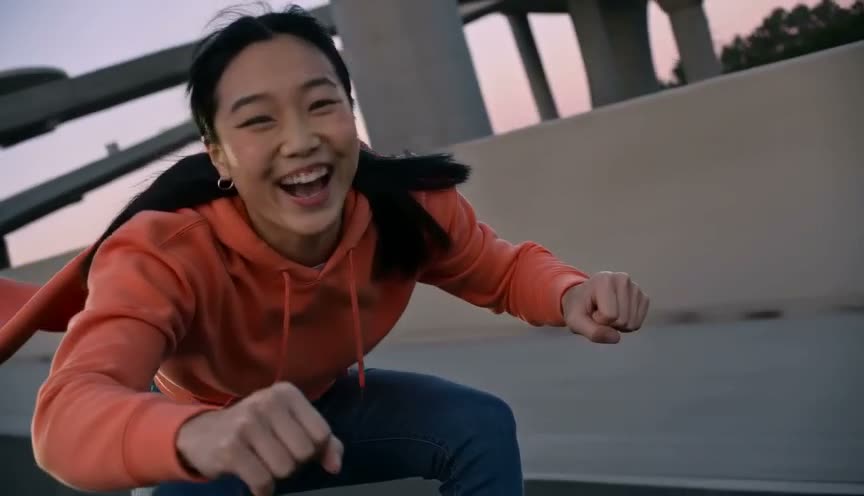 18s · 16:9
Crazy Frog AI
1–3 photos · from 15 credits
Sit in the air over a dusk highway, fists forward, while a rider chases you — just you, a friend, or plus your car.
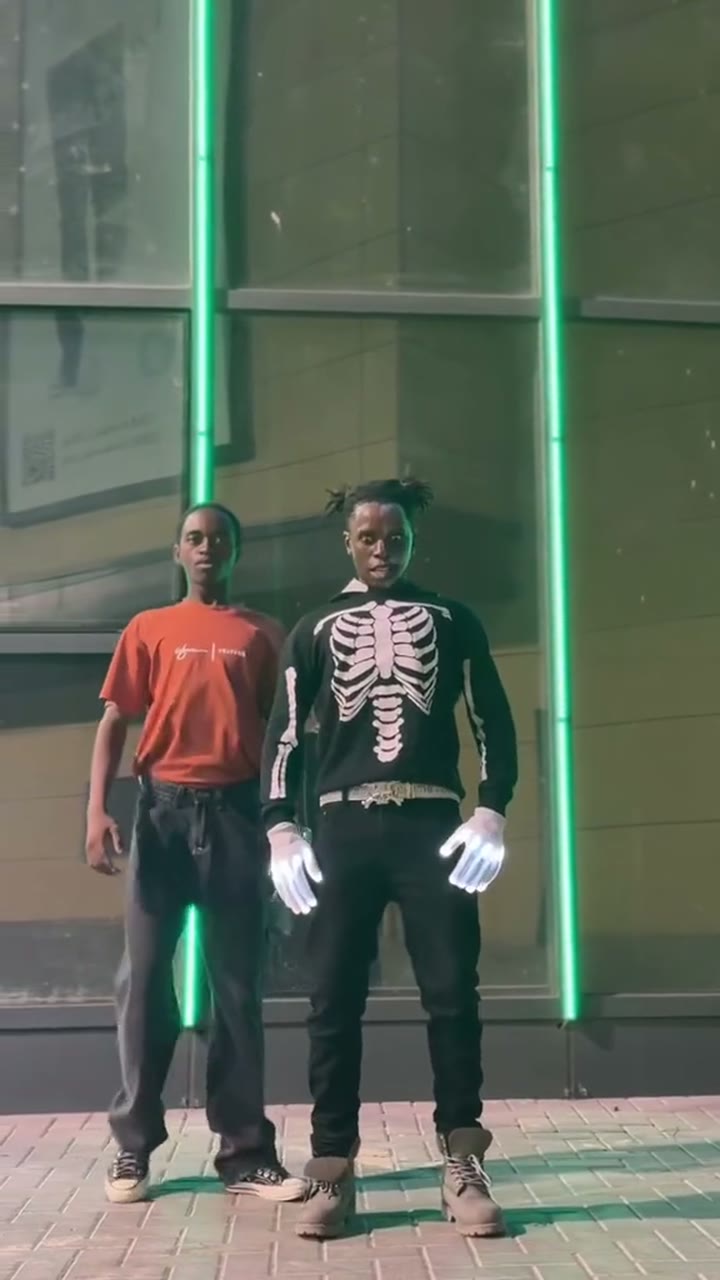 30s · 9:16
Bad to Good Robot Dance
1–2 photos · from 15 credits
One hides, one steps out: you and a friend do the viral duo robot dance.
 15s · 9:16
Spin Me Round Dance
1–3 photos · from 15 credits
The sped-up "Chipmunks dance": bounce, kick, spin and hair flips, as a trio.
 14s · 9:16
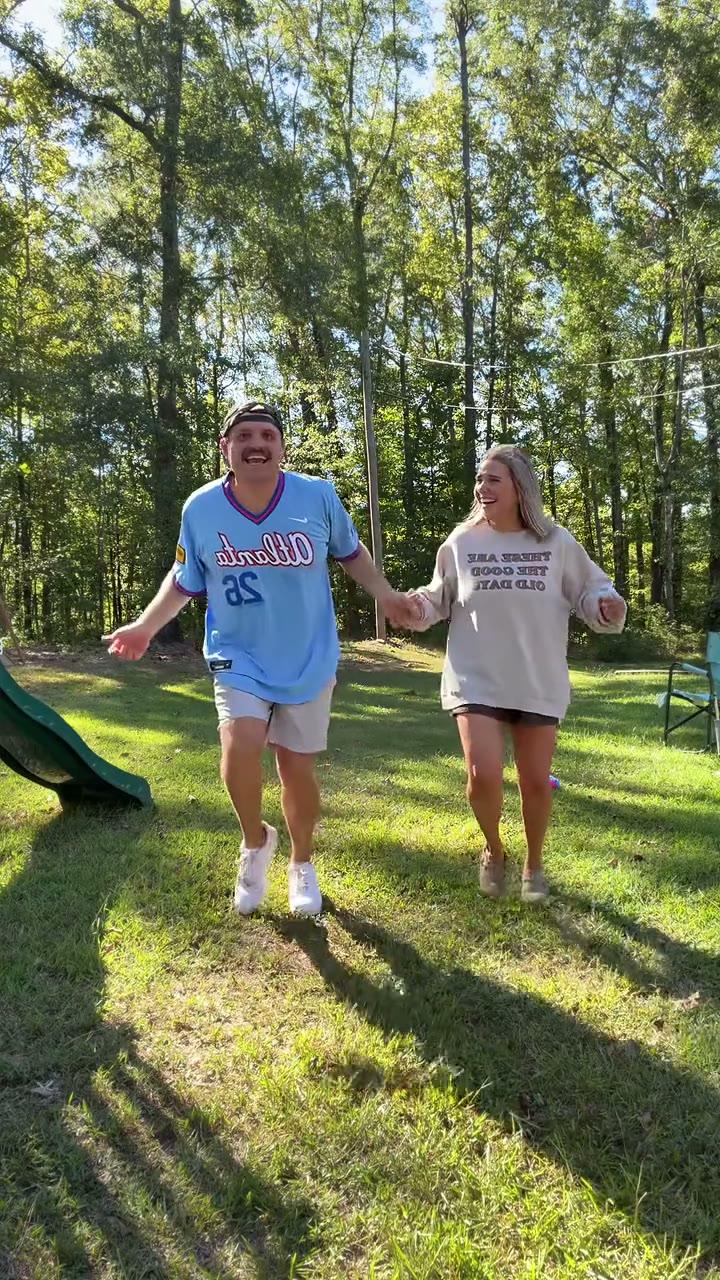
Under Arrest Dance
1–3 photos · from 15 credits
The You're Under Arrest challenge: sky point, finger-guns, knee lift and the whistle, as a trio.
 30s · 9:16
Babydoll Dance
1–2 photos · from 15 credits
The Babydoll line dance: walk up, peace signs, slide, step and flex, side by side.
 15s · 16:9
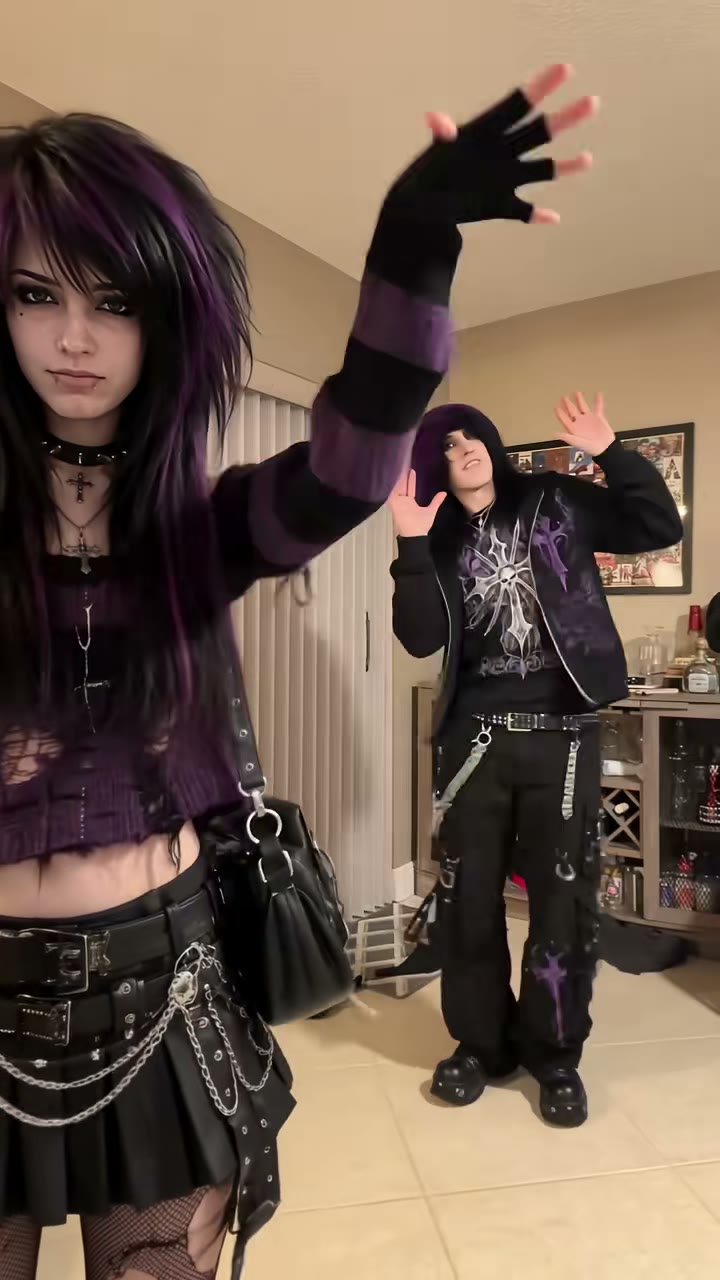
Wassup In A Minute
1–3 photos · from 15 credits
Three friends on a Swiss hillside: hands on heads, a pouting close-up, a walk at the camera.
 8s · 9:16
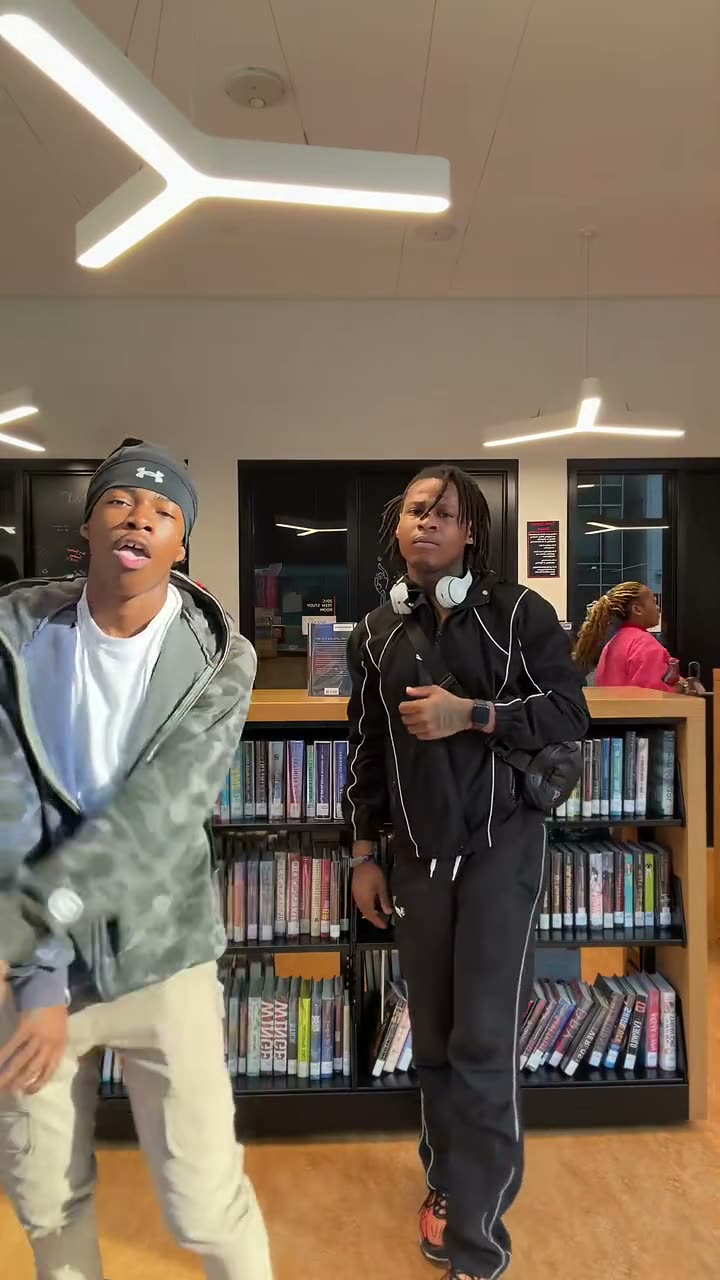
Hop Hop Hop
1–2 photos · from 10 credits
Point, hop three times, get squashed under a flat palm, then swap places: the viral duo gag.
 30s · 9:16
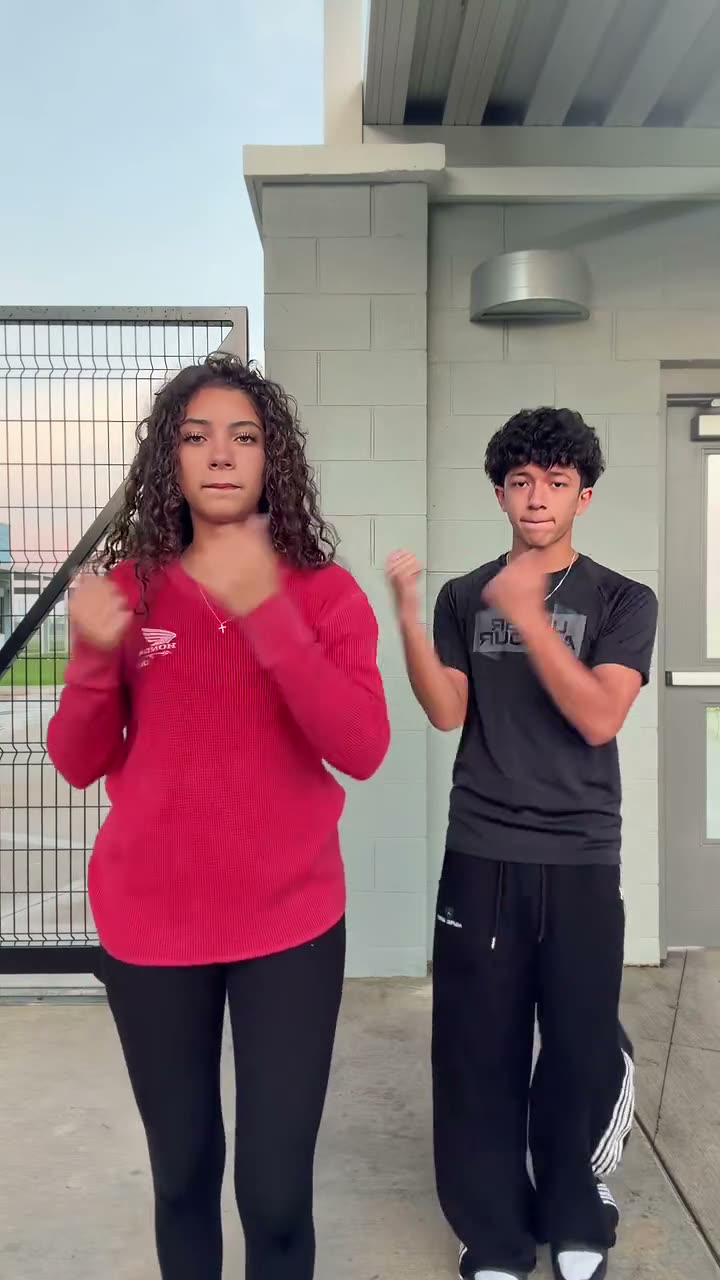
Ba Ba Ba
1–2 photos · from 15 credits
You two do the viral Ba Ba Ba duo dance — side by side, a solo each, then in sync.
 10s · 9:16
Can I Ride
2 photos · from 10 credits
You two do the viral Can I Ride duo dance side by side, with the song.
 20s · 9:16
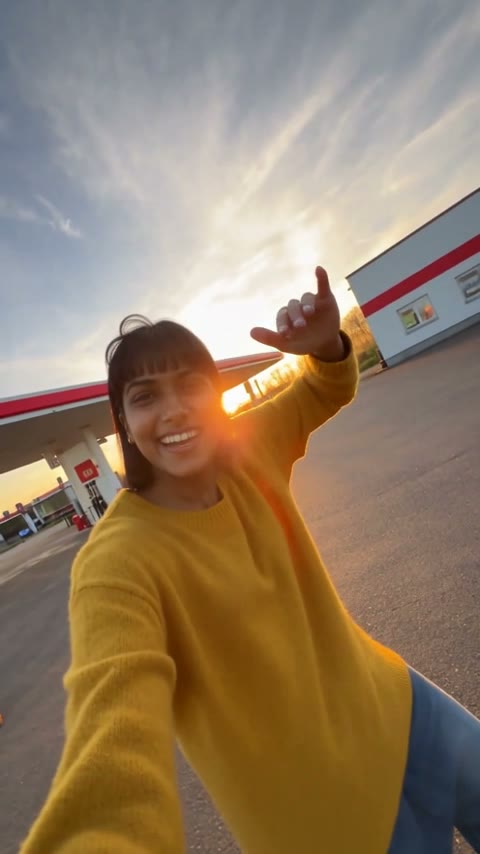
Gas Station Dance
3 photos · from 15 credits
An opening dance, a sunset selfie and a sports-car entrance at a gas station — vertical, from three photos.
Christmas dance trends
Matching pajamas, a lit tree and a fireplace: this season's holiday dances, solo or with family.
 12s · 9:16
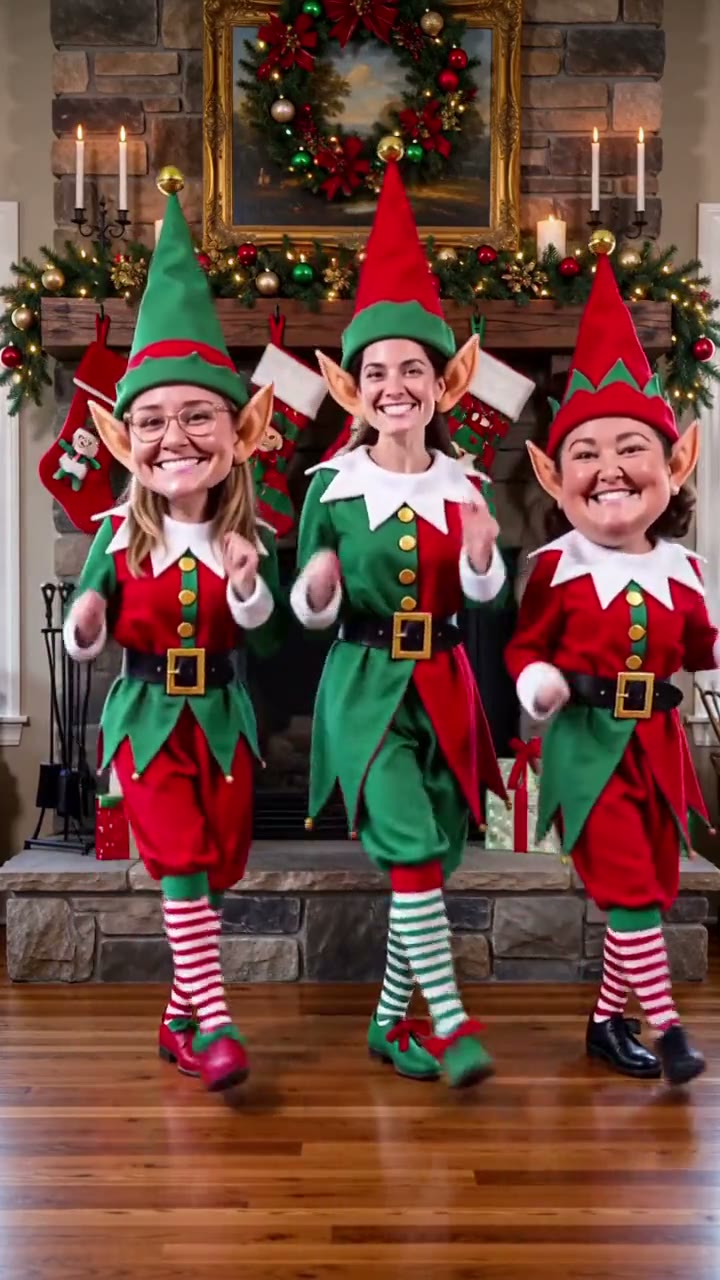
Christmas Elf Dance
1–3 photos · from 15 credits
Turn 1–3 photos into dancing Christmas elves in pointy hats and striped tights by a glowing fireplace.
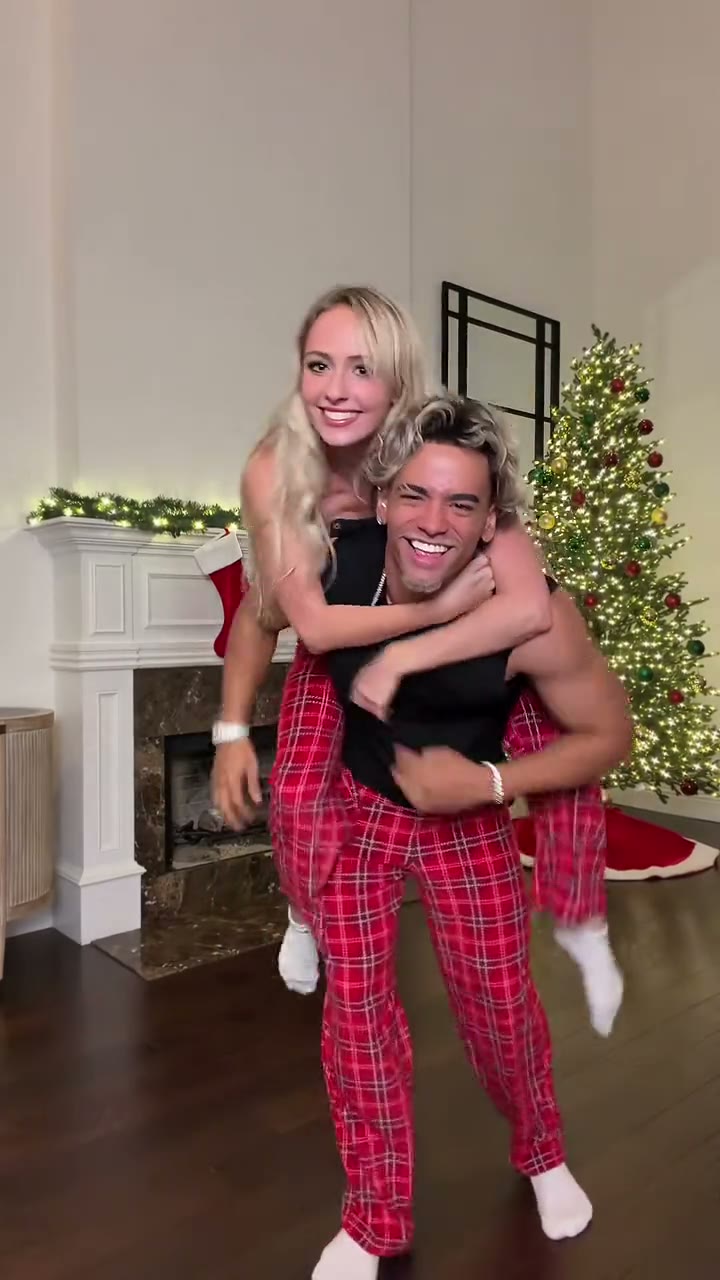 12s · 9:16
Snowman Dance
1–2 photos · from 15 credits
Red plaid pajamas by the Christmas tree: under-arm spin, side kick and a piggyback ride finale.
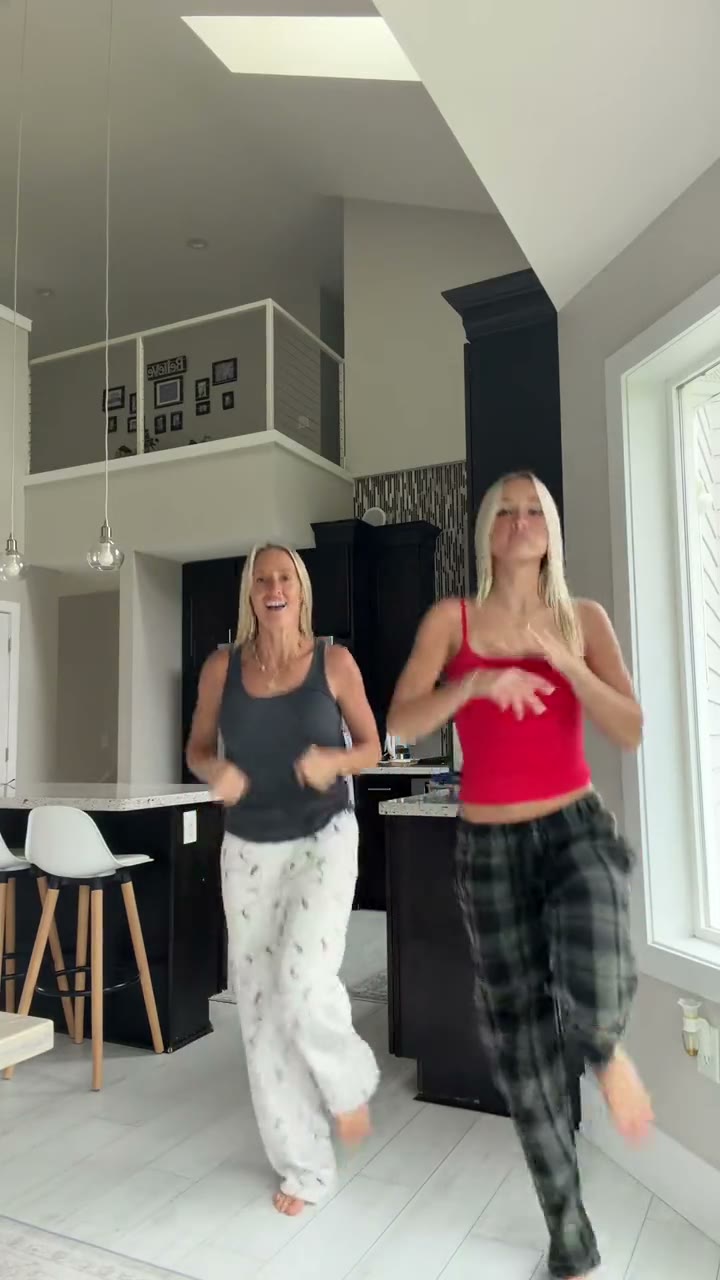 14s · 9:16
Deck the Halls Dance
1–2 photos · from 15 credits
The Deck the Halls pajama duo dance: walk-in entrance, knee lifts, synced spin and fist-pump finale.
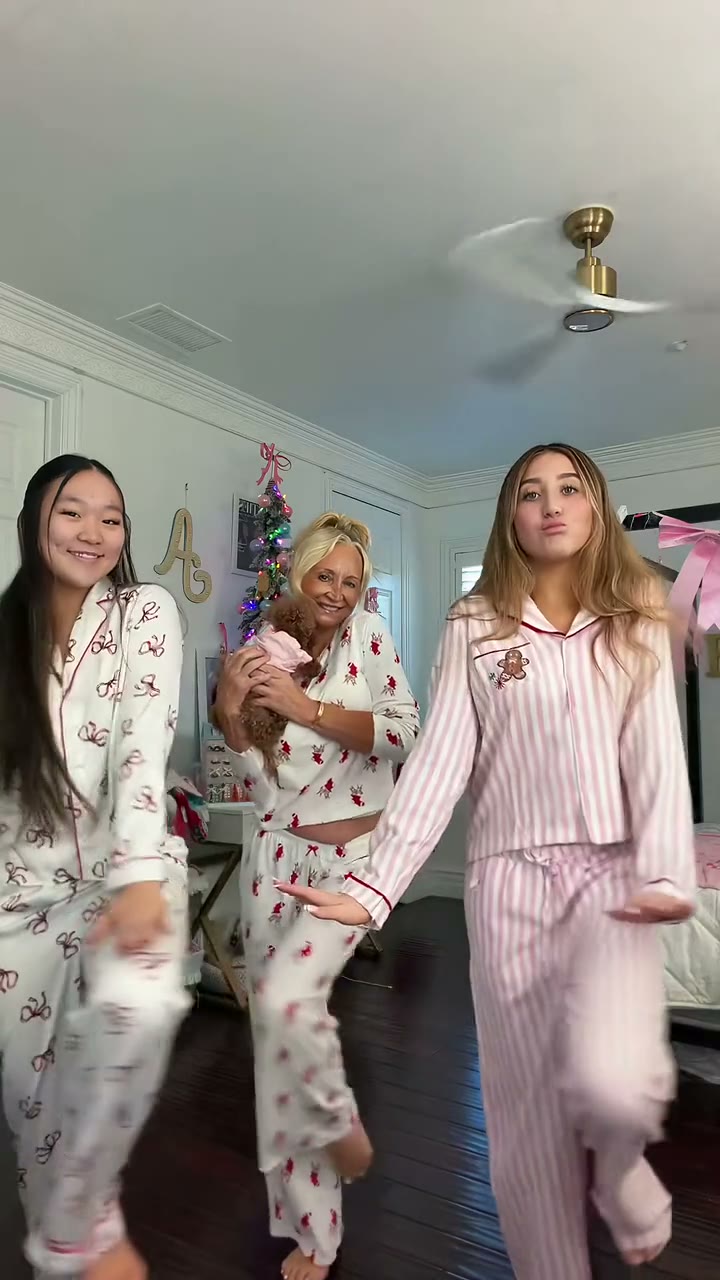 14s · 9:16
Christmas Dance
1–3 photos · from 15 credits
The Christmas pajama dance: sway, shimmy and show off the puppy, as a trio.
Dog and cat dance trends
Your dog or cat doing the dance, from one pet photo. Every pet trend is on the AI pet videos page too.
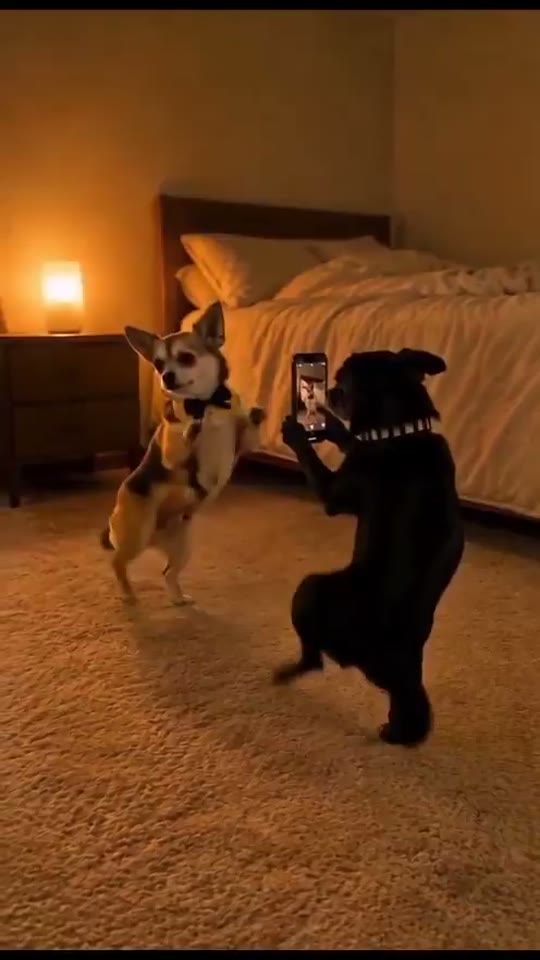 15s · 9:16
Dog Couple Dance
1–2 photos · from 15 credits
"With my husband before we sleep": one pet dances on its hind legs, the other films it on a phone.
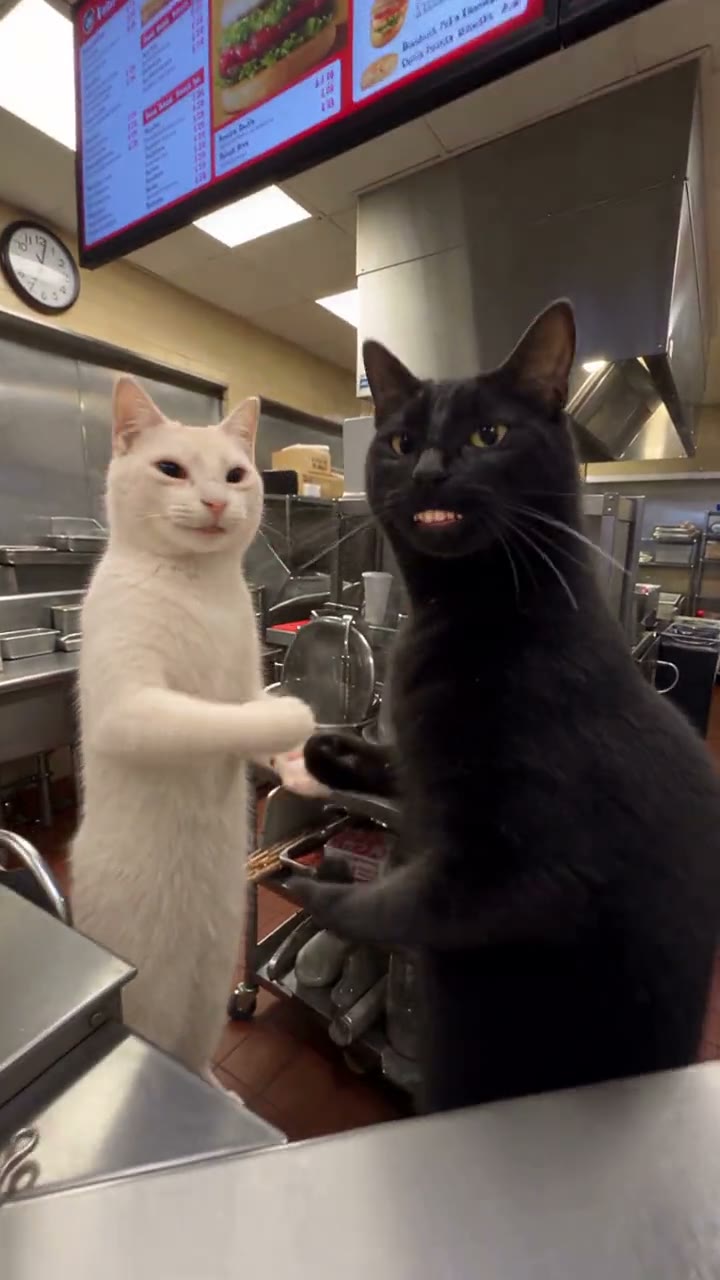 23s · 9:16
Waiting for Fries Cat
1–2 photos · from 15 credits
Forgot the fries: your pet tells its coworker to fry them and stalls the customer with a smooth counter dance.
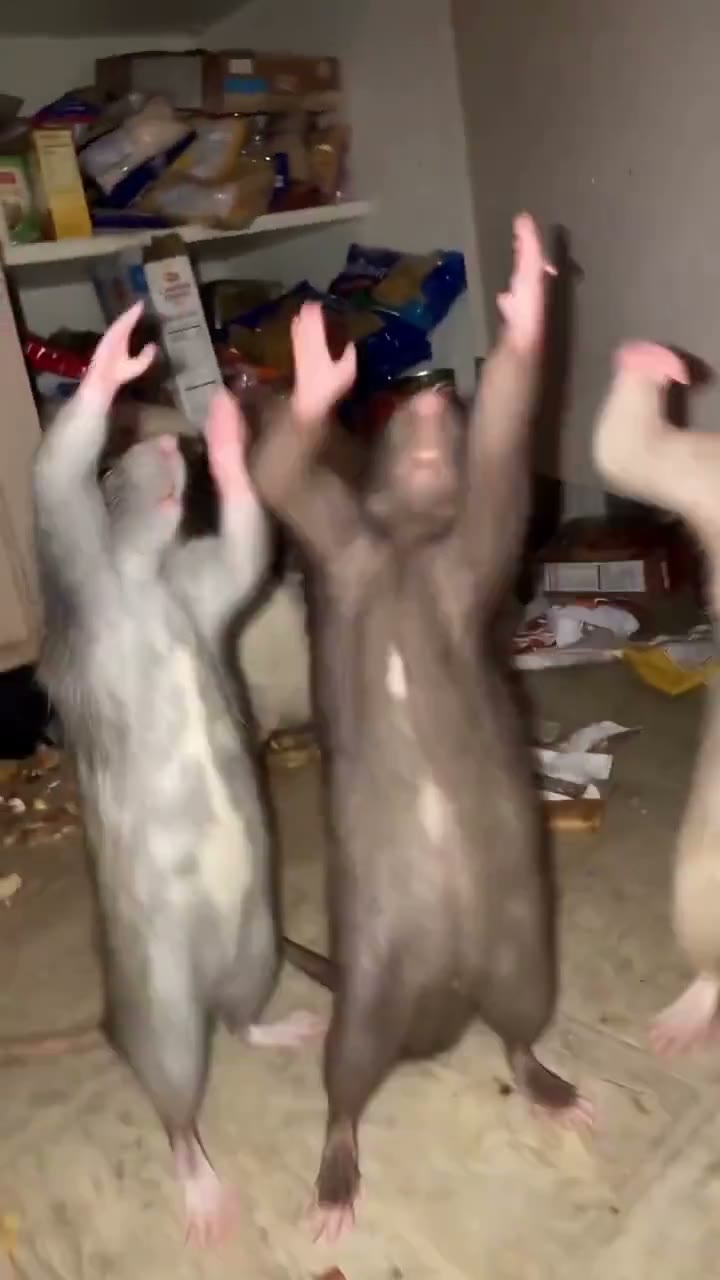 11s · 9:16
AI Rat Dance
1–2 photos · from 25 credits
The pantry's unlocked: your pet dances in the middle of a midnight rat party.
 13s · 9:16
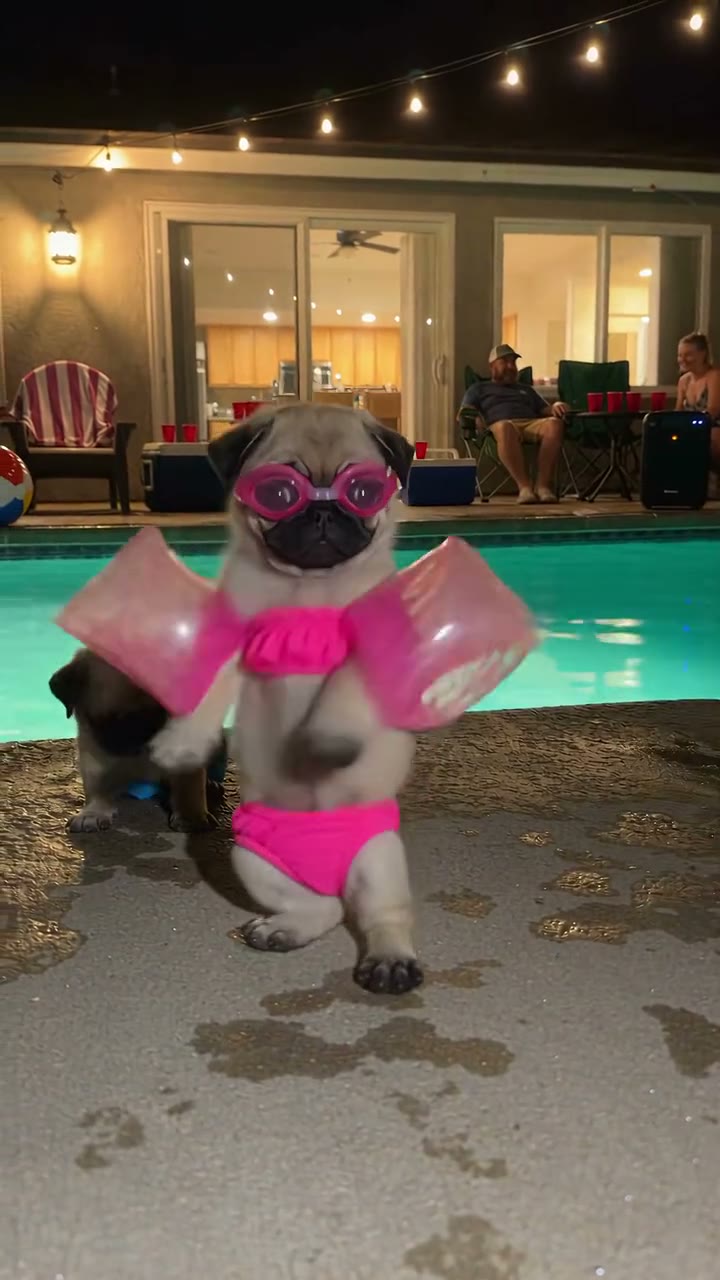
Dancing Dog Pool Party
1 photo · from 15 credits
Your dog dances by the pool at a night party in a pink bikini, goggles and floaties.
 9s · 9:16
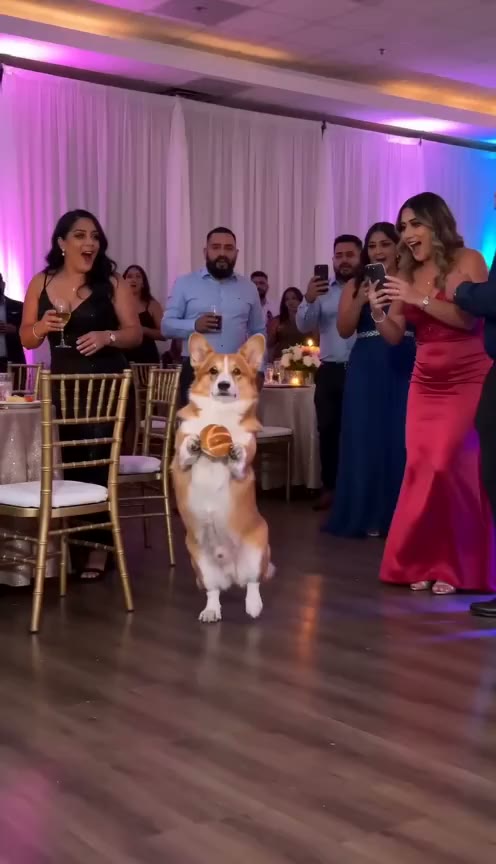
Dime Dime Baby · Dog & Cat
1 photo · from 10 credits
One pet photo → your pet dances in on its hind legs, bites the concha and stares · 9 s, with the BbY WOW sound
 14s · 9:16
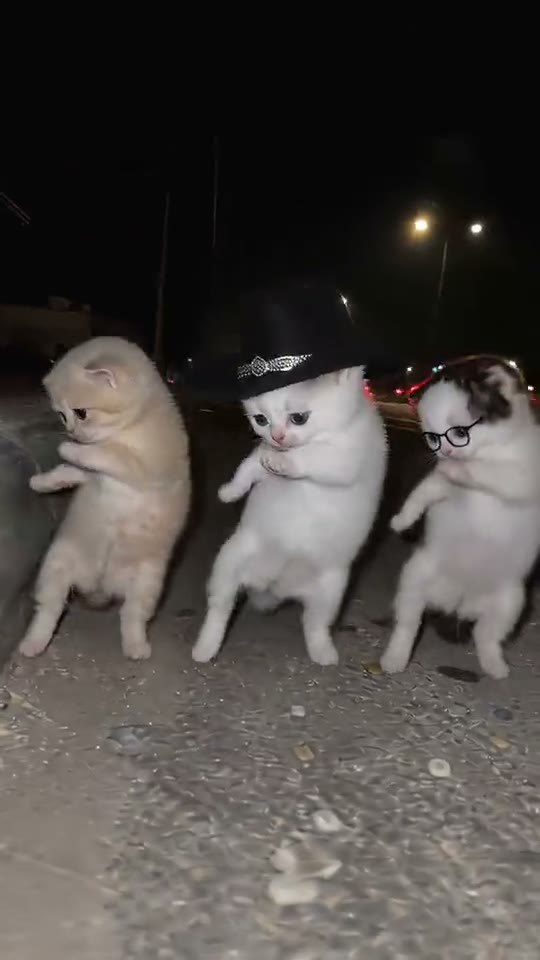
La Calabaza Dance
1 photo · from 10 credits
Three copies of your pet stand up on a night roadside and dance in sync to the pumpkin song.
Why trend templates beat a prompt
The real choreography
General AI dance generators guess the moves from a prompt or a single style. Each template here follows a depth map of the original viral clip, so every step, spin and camera move lands where it does in the trend.
With the original music
Your video plays and downloads with the trend’s song or sound, cut to the moves.
Your face, your friends
Your face, hair and outfit come from your photo, never the original dancer's. Duo and trio dances keep each person apart, one photo each.
How to make an AI dance video
1
Pick a dance
Open any trend to watch the original, see how many photos it takes and the price.
2
Upload your photo
A clear, full-body photo works best. For duos and trios, add one photo per dancer.
3
Download and post
Your dance video is ready in a few minutes, with the music and without a watermark, for TikTok, Reels or Shorts.
Photos that dance best
Face sharp and toward the camera
Your face has to hold up through every spin and close-up, so skip sunglasses, heavy filters and blurry shots.
Full body if you can
Most dances show you head to toe. A full-body photo gets your build, outfit and shoes right; a clear half-body photo still works.
Good, even light
Daylight or a bright room keeps your skin tone and clothes true. Grainy or very dark photos make the video soft.
One person per photo
For group dances, upload each dancer separately. A photo with several people makes it unclear who should dance where.
AI dance video questions
Can't find the dance you want?
Browse every trend, including lip-sync and meme videos, or tell us which dance to add next.